

Beschrijving

Deze plugin is niet getest met de laatste 3 grotere versies van WordPress. Mogelijk wordt het niet meer onderhouden of ondersteund. Ook kunnen er compatibiliteitsproblemen ontstaan wanneer het wordt gebruikt met recentere versies van WordPress.

Kento Splash Screen
Beschrijving
Kento Splash Screen Help you to Display message or HTML content via splash popup box. You can customize the Splash Screen by configuring various settings such as Custom Width of popup box, Custom Height of popup box, Unlimited Background Color, Unlimited Background Image, Custom Border Size, Unlimited Border Color, Custom HTML Content etc.
Plugin Features
- Fully Responsive.
- Test Mode.
- Iframe Support.
- Custom Width of popup box.
- Custom Height of popup box.
- Unlimited Background Color.
- Unlimited Background Image.
- Custom Border Size.
- Unlimited Border Color.
- Custom HTML Content.
- Shortcode System.
- Display any page or post.
Schermafbeeldingen

Demo popup box. 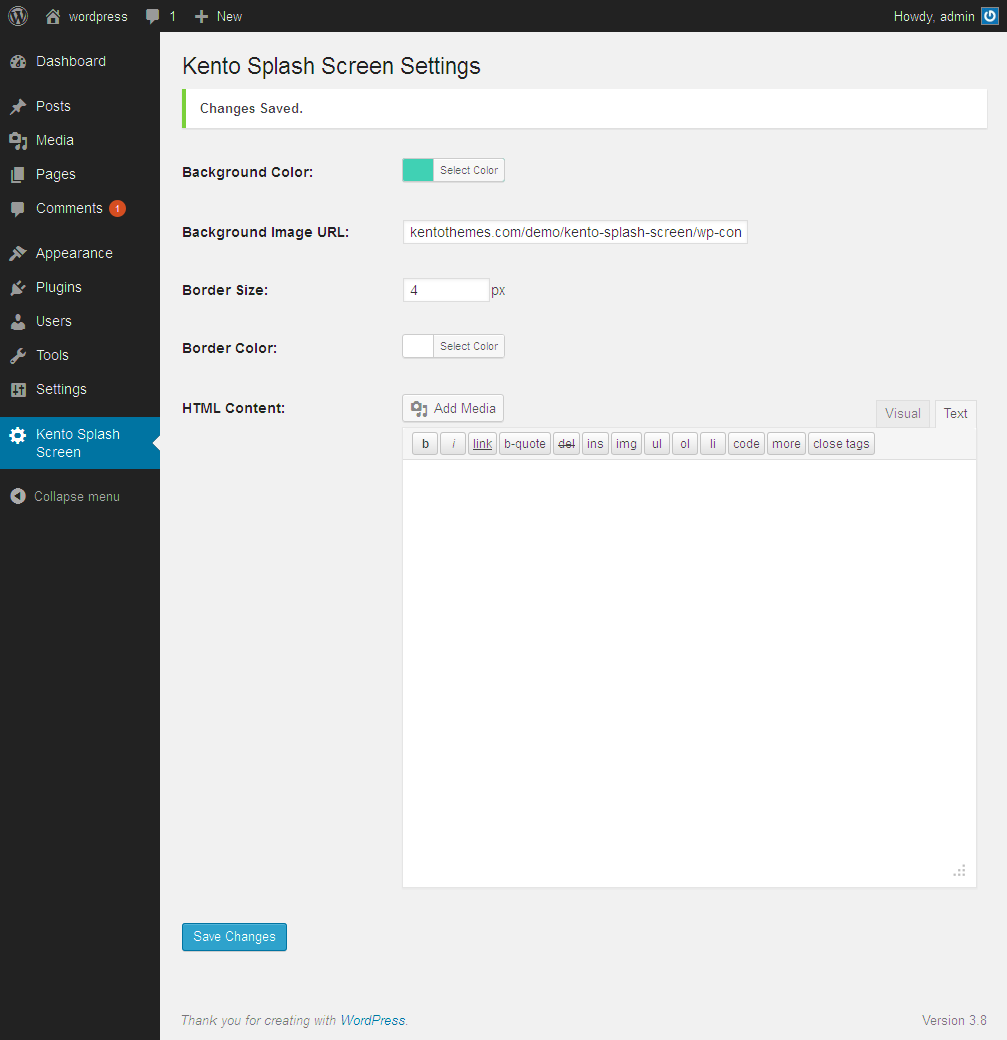
Admin settings. 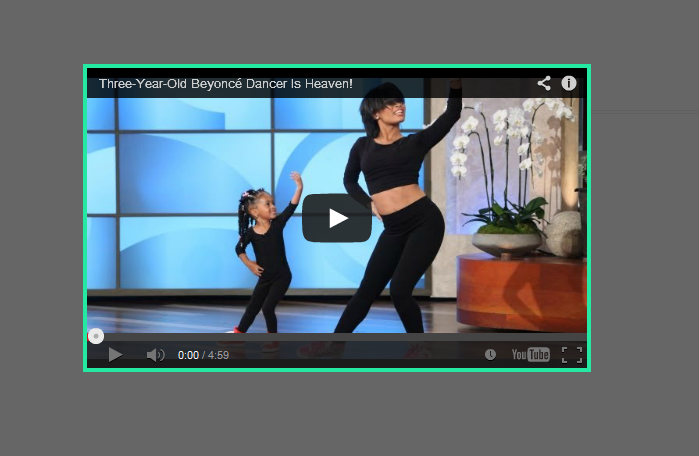
Yotube Video on popup. 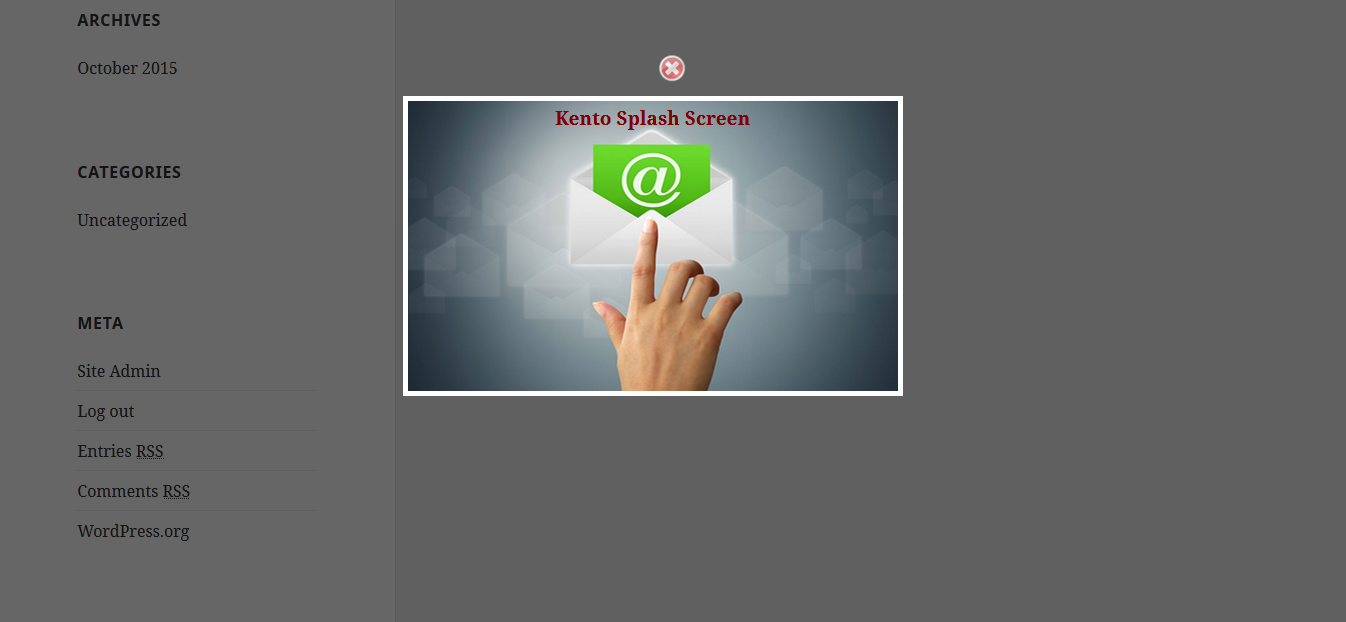
screenshot-4.png


Installatie
- Install as regular WordPress plugin.
- Go your Pluings setting via WordPress Dashboard and activate it.
- After activating you will see a menu on left side and go to “Kento Splash Screen” setting page and change your setting and save it.
- Paste this shortcode
[kento-splash-screen]in which page you want to dissplay popup box. - Enjoy!!!
Beoordelingen


Bijdragers & ontwikkelaars
“Kento Splash Screen” is open source software. De volgende personen hebben bijgedragen aan deze plugin.
Bijdragers
Vertaal “Kento Splash Screen” in je eigen taal.
Interesse in ontwikkeling?
Bekijk de code, haal de SVN repository op, of abonneer je op het ontwikkellog via RSS.
Changelog
1.4
- Css Issues Fix.
1.4
- Added Cross Button.
- Fix Responsive Issues.
- Update Language Issues.
1.3
- Added Width.
- Added Height.
- Added Left position.
1.2
- Display Shortcode after save settings.
- javascript error fix.
1.1
- Added Test Mode.
- javascript problem fix.
1.0
- Initial release.

