

Beschrijving

Zonify – Amazon Product Importer for WooCommerce
Beschrijving
Zonify is a plugin for WooCommerce store owners who want to import products from Amazon into their WooCommerce store, and optionally use the Amazon Associates (Affiliate) program to redirect customers to Amazon for checkout.
This plugin helps streamline product catalog creation and setup inside WooCommerce.
► How does it work?
- Import products from Amazon to your WooCommerce store.
- Optionally enable affiliate mode (customers click “View on Amazon”).
- Manage product details (title, description, price, images, variants, etc).
► HOW TO USE ZONIFY?
Zonify Dropshipping Mode
Let your visitors purchase the product directly on your WooCommerce store. You manage pricing and fulfillment.
Zonify Affiliate Mode
Enable affiliate mode from the dashboard. This changes the buy button to “View on Amazon” and redirects visitors to Amazon using your affiliate link.
► WHAT ARE THE SYSTEM REQUIREMENTS?
To use Zonify’s import workflow, you must use Google Chrome (required for the Zonify browser extension).
► HOW DOES THE FREE TRIAL WORK?
When starting your free trial, you can use Zonify immediately. Billing starts when the trial ends.
► CAN I CANCEL MY ACCOUNT AT ANY TIME?
Yes. You can cancel your subscription at any time.
Schermafbeeldingen
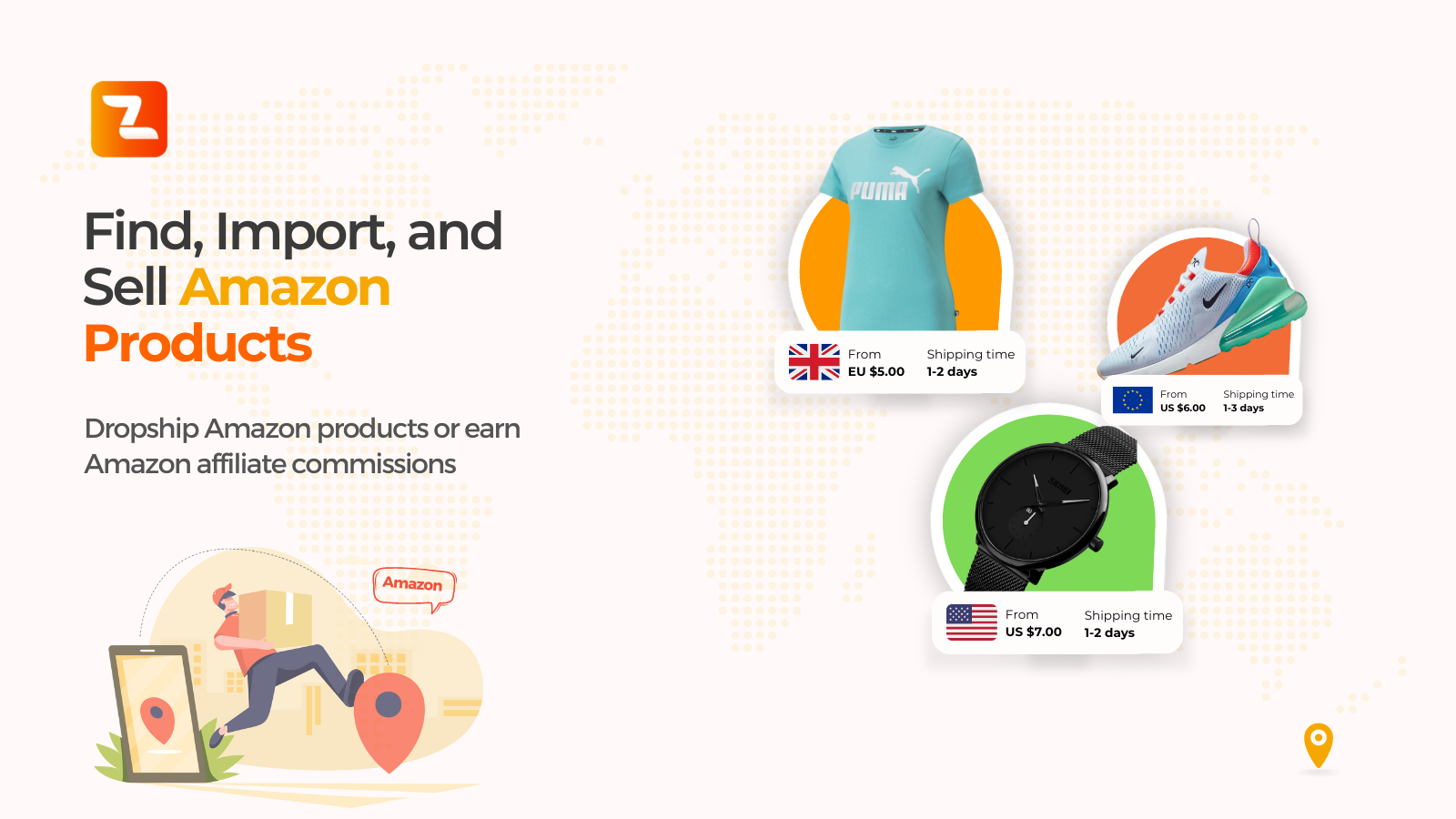
Import Amazon products into WooCommerce 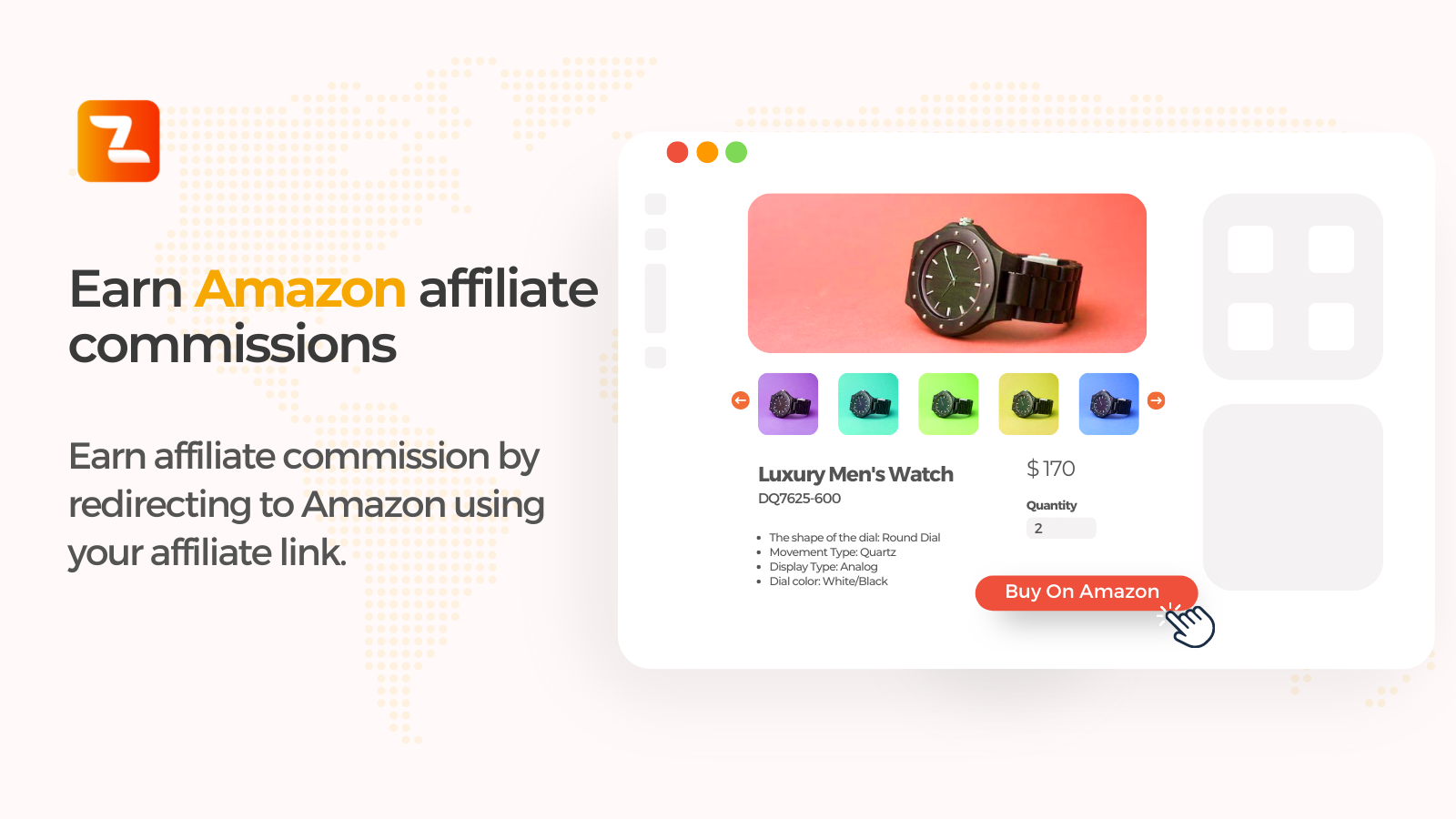
Product editor 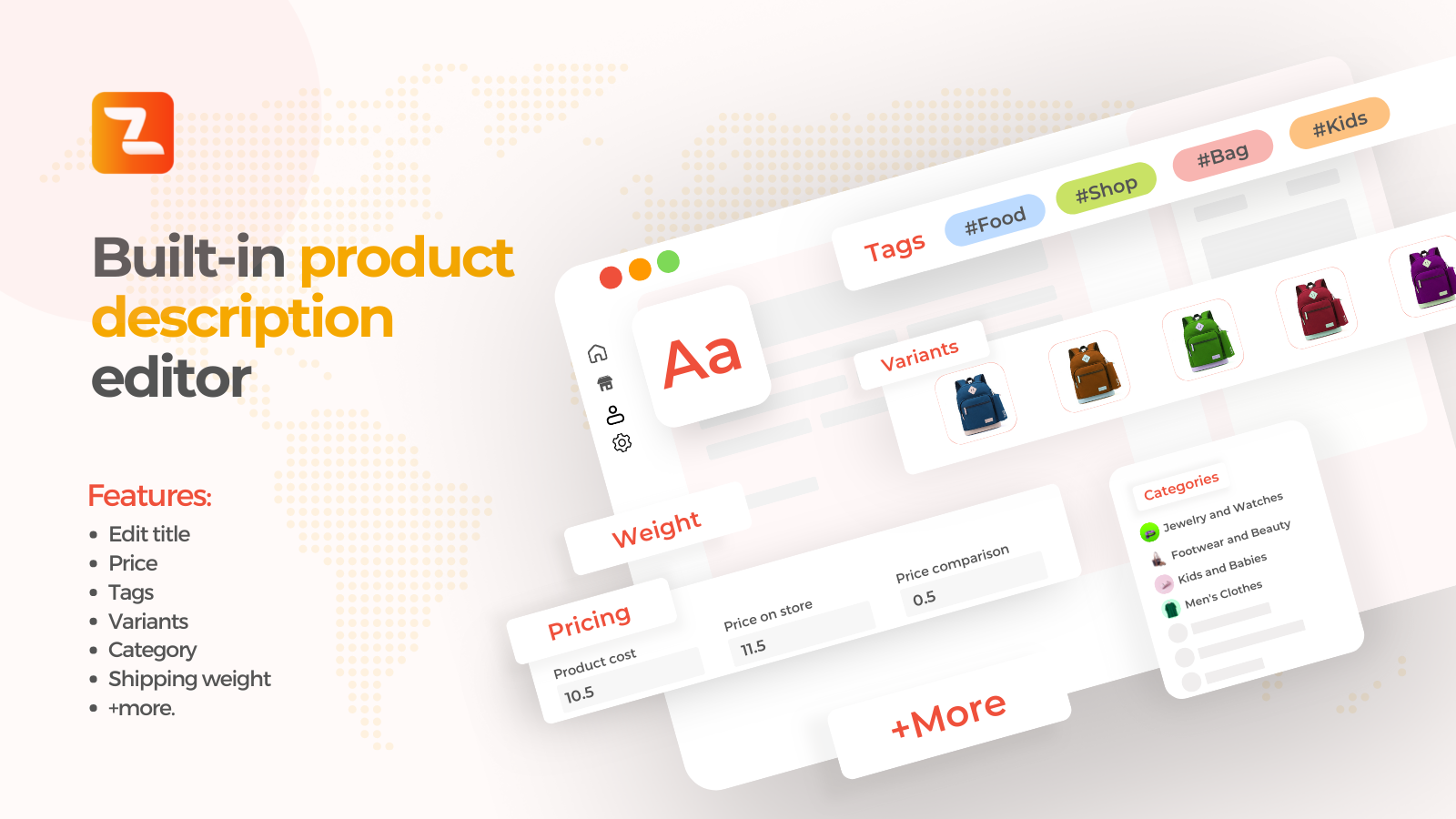
Manage product title, description, price, variants, tags, categories, and shipping settings 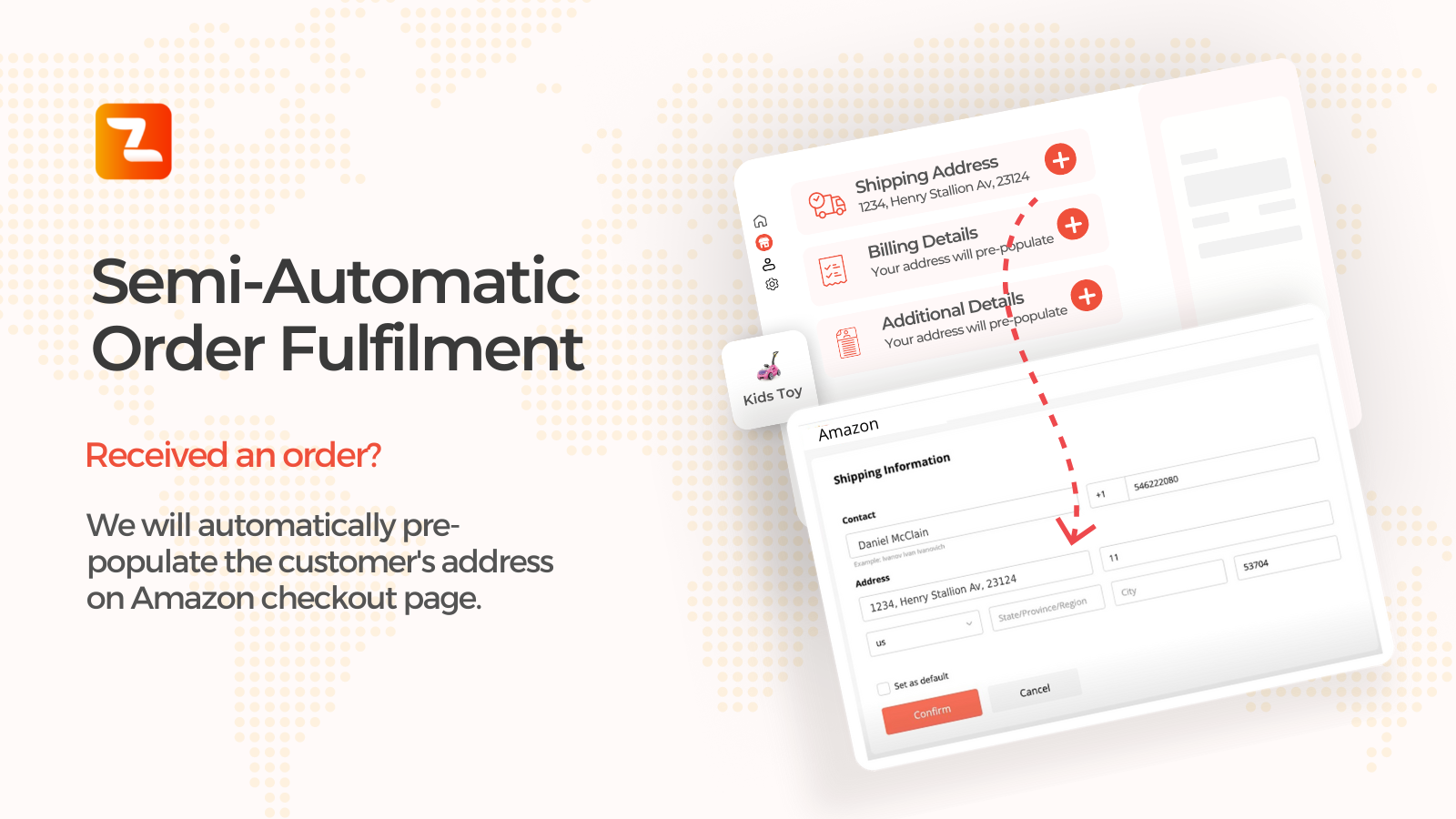
Dashboard 
Settings


Installatie
Zonify plugin installation works with both WordPress and WooCommerce.
Instructions:
- Install the plugin through the WordPress Plugins screen OR unzip the plugin archive to ‘/wp-content/plugins’
- In the WordPress ‘Plugins’ page, activate the plugin
- Click on “Zonify” from your admin sidebar
- Click on “Go To Dashboard” and follow the setup instructions
- Install the Zonify Chrome extension (required for importing)
FAQ
Does Zonify require WooCommerce?
Yes. Zonify is designed to work with WooCommerce.
Can I import products from Amazon into WooCommerce?
Yes. Zonify supports importing product information into WooCommerce.
Can I use Zonify for Amazon affiliate links?
Yes. You can enable affiliate mode to redirect customers to Amazon using your affiliate link.
How do I reach out to Zonify’s customer support?
You can contact our support using this form.
Beoordelingen


Bijdragers & ontwikkelaars
“Zonify – Amazon Product Importer for WooCommerce” is open source software. De volgende personen hebben bijgedragen aan deze plugin.
Bijdragers

Vertaal “Zonify – Amazon Product Importer for WooCommerce” in je eigen taal.
Interesse in ontwikkeling?
Bekijk de code, haal de SVN repository op, of abonneer je op het ontwikkellog via RSS.
Changelog
1.0.4
- Updated readme to comply with WordPress.org plugin directory guidelines (name, license, and description cleanup).
- Updated compatibility information.
1.0.3
- Maintenance update.
1.0.0
- Initial release.

