

Beschrijving


Widget Disable
Beschrijving
This simple plugin allows you to disable any sidebar and dashboard widget for the current WordPress site you are on. It provides a simple user interface available to users with edit_theme_options capabilities (usually Administrator role) available under Appearance -> Disable Widgets.
After saving the settings, the sidebar and dashboard widgets are removed from and the user can’t see those widgets anymore.
Ontwikkelaar? Leer de hooks kennen
Have a look at the filters we provide:
wp_widget_disable_default_sidebar_widgets– Allows you to exclude certain sidebar widgets from being disabled.wp_widget_disable_default_dashboard_widgets– Staat je toe dat insluiten van bepaalde dashboard widgets worden uitgeschakeld.
Bijdragen
If you would like to contribute to this plugin, report an issue or anything like that, please note that we develop this plugin on GitHub.
Developed by required
Schermafbeeldingen

Disable the sidebar widgets you don’t need. 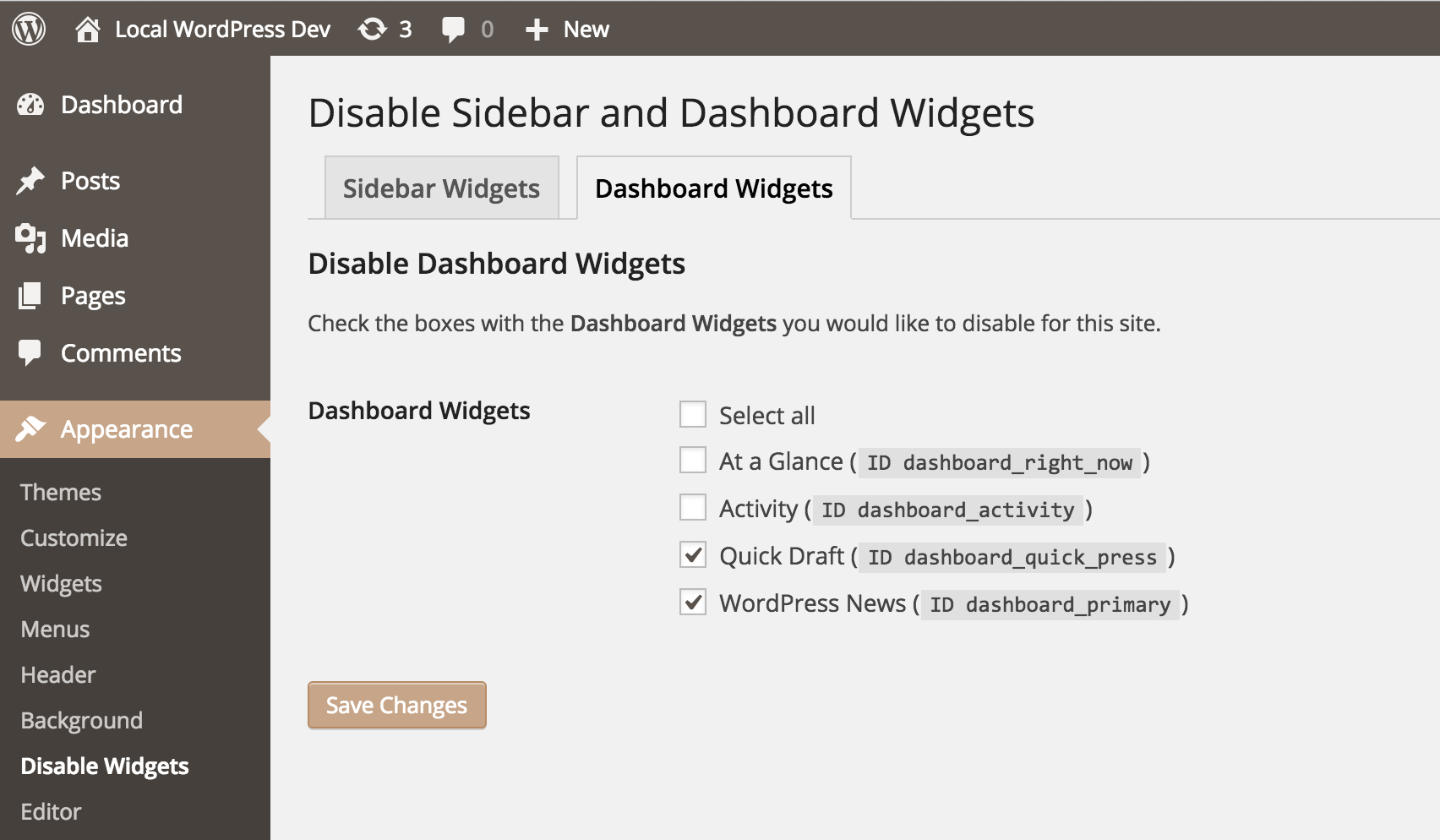
Even disable unused dashboard widgets. 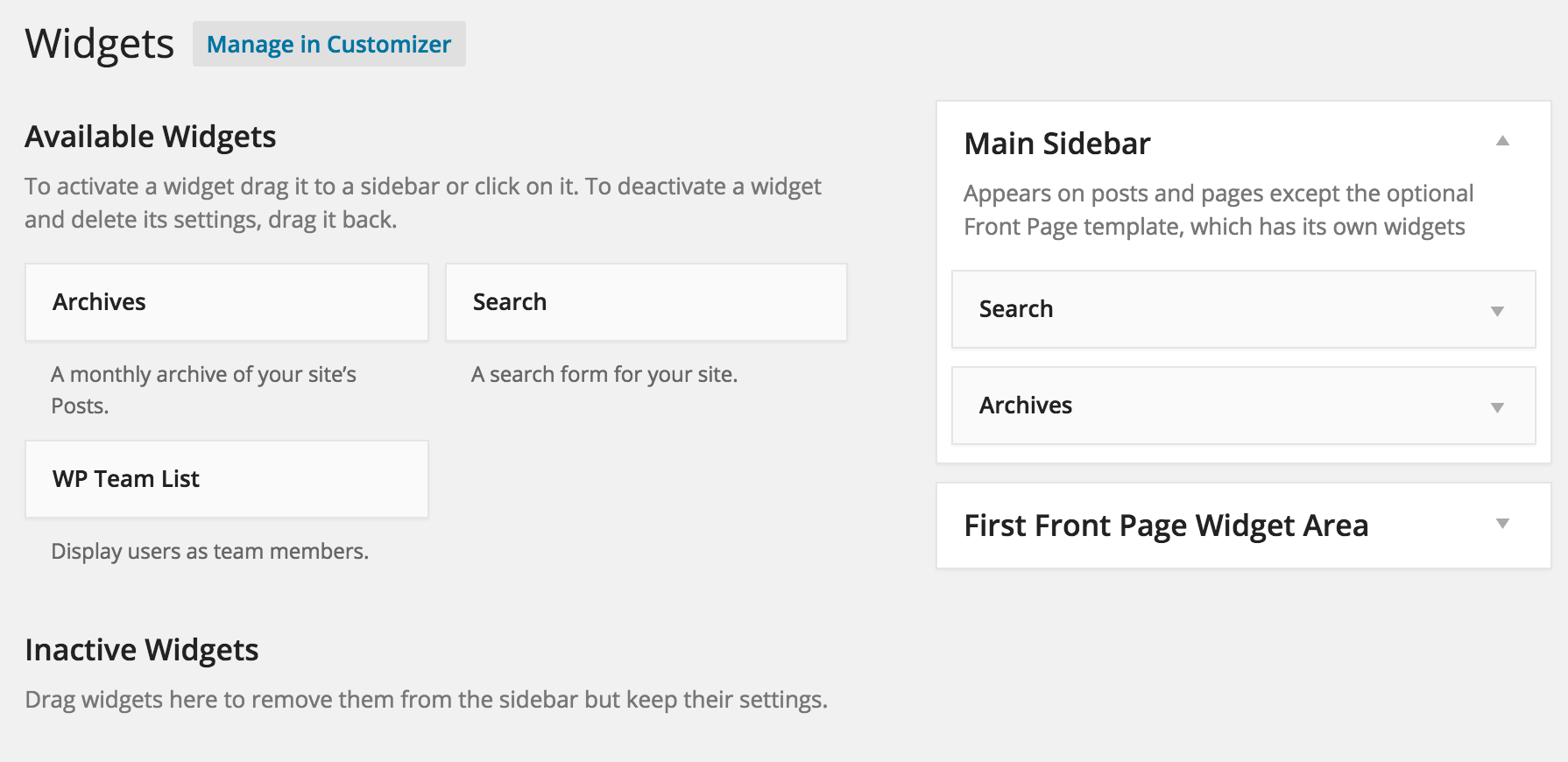
The simplified widgets overview. 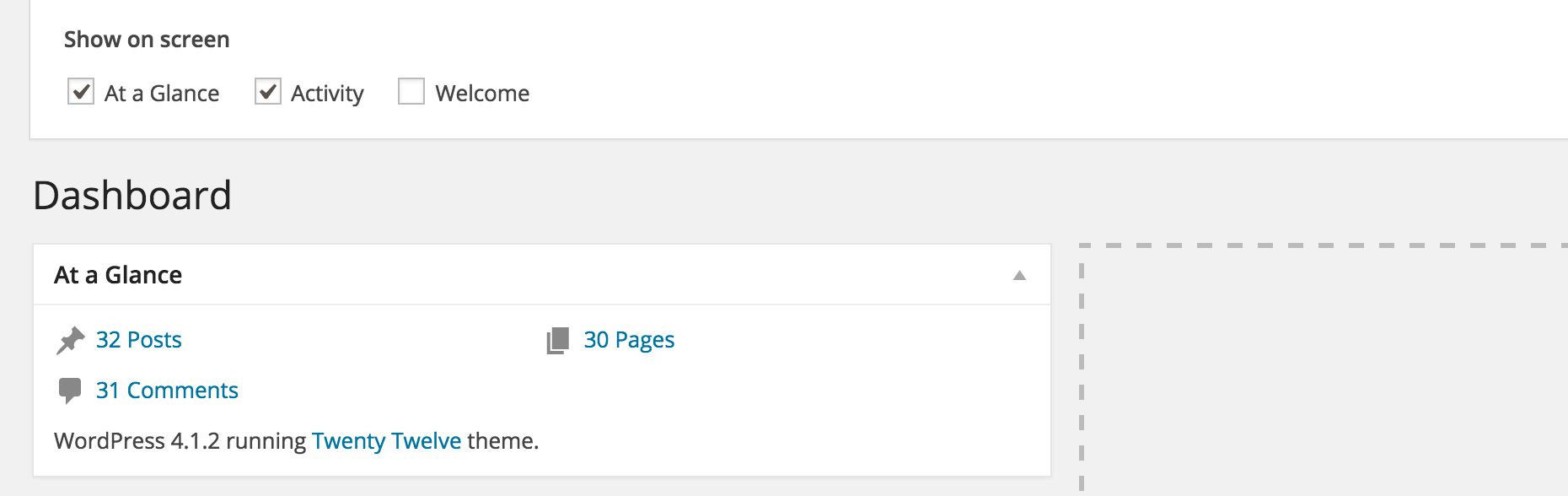
The stripped-down dashboard.


Installatie
Manual Installation
- Upload the entire
/wp-widget-disabledirectory to the/wp-content/plugins/directory. - Activeer WP Widget Disable via het ‘Plugins’ menu in WordPress.
- Go to Appearance -> Disable Widgets to manage sidebar and dashboard widgets.
Beoordelingen


Bijdragers & ontwikkelaars
“Widget Disable” is open source software. De volgende personen hebben bijgedragen aan deze plugin.
Bijdragers


“Widget Disable” is vertaald in 11 localen. Dank voor de vertalers voor hun bijdragen.
Vertaal “Widget Disable” in je eigen taal.
Interesse in ontwikkeling?
Bekijk de code, haal de SVN repository op, of abonneer je op het ontwikkellog via RSS.
Changelog
3.0.1 – 2024-09-19
- Enhancement: Code cleanup, ensuring WordPress 6.6 compatibility.
3.0.0 – 2023-03-26
- Fixed: Replace use of jQuery to avoid deprecation warnings.
- Changed: Requires at least PHP 7.4 and WordPress 6.0.
2.1.0 – 2022-03-17
- Enhancement: Hide disabled sidebar widgets when widget block editor is enabled.
- Changed: Requires at least PHP 5.6 and WordPress 4.7.
2.0.0 – 2020-02-02
- New: Allows removal of the “Browse Happy” and “PHP Update Required” widgets in the dashboard to suppress remote API requests.
1.9.1 – 2019-03-11
- Enhancement: Cleanup and compatibility with WordPress 5.1.
1.9.0 – 2018-07-26
- Enhancement: Added Multisite support.
- Enhancement: Allows hiding the Try Gutenberg callout in WordPress 4.9.8.
For older versions see CHANGELOG.md.

