

Beschrijving
Ga naar de inhoud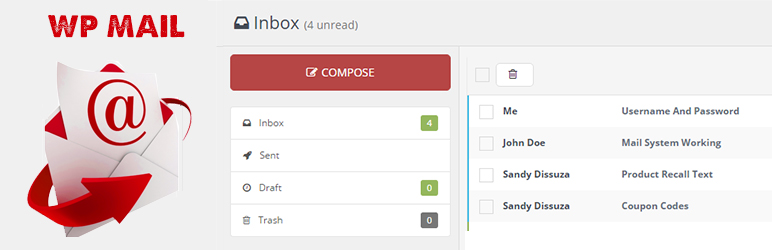


Lees 1 beoordeling
Deze plugin is niet getest met de laatste 3 grotere versies van WordPress. Mogelijk wordt het niet meer onderhouden of ondersteund. Ook kunnen er compatibiliteitsproblemen ontstaan wanneer het wordt gebruikt met recentere versies van WordPress.
WP Mail
Beschrijving
WP Mail plugin is simply a wp network mail or message system. User can send mail or messages to other users over one wp network.
Key Features of WP Mail
- WP Mail – It allows WordPress administrators as well as wordpress users to send/recieve emails to registered users with in respective wordpress environment or manually typed in registered user’s email addresses.
- Multiuser mails – You can send mails to multiple users by adding comma seprated mail ids ex:test@domain.com,test2@domain.com.
- Mail as draft – WP users can save message in draft.
How to use
- First Activate Plugin.
- Go to Wp Mail Menu
- To Create New Mail – Click Compose Menu
- To Check Message – Click Indox Menu= Minimum requirements for Mail System =
* WordPress 3.3+
* PHP 5.x
* MySQL 5.x
If any problem occurs, please contact us at http://www.webdesi9.com/support/.
Schermafbeeldingen
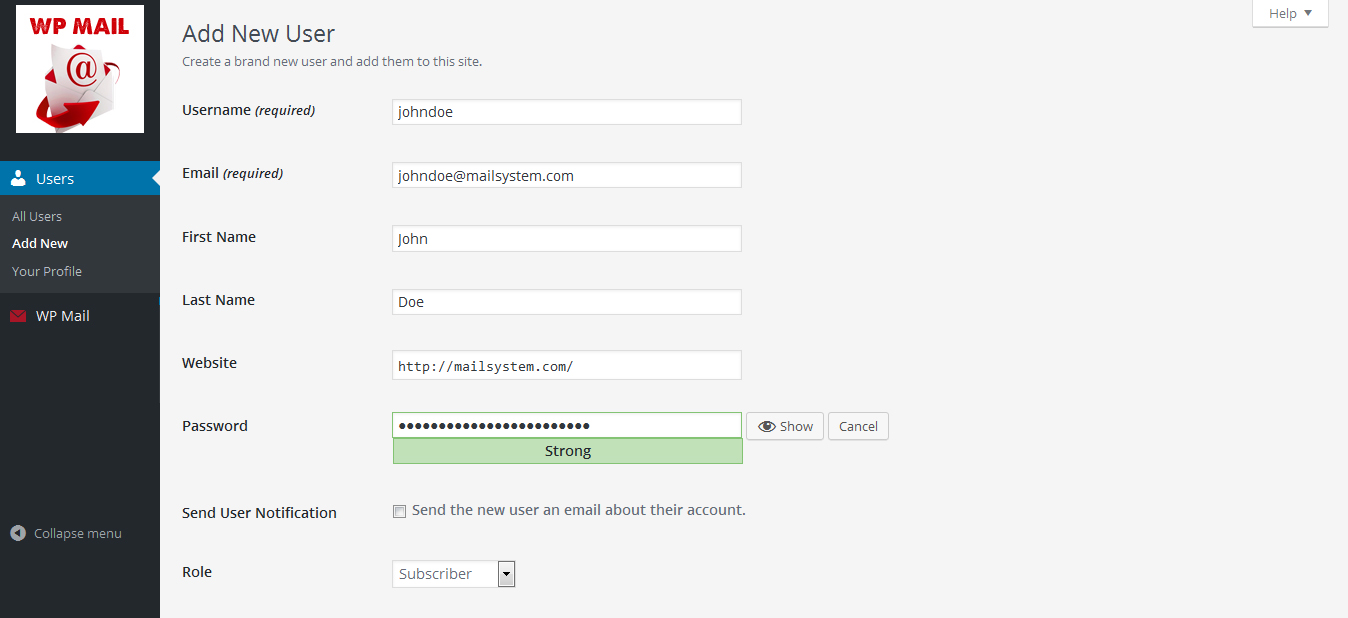
Create new user or give a signup form on you site frontend. 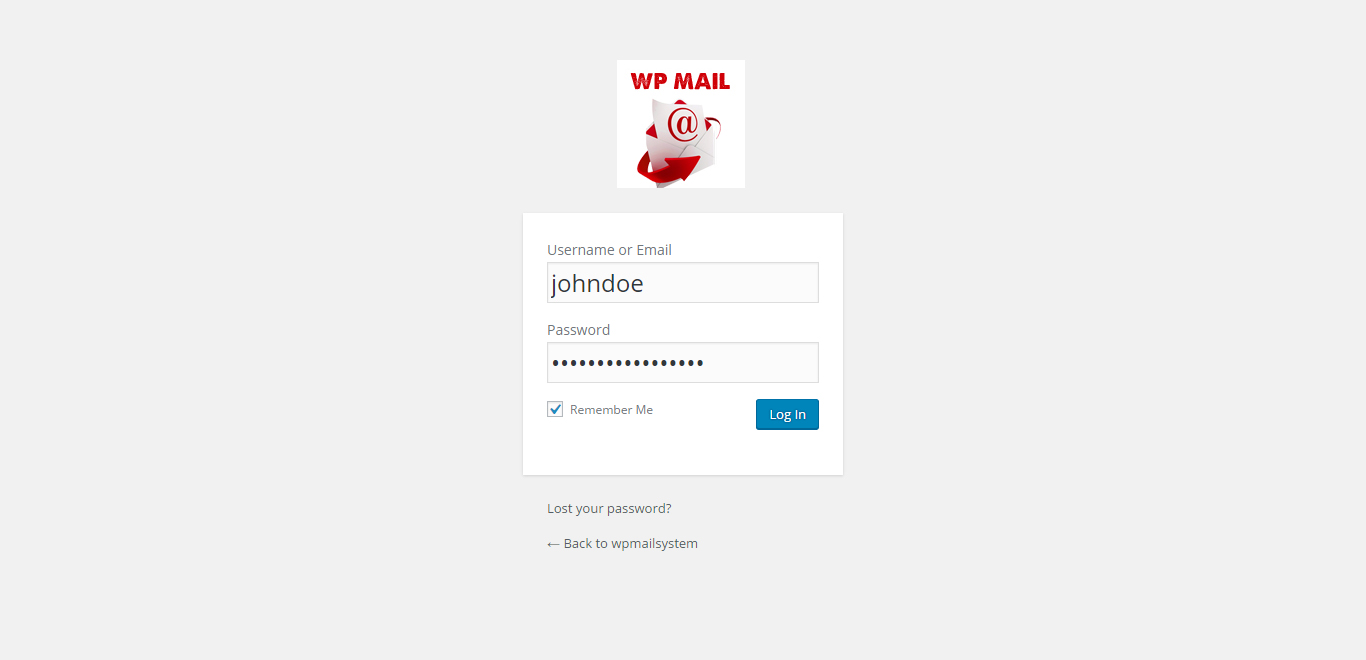
Go to login screeen and login with your credentials. 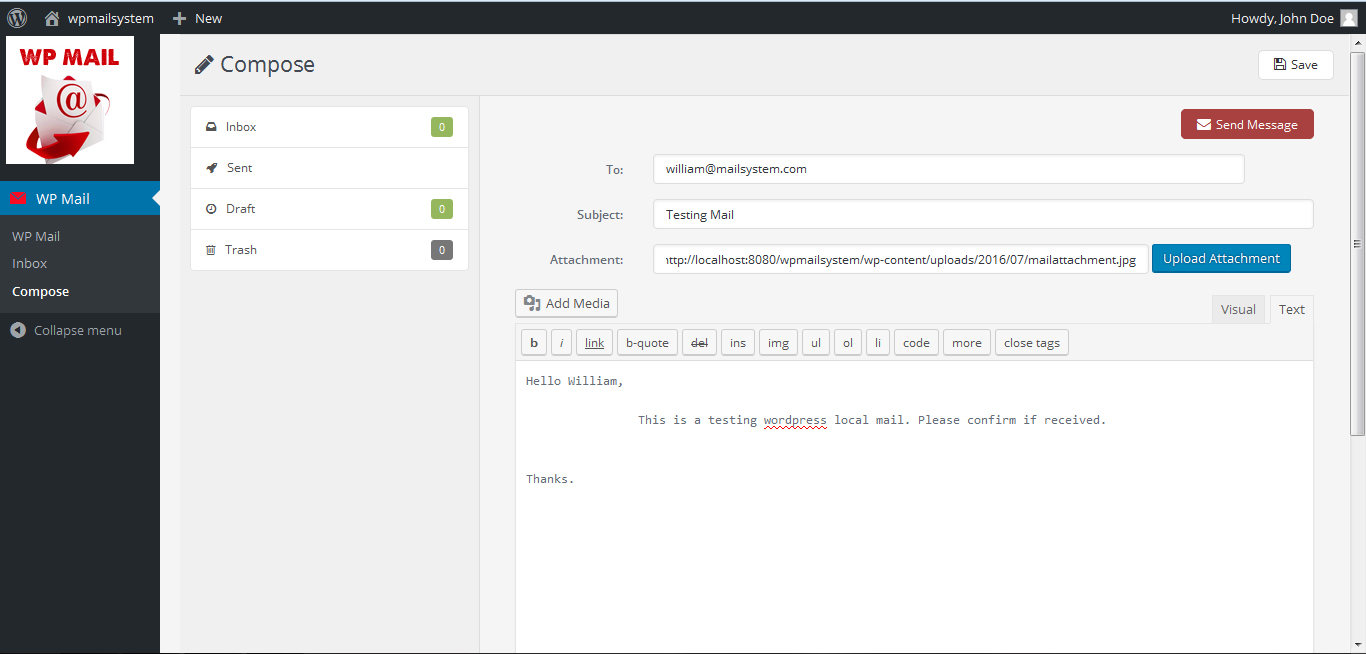
Click on Compose button to compose a mail to any of your wordpress register user. You should know email of user. 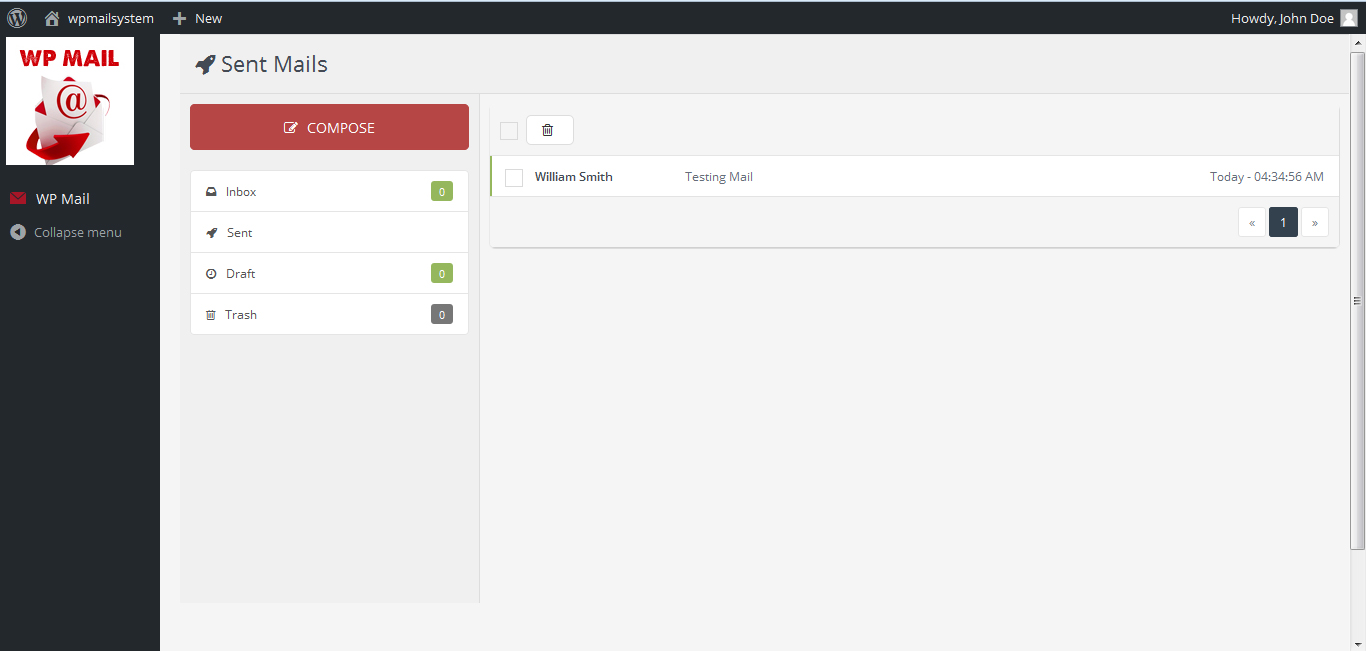
Check sent mail menu, Mail sent or Not. 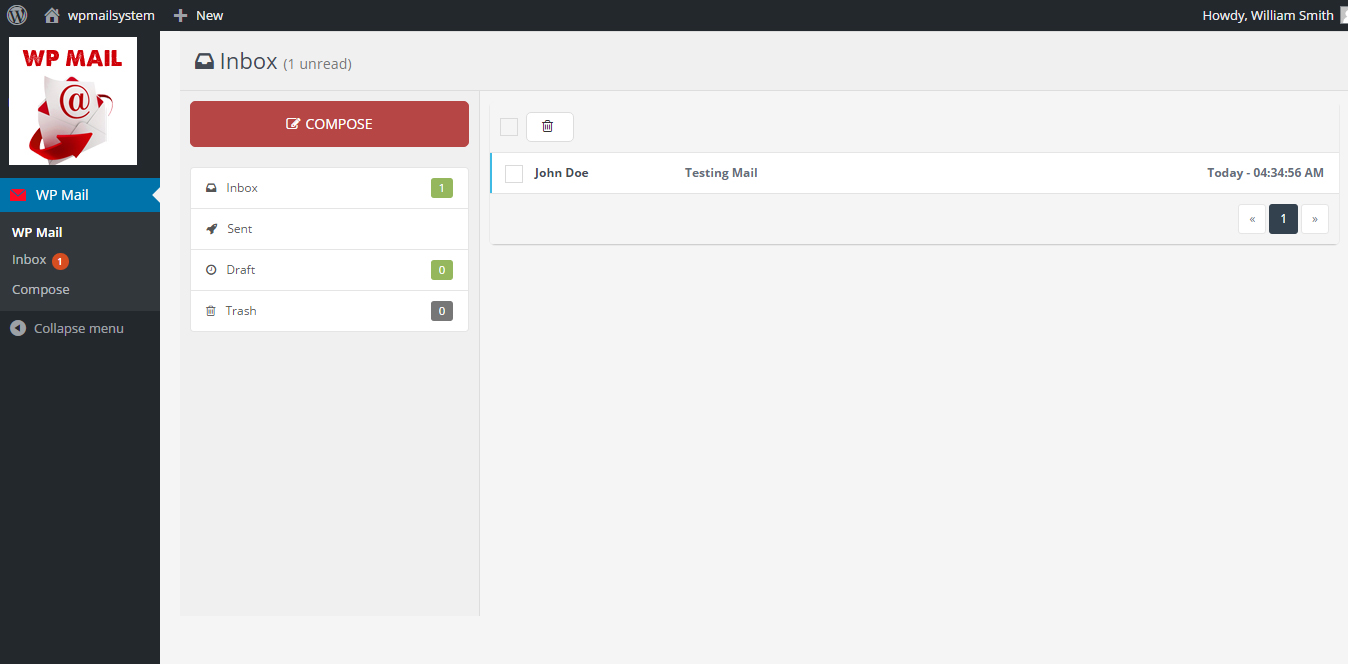
This is receiver’s inbox. Receiver can see new email in inbox. 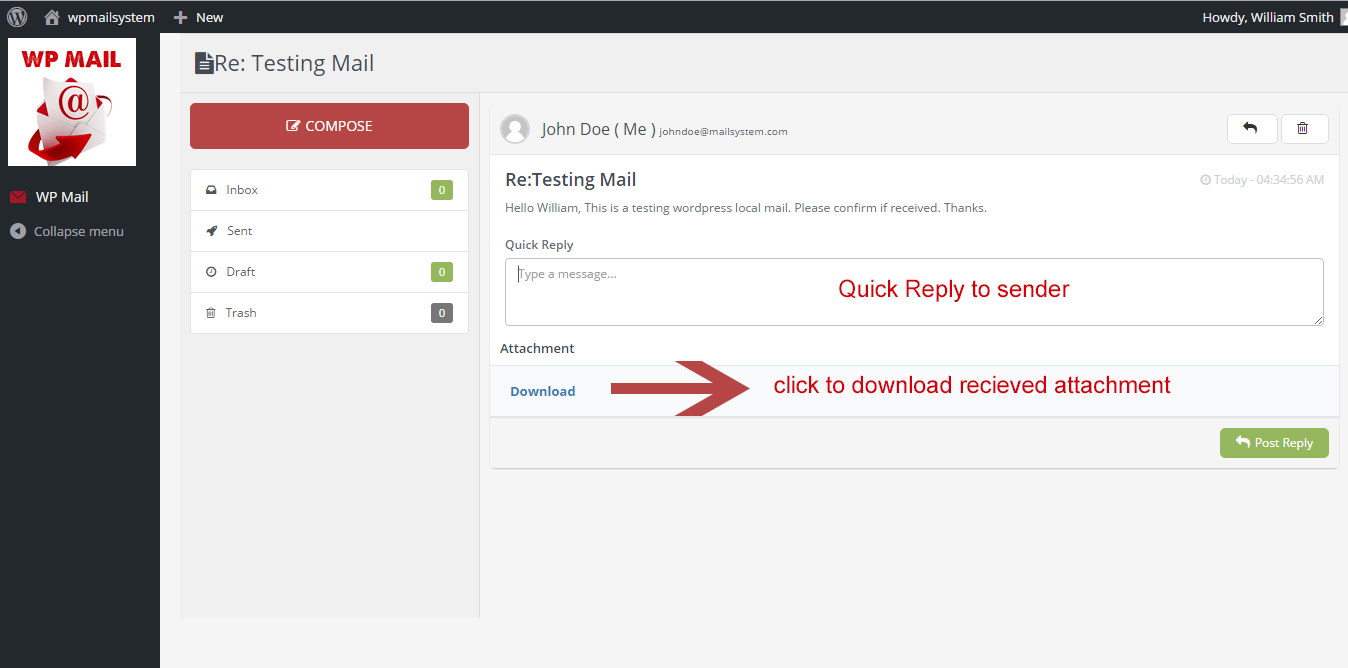
Email view screen. You can read full message here. Also download attachment if received. You can also make a quick reply to sender. 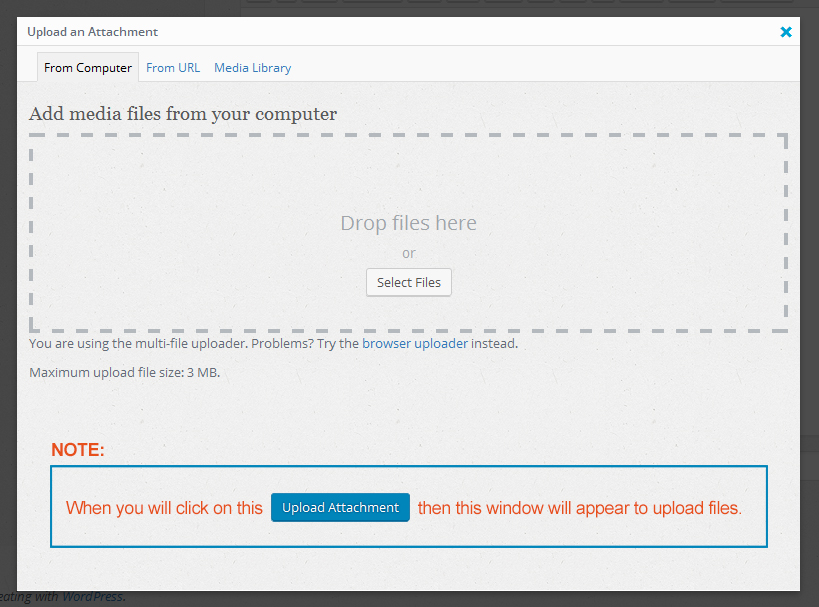
- How to upload attachment – when click on Upload Attachment button in compose mail section this window will appear. You can drag and drop your attachment here.
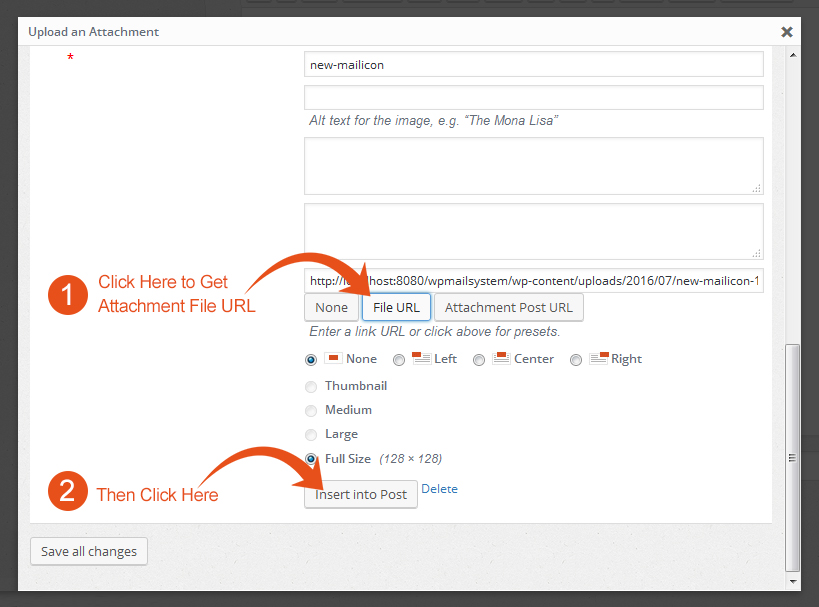
Then click on attachment then this window will appear. Then click on * File URL Button to get attachment path or url. Then after this click on * Insert into Post.


Installatie
- Upload the
wp-mailfolder to the directory/wp-content/plugins/. - Activate the plugin using the ‘Plugins’ menu in WordPress.
FAQ
- How to install WP Mail plugin?
In order to install lite version of the WP Mail plugin, simply follow these steps:
- 1) Upload the
wp-mailfolder to the directory/wp-content/plugins/. - 2) Activate the plugin using the ‘Plugins’ menu in WordPress.
- 1) Upload the
- For Support
- If any problem occurs, please contact us at http://www.webdesi9.com/support/
Beoordelingen
1 mei 2017
Hi guys We have problem with the wp_email automatic . this only happens when we install another plugin for HTML emails / wp better emails or email templates . if only the wp_simple email is installed , it sends only the correct email and 1 email per operation as soon we install another plugin, it sends 2 emails per operation, one correct and one extra titled no subject and it comes from noreply@domain.com Beside the correct automated emails that an user should receive when making an operation on our website , they also receive an empty email from noreply@ourdomain.com I was wondering why is this ? we have setup the automatic email to be from support@domain.com, everything is good, but they received this empty email along with the correct emails. the title is no subject and the email is empty any idea how to solve this ?
Bijdragers & ontwikkelaars
“WP Mail” is open source software. De volgende personen hebben bijgedragen aan deze plugin.
Bijdragers
Vertaal “WP Mail” in je eigen taal.
Interesse in ontwikkeling?
Bekijk de code, haal de SVN repository op, of abonneer je op het ontwikkellog via RSS.

