

Beschrijving


Super Page Cache
Beschrijving
Super Page Cache is a powerful full page cache plugin for WordPress that caches static files (CSS, JS, images) and HTML webpages at both server disk-level and the global Cloudflare CDN. Get enterprise-level performance with zero configuration required.
Works right out of the box with or without Cloudflare. Powerful disk caching saves files locally on your server. To use Cloudflare CDN, just enter your API Key or Token. The intuitive dashboard includes detailed settings and built-in documentation, though most users won’t need to change the defaults.
⚡ Quick Links
- Documentation Complete setup and configuration guide
- Support Forum Community help and expert support
- YouTube Videos Step-by-step visual guides for every feature
- Go Pro Advanced features and priority support
🚀 How Does The Plugin Work?
Disk Caching (Works Without Cloudflare): Server-level caching saves HTML pages and static files directly to your server, loading pages instantly without any CDN.
Cloudflare CDN (Optional): Connect your Cloudflare account to leverage 200+ edge locations using modern Cache Rules. Works with FREE Cloudflare Plan – no paid account required. Achieve higher Pingdom and GTmetrix scores with edge delivery.
Supports Free, Pro, and Enterprise Cloudflare plans with auto-purging, cron jobs, and integrated metrics.
🔥 Core Features (Free Version)
🚀 Complete Caching Solution
- Disk Caching: Lightning-fast server caching with Cloudflare fallback
- CDN Integration: Optional Cloudflare CDN with 200+ edge locations
- Cache Controls: Exclude cookies, query params, URIs, AMP, feeds, REST API
- Cache Lifespan: Custom expiration or never-expire settings
- Header Management: Preserve critical response headers
- Cache Buster: Logged-in users never see cached content
- Performance Metrics: Track cache effectiveness
⚡ Performance Optimization
- Google Fonts: Combine and serve locally for better Web Vitals
- Lazy Loading: Images, videos, iframes, background images
- Lazy Load Exclusions: By keywords, URL patterns, or CSS classes
- Assets Manager: Enable/disable CSS/JS per page
- Browser Caching: Auto-configure
.htaccessrules
🛠️ Advanced Cache Management
- Auto-Purging: Clear cache on content updates including related pages
- Granular Purge: HTML only or entire cache with assets
- Preloader: From sitemaps, menus, or recent posts (manual/CRON)
- Background Processing: Uses
Action Scheduler - Queue-Based Purging: Prevent server overload
- Backend Bypass: Prevent admin dashboard caching
- Per-Page Control: Exclude via editor metabox
- Toolbar Purging: Instant purge from WP toolbar
🔧 Developer & Power User Features
- Redesigned Dashboard: Intuitive navigation with grouped settings
- Built-in Documentation: Tips within the dashboard
- Cache Backends:
advanced-cache.phpor cURL-based - Defer JS Filter:
spc_defer_scriptto exclude scripts - Role Permissions: Control who can purge cache
- Cloudflare API: All plans via API Key or Token
- Export/Import: Settings as JSON
- Preserve on Deactivation: Retain settings for staging
🗄️ Database Optimization
- Database Cleanup: Remove revisions, auto-drafts, trash, spam, transients
- Scheduled Maintenance: Daily, weekly, or monthly
- Table Optimization:
SQL OPTIMIZE TABLEfor defragmentation - Selective Cleanup: Choose which data types to clean
🌐 Universal Compatibility
- Premium Hosts: Kinsta, WP Engine, SpinupWP, and more
- eCommerce: WooCommerce, Easy Digital Downloads
- Server Caches: Varnish, OPcache auto-purge
- Prefetch: Internal links via Instant.page
💎 Super Page Cache PRO with Advanced Performance Features
- Ignore Marketing Parameters: Better cache hit rate (UTM, affiliate, tracking codes)
- Defer JavaScript: Eliminate render-blocking JS. Learn more
- Delay JavaScript: Load JS on interaction only. Learn more
- Advanced Lazy Loading: Viewport detection, above-the-fold optimization
- Advanced Exclusions: Exclude specific JS/pages from caching
- Priority Support: Faster email response times
🎯 Usage Note
Disable page caching in other plugins (WP Rocket, LiteSpeed Cache, W3 Total Cache). Safe to use alongside Optimole, Autoptimize, Perfmatters, ShortPixel for asset optimization.
⭐ What Users Say
★★★★★ “Response times dropped from 400ms+ to below 200ms. Almost the same as my static S3 site—using the free version!” – @jurijs0
★★★★★ “A game-changer for our website’s performance! Noticeable improvement in loading times, boosted engagement and SEO.” – @brandnexusstudios
Leave a review | Follow us on Twitter | YouTube
Super Page Cache is backed by Themeisle, powering 1M+ WordPress sites with 450+ five-star Trustpilot ratings.
Schermafbeeldingen
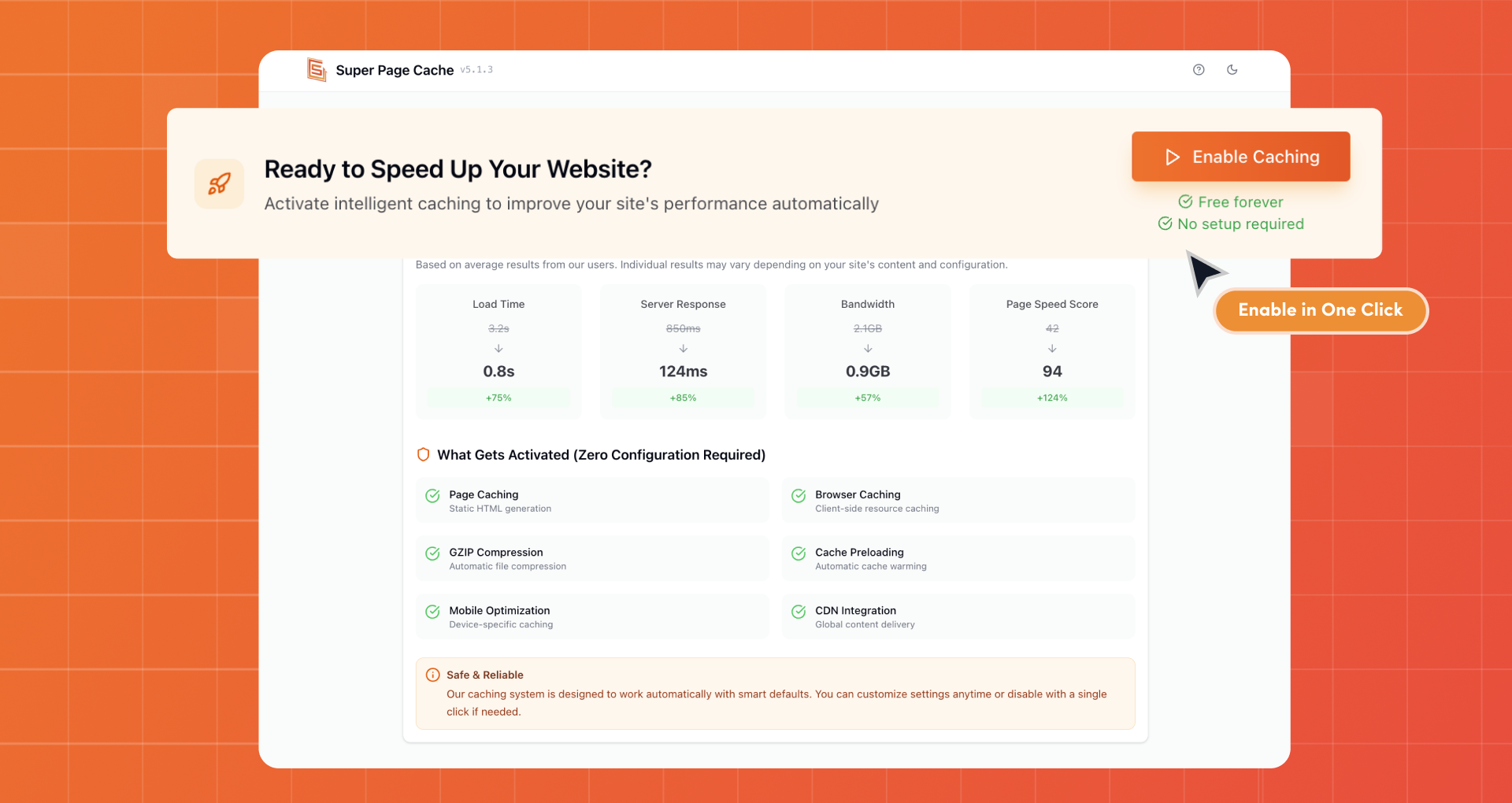
Enable Caching in One Click 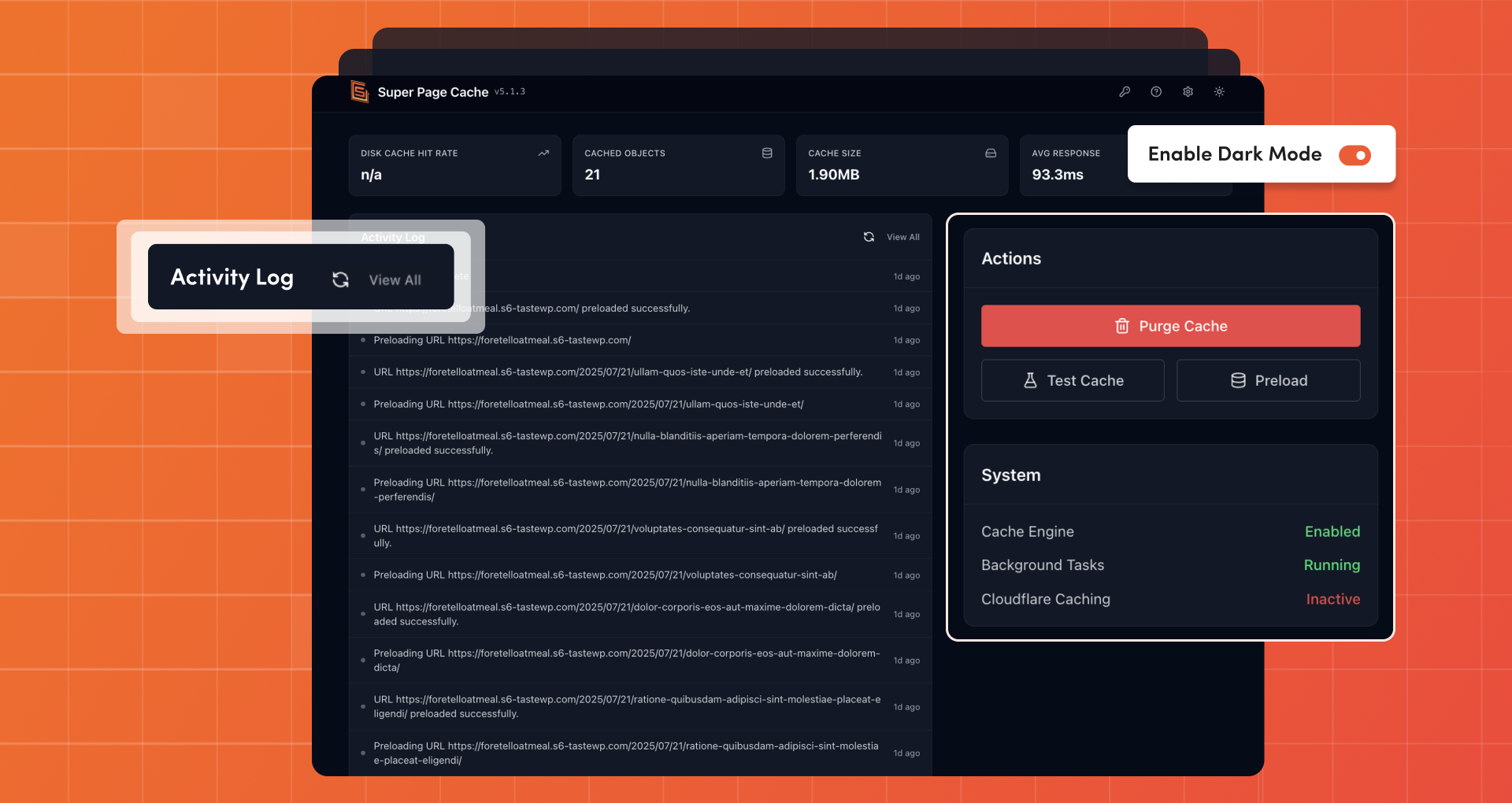
Cache Management with Activity Log 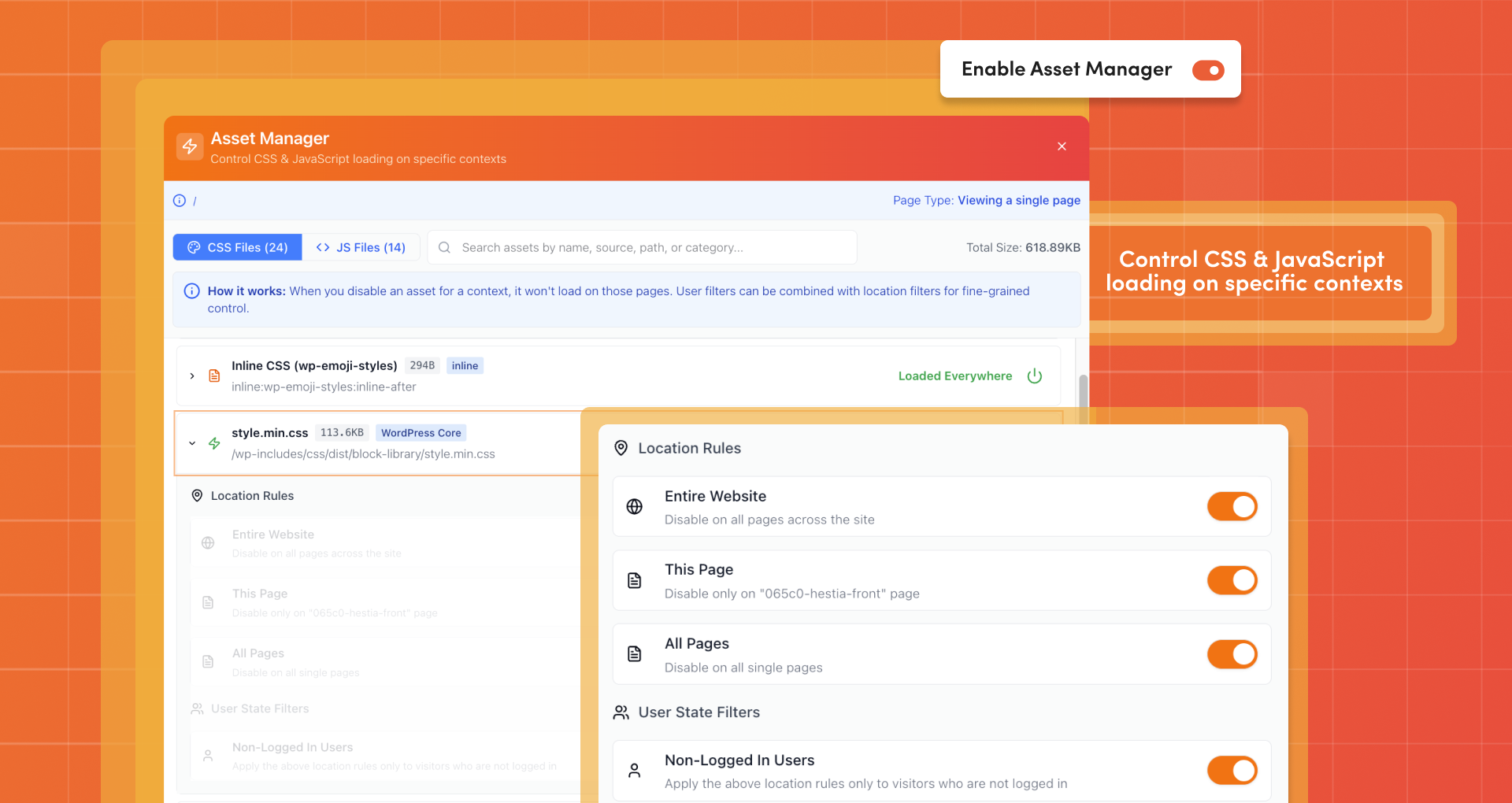
Asset Manager 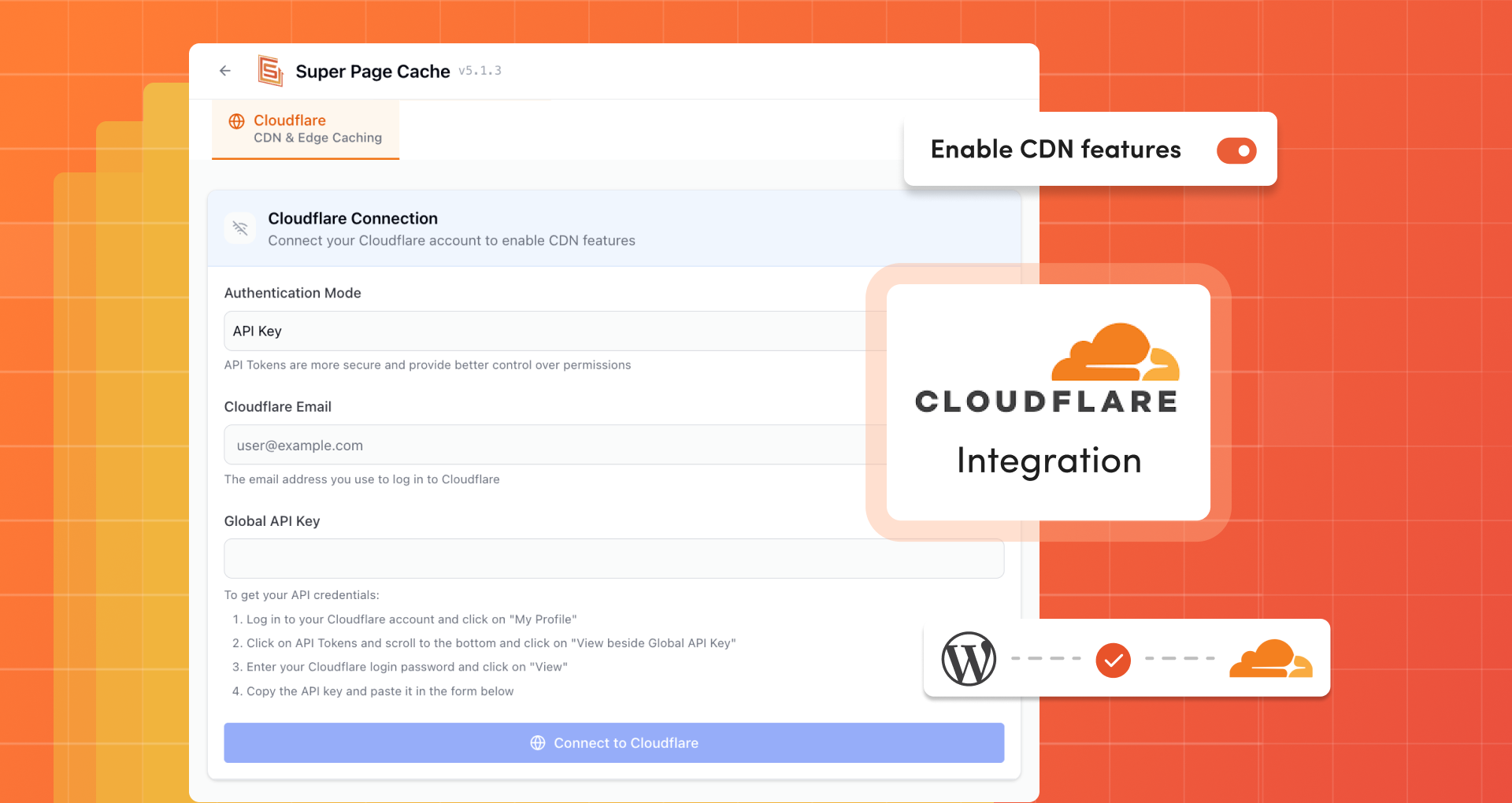
Cloudflare (CDN & Edge Caching) 
Lazy Loading 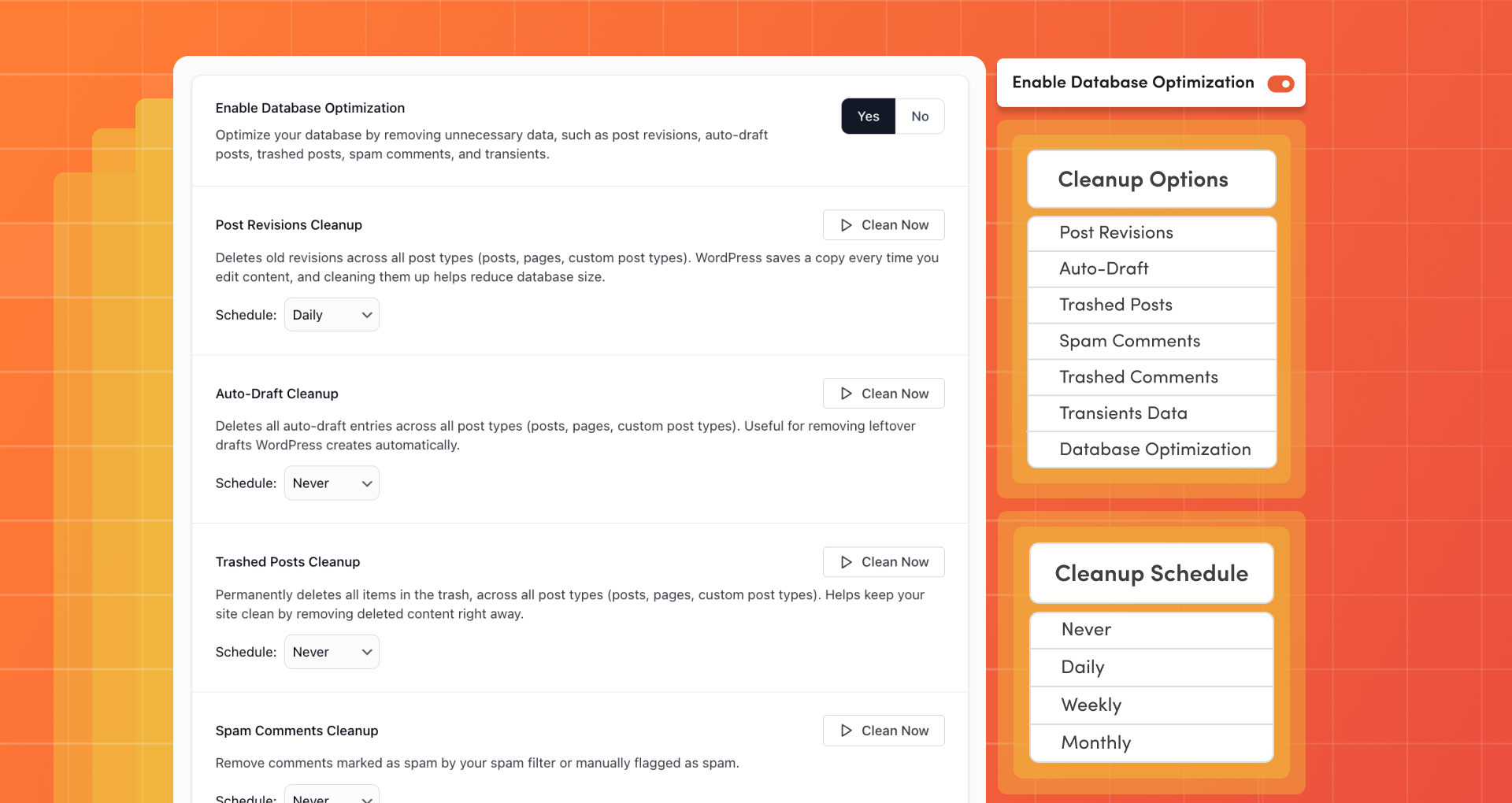
Database Optimization 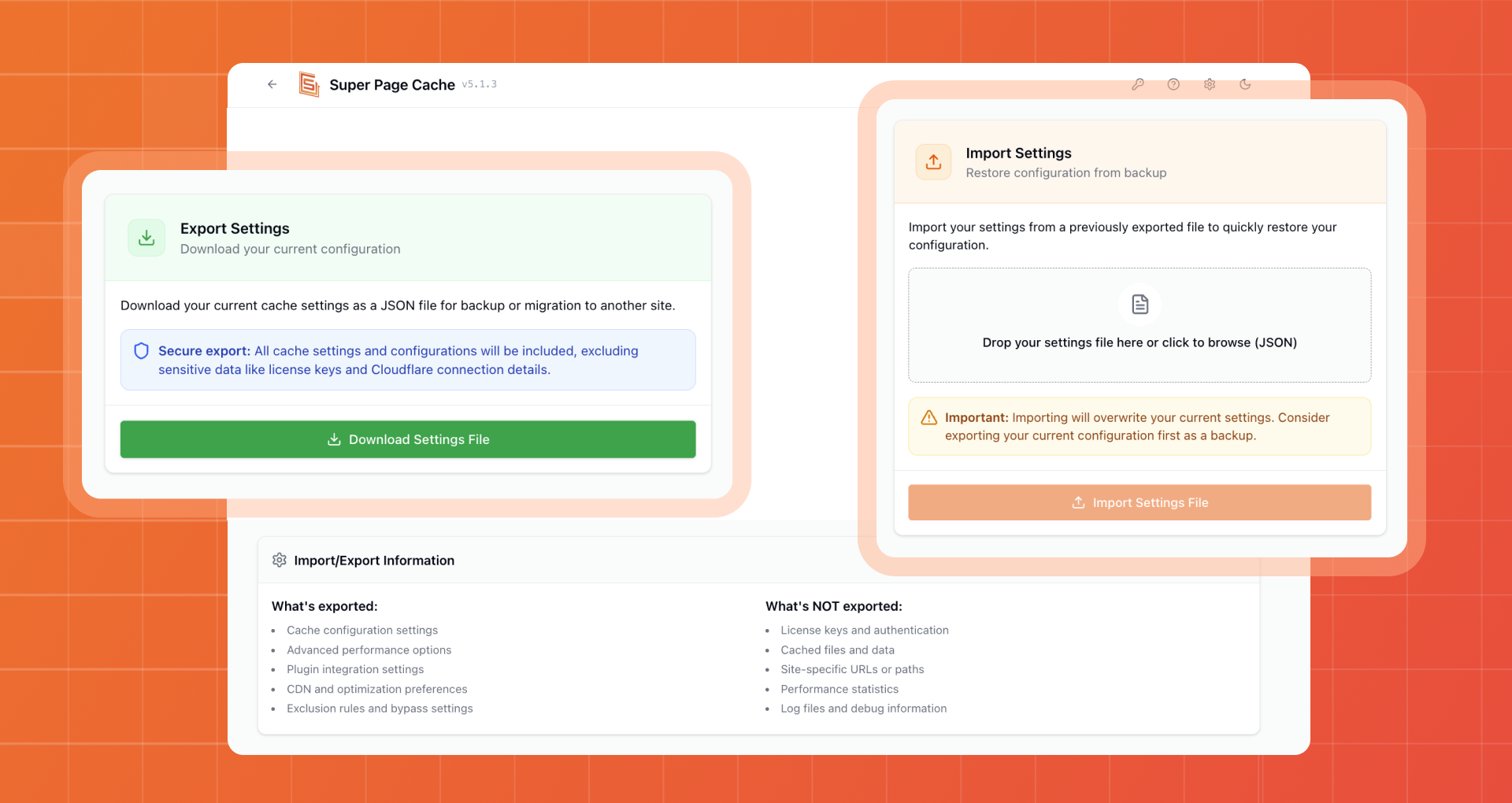
Import and Export Settings


Installatie
FROM YOUR WORDPRESS DASHBOARD
- Visit “Plugins” > Add New
- Search for Super Page Cache
- Activate Super Page Cache from your Plugins page.
FROM WORDPRESS.ORG
- Download Super Page Cache
- Upload the “wp-cloudflare-super-page-cache” directory to your “/wp-content/plugins/” directory, using ftp, sftp, scp etc.
- Activate Super Page Cache from your Plugins page.
FAQ
How is this plugin different from Cloudflare APO?
Cloudflare APO uses Workers & KV Storage to push cache to all edges instantly. It costs $5/month for free accounts (free for paid accounts).
Our plugin enables FREE account users to leverage Cloudflare’s Cache Rules with more features, functionality, and third-party plugin integration than APO offers. Read a detailed comparison.
How do I know if everything is working properly?
Check HTTP response headers in Incognito mode:
- x-wp-cf-super-cache:
cache= active,no-cache= disabled for this page - x-wp-cf-super-cache-active:
1= page placed in Cloudflare cache - cf-cache-status:
HIT= served from cache,MISS= refresh page,BYPASS= excluded,EXPIRED= cache expired
- x-wp-cf-super-cache:
Do you allow to bypass the cache for logged in users even on free plan?
Yes. This is the main purpose of this plugin.
What is the swcfpc query variable I see on every internal link when I’m logged in?
It is a cache buster. Allows you, while logged in, to bypass the Cloudflare cache for pages that could be cached.
Do you automatically clean up the cache on website changes?
Yes, you can enable this option from the settings page.
Can I restore all Cloudflare settings as before the plugin activation?
Yes, there is a reset button.
What happens if I delete the plugin?
Disable the plugin first to restore Cloudflare settings, then delete. The plugin removes all stored data to keep your WordPress installation clean.
What happens to the browser caching settings on Cloudflare?
You will not be able to use them anymore. However, there is an option to enable browser caching rules.
Does it work with multisite?
Yes but it must be installed separately for each website in the network as each site requires an ad-hoc configuration and may also be part of different Cloudflare accounts.
Can I use this plugin together with other performance plugins such as Autoptimize, WP Rocket or W3 Total Cache?
Yes, you can. Read the FAQ section in the plugin settings page for further information
I have more questions or something is not working, what can I do?
Check the FAQ tab in plugin settings first. If needed, enable log mode and send us the log file with steps to reproduce. Ensure you’re using the latest version.
Beoordelingen


Bijdragers & ontwikkelaars
“Super Page Cache” is open source software. De volgende personen hebben bijgedragen aan deze plugin.
Bijdragers


“Super Page Cache” is vertaald in 3 localen. Dank voor de vertalers voor hun bijdragen.
Vertaal “Super Page Cache” in je eigen taal.
Interesse in ontwikkeling?
Bekijk de code, haal de SVN repository op, of abonneer je op het ontwikkellog via RSS.
Changelog
Version 5.2.2 (2026-01-12)
- Fixed translation updates no longer reappear after being successfully updated when using Super Page Cache.
- Fixed Database Optimization now respects the configured schedule and no longer deletes trashed posts immediately when the feature is enabled.
- Update dependencies

