

Beschrijving


SVisciano – Snowfall Effect
Beschrijving
Add elegant snow effects to your WordPress site with optimized, lightweight JavaScript.
Designed for mobile and desktop, it self-manages animation performance to prevent lag, keeping your site fast and smooth.
Many aspects of the snowfall behavior are fully customizable, including falling speed, wind, depth effect, rotation, random gusts, density, turbulence, scroll with page, z-index, and more.
To make customization quick and easy, you can also choose from ready-made presets, either using them as-is or starting your personalized snowfall from these.
Schermafbeeldingen
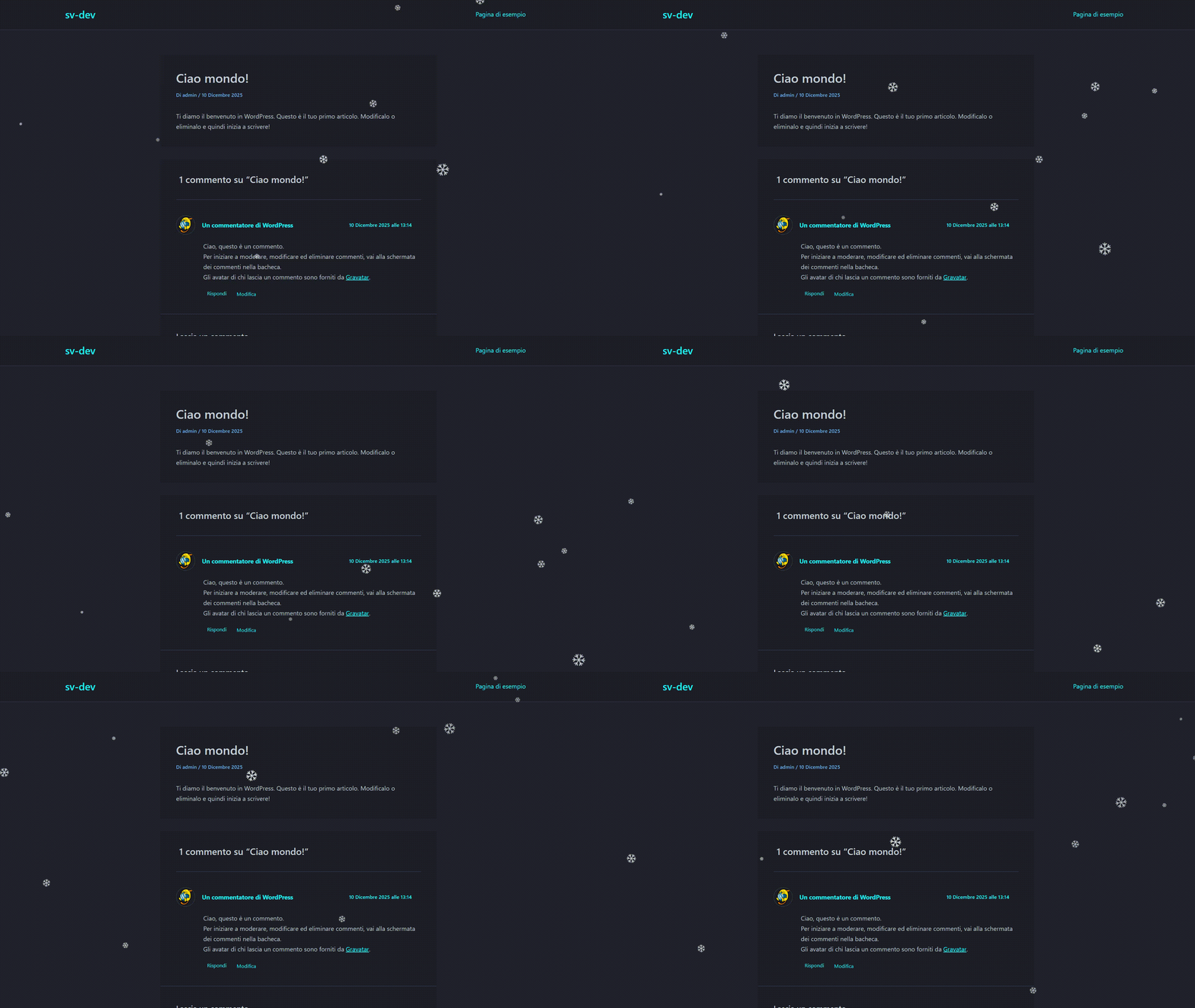
Light snowfall effect with smooth animation. 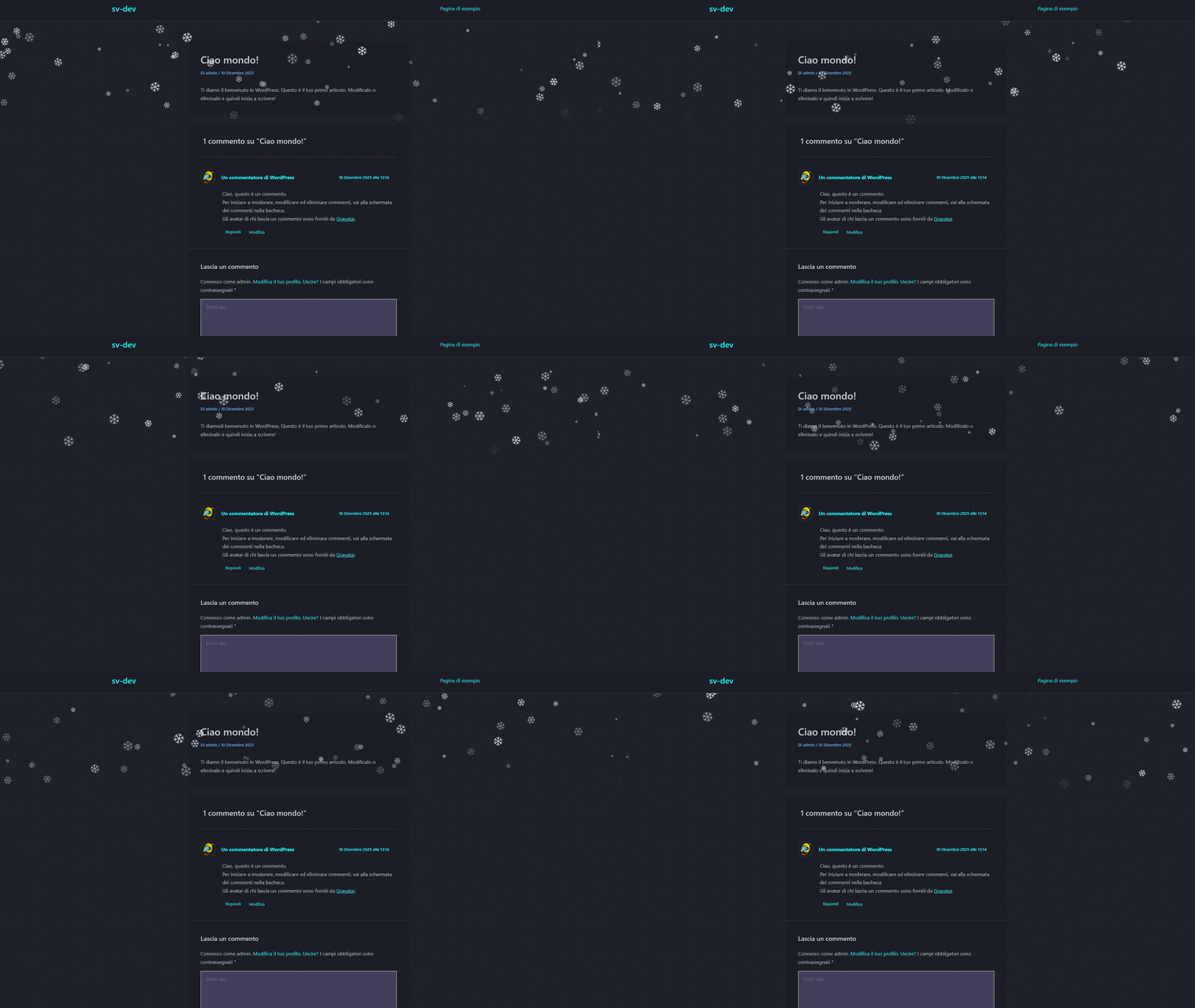
Snow effect correctly layered using z-index, staying behind headers and Vertical Snow Area set to 30%. 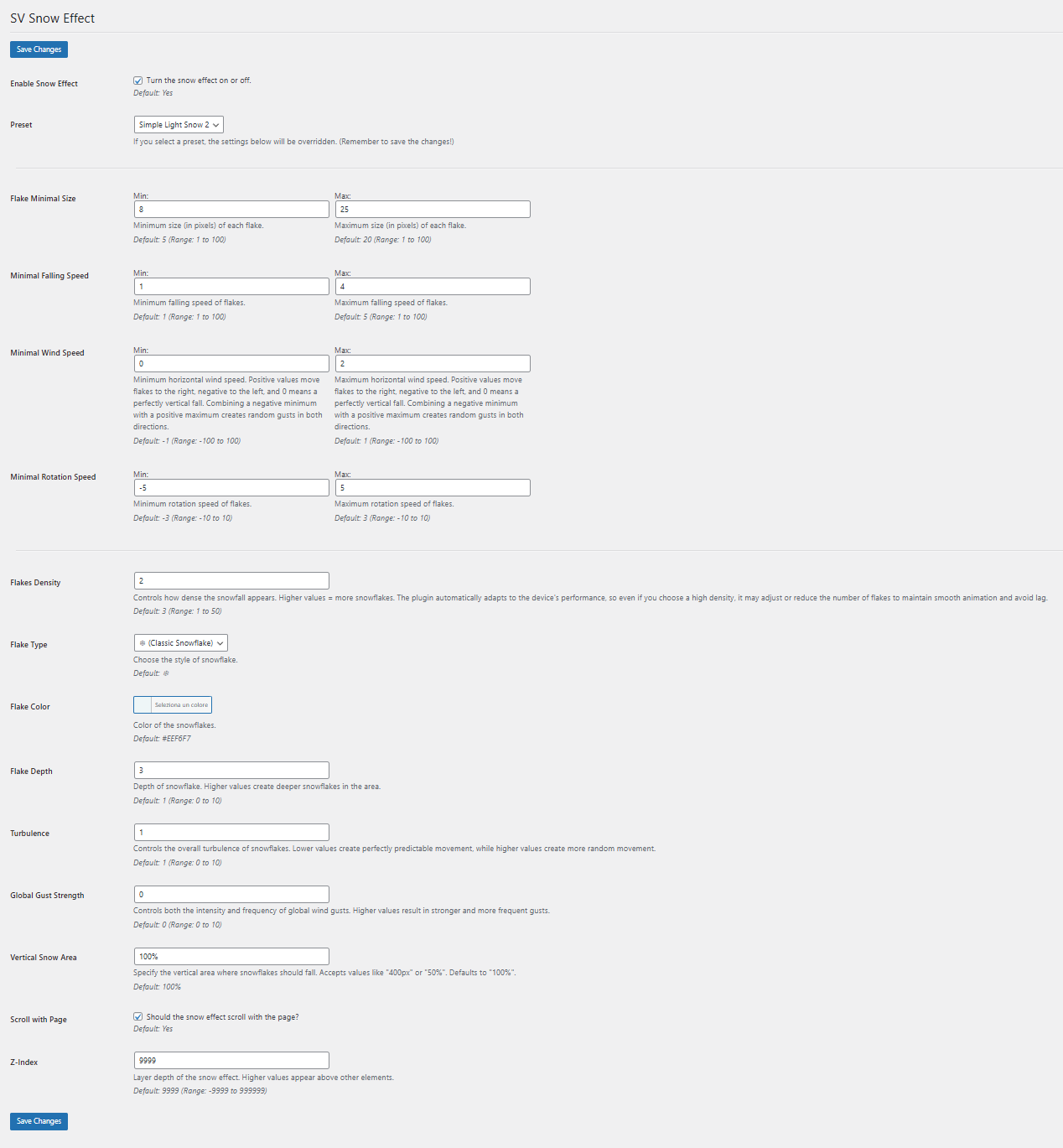
Plugin settings page inside the WordPress admin panel.


Installatie
- If you have the plugin as a ZIP file, first upload it via the WordPress admin: go to “Plugins” > “Add New” > “Upload Plugin”, and select the ZIP file. WordPress will extract it automatically.
- Activate the plugin through the ‘Plugins’ menu in WordPress.
- Go to “Settings” > “SVisciano – Snowfall Effect” to configure the plugin.
FAQ
Can I enable or disable the snow effect without deactivating the plugin?
You can toggle the snowfall on or off directly from the plugin settings. This prevents the script from loading when disabled.
I can’t see the snowfall on my site.
This is usually caused by a z-index conflict with your theme or other elements. Try adjusting the z-index value in the plugin settings until the snow appears correctly.
How do I use the ready-made presets?
There is a dropdown menu in the settings where you can select one of the pre-configured presets. You can use them as-is or start customizing from a preset.
Is the plugin mobile-friendly?
Absolutely. The JavaScript is optimized for mobile devices, and the snowfall effect self-manages to maintain smooth performance without lag. It is designed to provide a consistent visual experience on any device or screen size, automatically adapting to fit.
Will this plugin affect my site speed?
No. The plugin uses lightweight, optimized JavaScript that only loads when the effect is enabled, minimizing any impact on site performance. If the effect settings are configured in a way that could impact performance, the plugin automatically adapts, prioritizing smoothness and responsiveness while still trying to stay as close as possible to your chosen settings.
I changed the settings but the snowfall effect didn’t change.
Make sure you click the “Save Settings” button after making changes. The plugin only applies new settings after they are saved.
Beoordelingen
Er zijn geen beoordelingen voor deze plugin.
Bijdragers & ontwikkelaars
“SVisciano – Snowfall Effect” is open source software. De volgende personen hebben bijgedragen aan deze plugin.
Bijdragers
Vertaal “SVisciano – Snowfall Effect” in je eigen taal.
Interesse in ontwikkeling?
Bekijk de code, haal de SVN repository op, of abonneer je op het ontwikkellog via RSS.
Changelog
0.1.1
- Enhanced stability and performance optimizations
- Minor internal improvements and bug fixes
0.1.0
- Initial release

