

Beschrijving

Section Separator Block – Visually Separate Page Sections
Beschrijving
Section Separator Block is a lightweight and flexible Gutenberg block plugin that helps you visually separate content sections using modern, responsive, and customizable separators.
You can add wave separators, icon dividers, pill-style separators, and bold gradient section dividers directly inside the WordPress block editor—no coding required.
This plugin is ideal for landing pages, blogs, portfolios, business websites, and marketing pages, and works perfectly with any WordPress theme.
✨ Includes a fully FREE Icon Separator with customizable line styles, thickness, icon alignment, and improved editor controls.
✅ Why use Section Separator?
- Clean and modern section dividers
- Fully Gutenberg-native
- Responsive and performance-optimized
- Beginner-friendly with advanced controls
Perfect for
- Visually separating sections on your WordPress site
- Landing pages, portfolios, blogs, and marketing pages
- Decorative dividers with modern design aesthetics
Lightweight, flexible, and easy to use.
Key Features Include
- Wave Separator Block with multi-layer waves
- Adjustable wave height (amplitude) and shape
- Control wave color, opacity, and placement (top or bottom)
- Icon Separator (100% Free) with custom icon or SVG support
- Icon alignment: Left, Center, Right
- Line thickness and line style options (Solid, Dashed, Dotted)
- Multiple separator variants: Solid, Gradient, Glow
- Pill Separator with animated pill labels (pro)
- Infinite marquee animation with speed control (Pro)
- Bold Gradient Separator with SVG waves and decorative patterns
- Spacing, padding, margin, border, shadow, and typography controls
- Fully responsive on desktop, tablet, and mobile
- Optimized for fast loading and clean output
Free Version Includes:
Free Includes:
- Wave Separator (core features)
- Icon Separator (fully free)
- Basic Bold Gradient Separator
- Responsive design
- Unlimited usage
- Clipboard Copy for Shortcode
Pro Version Unlocks:
- Advanced wave motion directions and animations
- Premium wave presets (Ocean, Neon Glow, Fire, Sunset)
- Pill Separator with marquee animation and styling
- Advanced Bold Gradient options (patterns, SVG overlays)
- Priority support and automatic updates
How to use
- Install and activate the Section Separator plugin.
- Open the Gutenberg editor.
- Add the Section Separator block from the Widgets category.
- Customize settings from the right-side block panel.
- Enjoy beautiful section dividers 🎉
For installation help click on Installation Tab
Feedback
- Did you find a bug or have a feature request? Please share your feedback with us
Check out the Parent Plugin of this plugin-
B Blocks – A blocks collection and page building tool for Gutenberg.
Check out our other WordPress Plugins-
Html5 Video Player – Display videos as single and playlist in multiple skins.
PDF Poster – Display/Embed PDF files with different styles.
Html5 Audio Player – Listen audios with awesome visuals.
StreamCast – Customizable radio player with different skins.
3D Viewer – Embed 3D models and 3D products with interaction.
Advanced Post Block – Show posts and custom posts in different layouts.
Schermafbeeldingen

Wave Settings 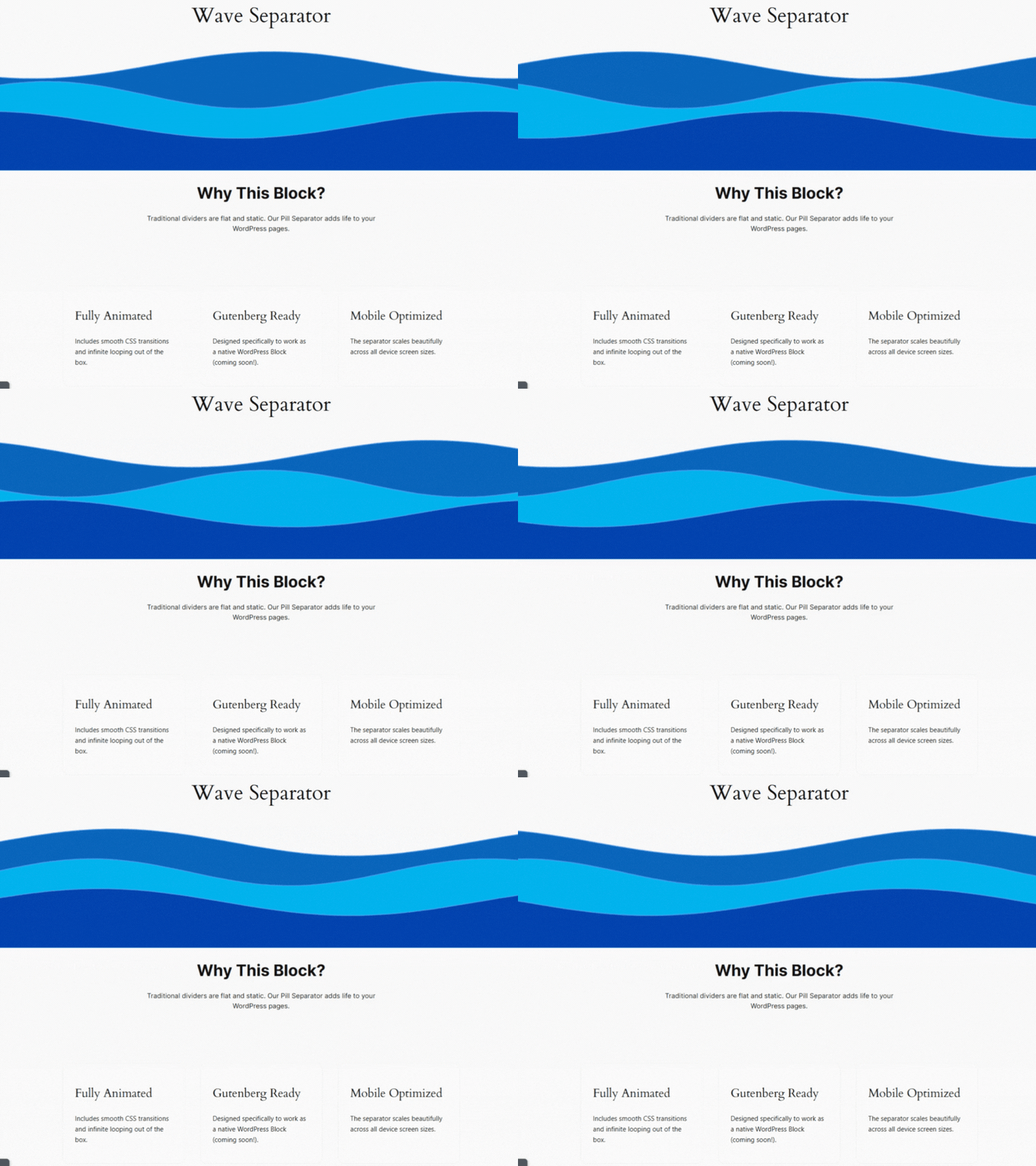
Wave Separator (Default) 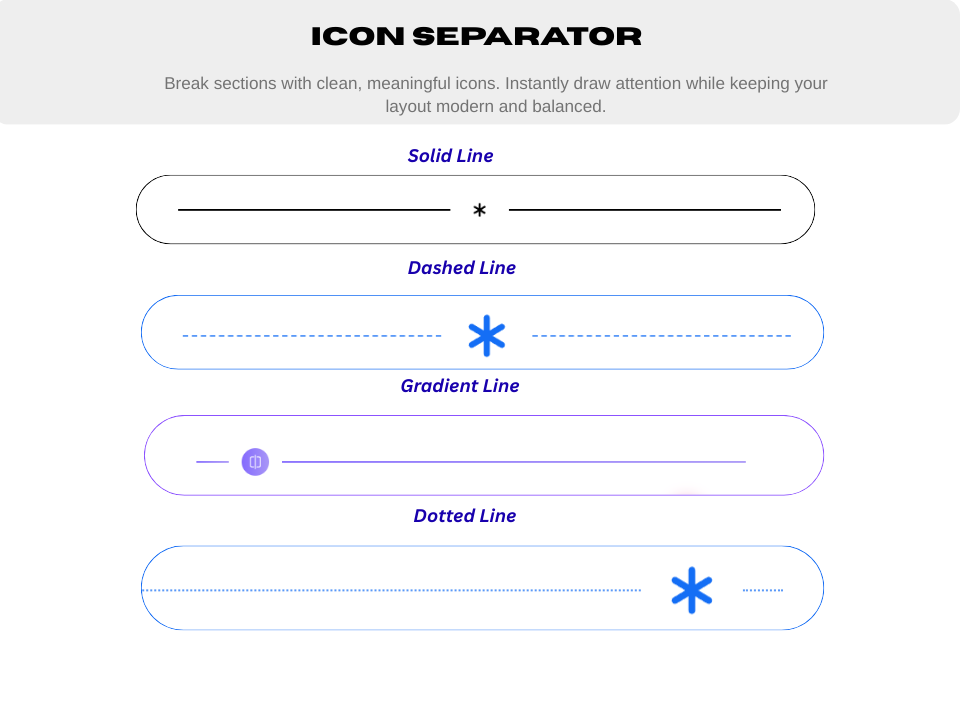
Icon Separator 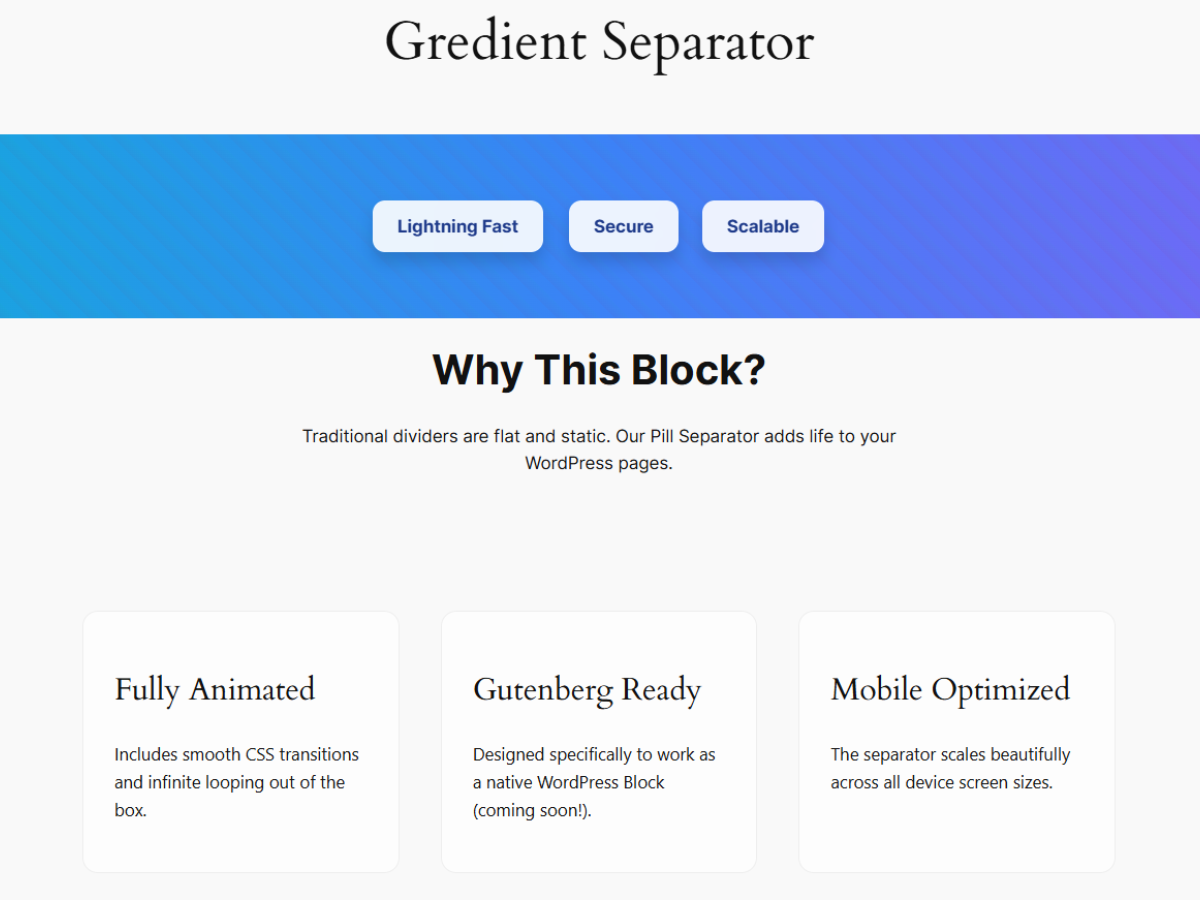
Bold Gradient Separator 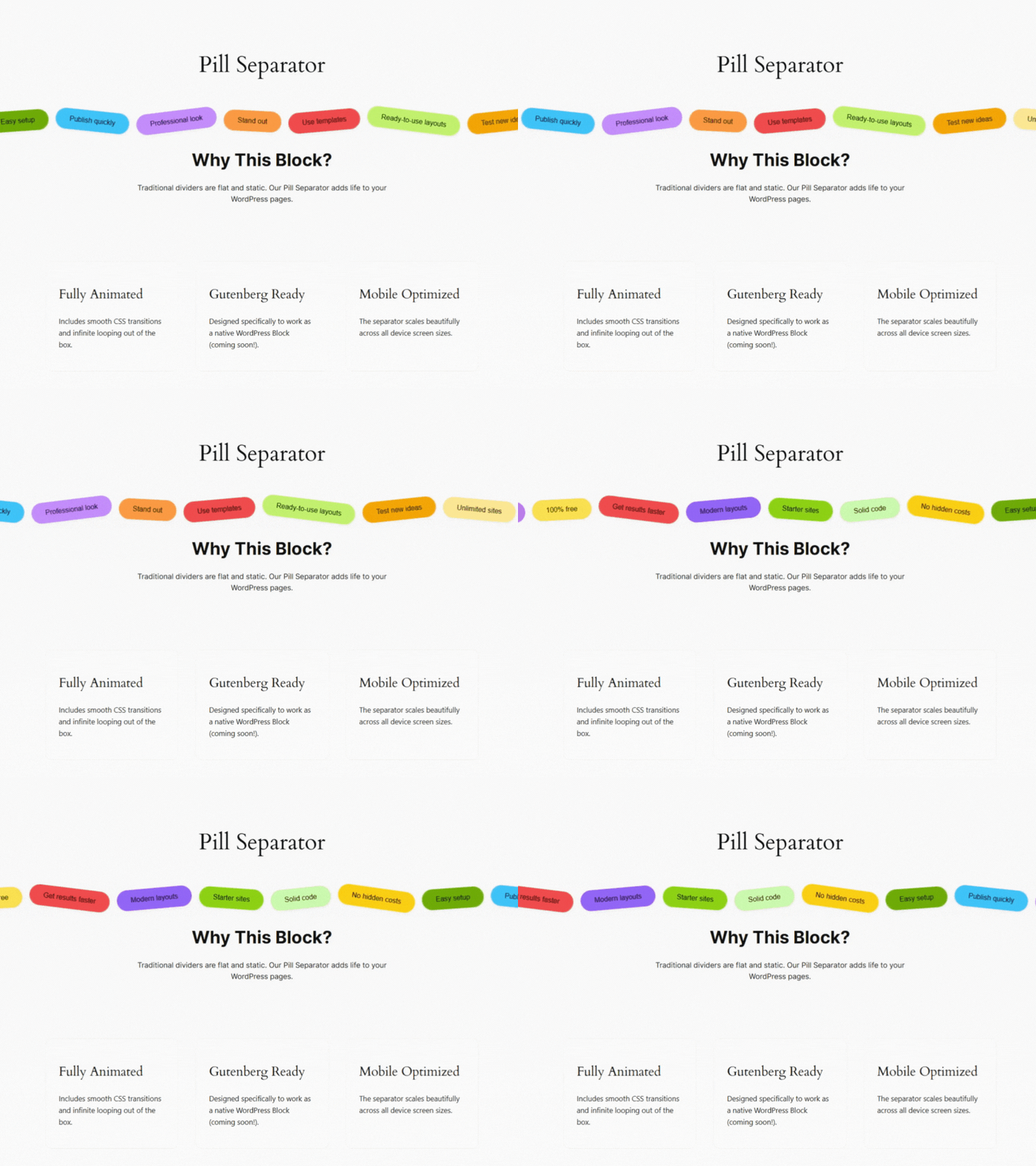
Pill Separator with marquee animation


Blokken
Deze plugin heeft 1 blok.
- Section Separator Separate the section in beautiful way.
Installatie
From Gutenberg Editor:
- Go to the WordPress Block/Gutenberg Editor
- Search For Section Separator
- Click on the Section Separator to add the block
Download & Upload:
- Download the Section Separator plugin (.zip file)
- In your admin area, go to the Plugins menu and click on Add New
- Click on Upload Plugin and choose the
separator.zipfile and click on Install Now - Activate the plugin and Enjoy!
Manually Installation:
- Download and upload the Section Separator plugin to the
/wp-content/plugins/directory - Activate the plugin through the Plugins menu in WordPress
FAQ
Is Section Separator free?
Yes, Section Separator is a free Gutenberg block plugin.
Does it work with any WordPress theme?
Yes, it will work with any standard WordPress theme.
Can I change block settings?
Yes, you can change block settings from the Gutenberg block editor’s right sidebar.
How many times can I reuse a block?
You can use unlimited times as you want.
Is it responsive?
Absolutely. All separators are fully responsive and work on desktop, tablet, and mobile devices.
Where can I get support?
You can post your questions on the support forum here
Beoordelingen
Er zijn geen beoordelingen voor deze plugin.
Bijdragers & ontwikkelaars
“Section Separator Block – Visually Separate Page Sections” is open source software. De volgende personen hebben bijgedragen aan deze plugin.
Bijdragers


Vertaal “Section Separator Block – Visually Separate Page Sections” in je eigen taal.
Interesse in ontwikkeling?
Bekijk de code, haal de SVN repository op, of abonneer je op het ontwikkellog via RSS.
Changelog
2.0.0 – 23 Dec 2025
- Added four new aesthetic wave presets: Ocean, NeonGlow, Fire, and Sunset.
- Added support for controlling wave amplitude (height/intensity).
- Added Wave Direction options: Left-to-Right (ltr), Right-to-Left (rtl), Invert, Static, Bounce.
- Added vertical flip option to invert wave direction vertically.
- Added a brand-new Separator Type: Pill, featuring colorful floating pill labels.
- Pill separator includes smooth infinite marquee animation with customizable duration/speed.
- Each pill supports individual customization: Background color, Text color, Label text, Rotation angle.
- Global style controls for the pill track: Padding, Margin, Background, spacing/gap.
- Individual pill item styling controls: Padding, Shadow, Typography, Border, Border Radius.
- Added a brand-new BoldGradient Separator combining editable pill-style items with pattern and wave overlays.
- Background Type control: Both, Pattern, Organic, or None.
- Organic Waves Controls: Enable/disable, Top & Bottom Opacity, Wave Height, Color Mode (Solid/Gradient), Gradient Options (Start Color, End Color, Direction: Horizontal, Vertical, Diagonal).
- Pattern Controls: Toggle visibility, Opacity, Configure Angle, Transparent Gap, Stripe Colors, and Distances.
- Dynamic Gradient Items: Inline RichText editing, Add/Duplicate/Remove items, Per-item color control.
- Gradient Item Styling Controls: Padding, Border, Border Radius, Shadow.
1.0.5 – 27 Nov 2025
- Improve Optimization.
1.0.4
- Add translate feature
1.0.3
- Fix Render Issue
1.0.2
- Reduce PHP Code
- Performance Improvements
1.0.1
- Reduce PHP Code
1.0.0
- Initial Release.

