

Beschrijving

Particle Slider
Beschrijving
Particle Slider is a simple and flexible Gutenberg block that allows you to create animated image sliders with optional particle overlays.
Each slide supports a background image, heading, subheading, and call-to-action button. The block also includes navigation arrows and a toggle for animated particle effects.
Features:
– Add multiple slides with images and text
– Customize each slide with:
– Heading
– Subheading
– Button (text + link)
– Enable or disable animated particle background
– Navigation arrows included
– Fully responsive
Schermafbeeldingen

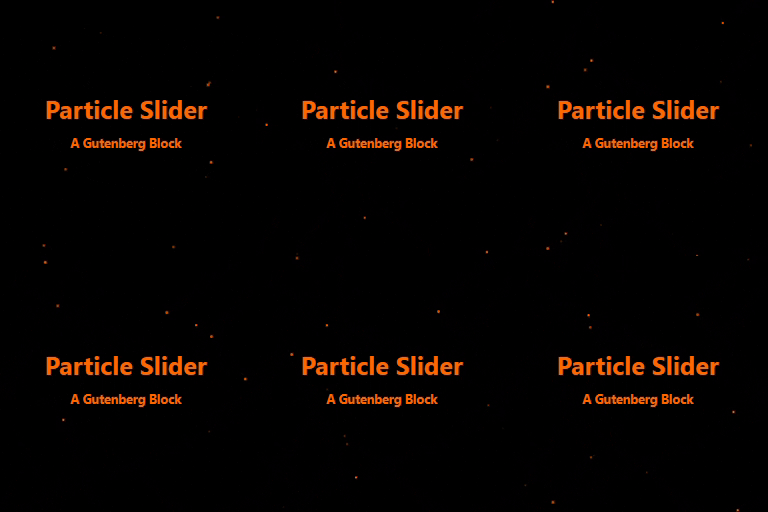
Example of using dark overlay with orange particles 
Example of using green overlay with black particles 
Example of using the slider without any particles


Blokken
Deze plugin heeft 1 blok.
- Particle Slider
Installatie
- Upload the plugin files to the
/wp-content/plugins/particle-sliderdirectory, or install the plugin through the WordPress plugins screen directly. - Activate the plugin through the ‘Plugins’ screen in WordPress.
- Open a post or page, and insert the Particle Slider block using the block editor.
FAQ
Is it possible to disable the particle animation?
Yes, simply toggle off the “Enable Particles” setting in the block panel.
Yes. Each slide can include a button with custom text and URL.
Can I customize the particle and overlay colors?
Yes, you can choose custom colors for the particle effect and overlay background directly from the block settings.
Beoordelingen
Er zijn geen beoordelingen voor deze plugin.
Bijdragers & ontwikkelaars
“Particle Slider” is open source software. De volgende personen hebben bijgedragen aan deze plugin.
Bijdragers
Vertaal “Particle Slider” in je eigen taal.
Interesse in ontwikkeling?
Bekijk de code, haal de SVN repository op, of abonneer je op het ontwikkellog via RSS.
Changelog
1.0
- Initial release.

