

Beschrijving
Deze plugin is niet getest met de laatste 3 grotere versies van WordPress. Mogelijk wordt het niet meer onderhouden of ondersteund. Ook kunnen er compatibiliteitsproblemen ontstaan wanneer het wordt gebruikt met recentere versies van WordPress.
Paris Attacks Ribbon MC
Beschrijving
To show support to Parisian and French people on your web site, after the terrorists attacks in Paris (13 November 2015),
this plugin will put a ribbon on the (left or right) corner of your website.
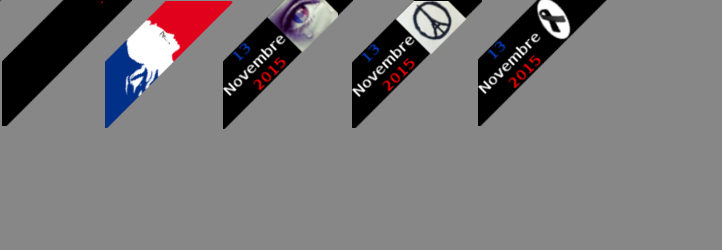
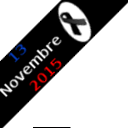
There’s a simple black ribbon that could be used for any mourning (not only the for November 13th Paris attacks).
The ribbon is half transparent to be able to view the part of the web site underneath the ribbon.
When moving over the ribbon, the ribbon changes to solid display, without any transparency.
When clicking on the ribbon, a new page will be displayed (or not) according to your choice from the Settings.
In the Settings, you will also choose which ribbon to display (the image) and the position: top left or top right.
Schermafbeeldingen

Demo site with a ribbon in the left corner 
This plugin Settings screen


Installatie
- You may install this plugin from WordPress back office (the admin panel)
or by copying the zip archive in the “wp-content/plugins”. - De plugin activeren via het ‘Plugins’ menu in WordPress
- Optionnaly define your Settings for the plugin via the Admin menu or the plugin menu.

Bijdragers & ontwikkelaars
“Paris Attacks Ribbon MC” is open source software. De volgende personen hebben bijgedragen aan deze plugin.
Bijdragers
Vertaal “Paris Attacks Ribbon MC” in je eigen taal.
Interesse in ontwikkeling?
Bekijk de code, haal de SVN repository op, of abonneer je op het ontwikkellog via RSS.
Changelog
1.00a
- correction for the focus on clic of the black ribbon tag (in the Settings)
1.00
- Initiële release.

