

Beschrijving
Notetaker – Sidebar Notes
Beschrijving
Notetaker – Sidebar Notes is a lightweight WordPress plugin that allows you to create and manage notes directly from the WordPress admin dashboard sidebar. It provides a simple and distraction-free way to keep track of reminders, tasks, or important information while working in the admin area.
Key Features
- Dashboard Sidebar Integration: Adds a top-level admin menu with submenus for editing and viewing notes.
- Single-Page Note Management: Notes can be edited and viewed from dedicated pages without clutter.
- Basic Text Formatting: Supports safe HTML tags such as
<b>,<strong>,<i>,<em>, headings, lists, paragraphs, line breaks, and horizontal rules with proper sanitization. - Resizable Text Area: Includes a tall editor by default with vertical drag-resize support for convenience.
Schermafbeeldingen
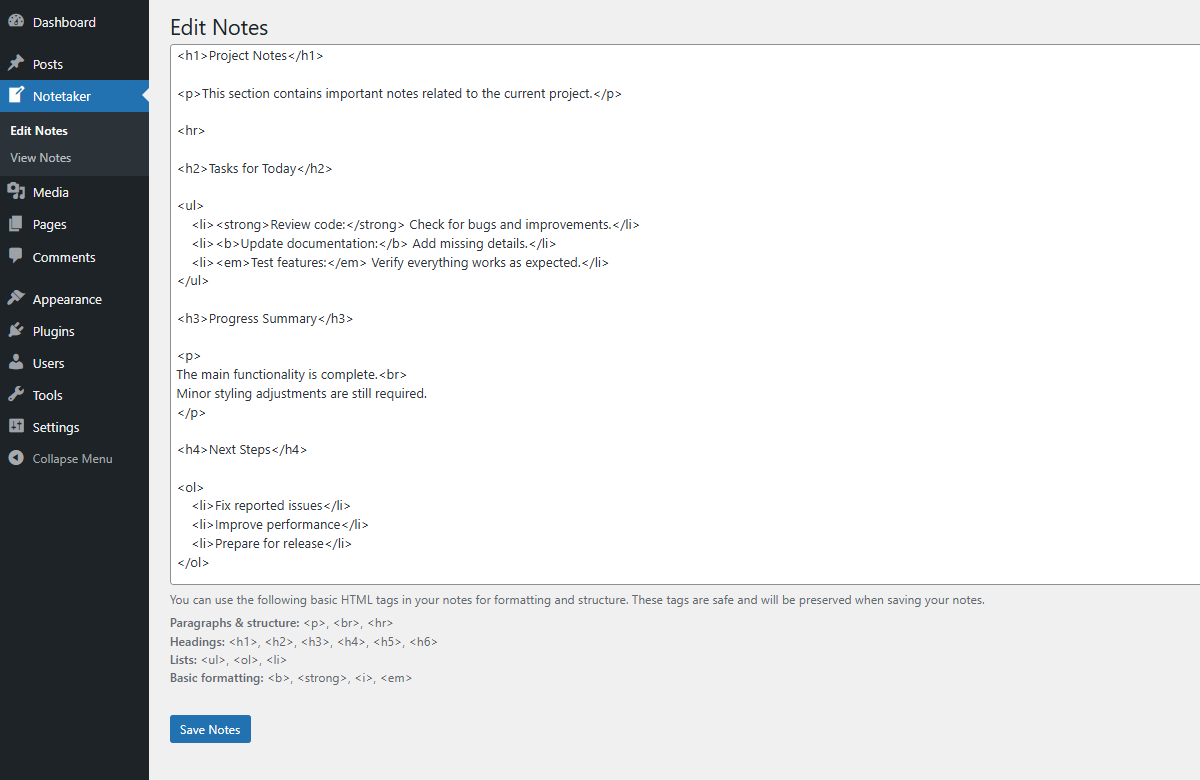
Example of Edit Notes page. 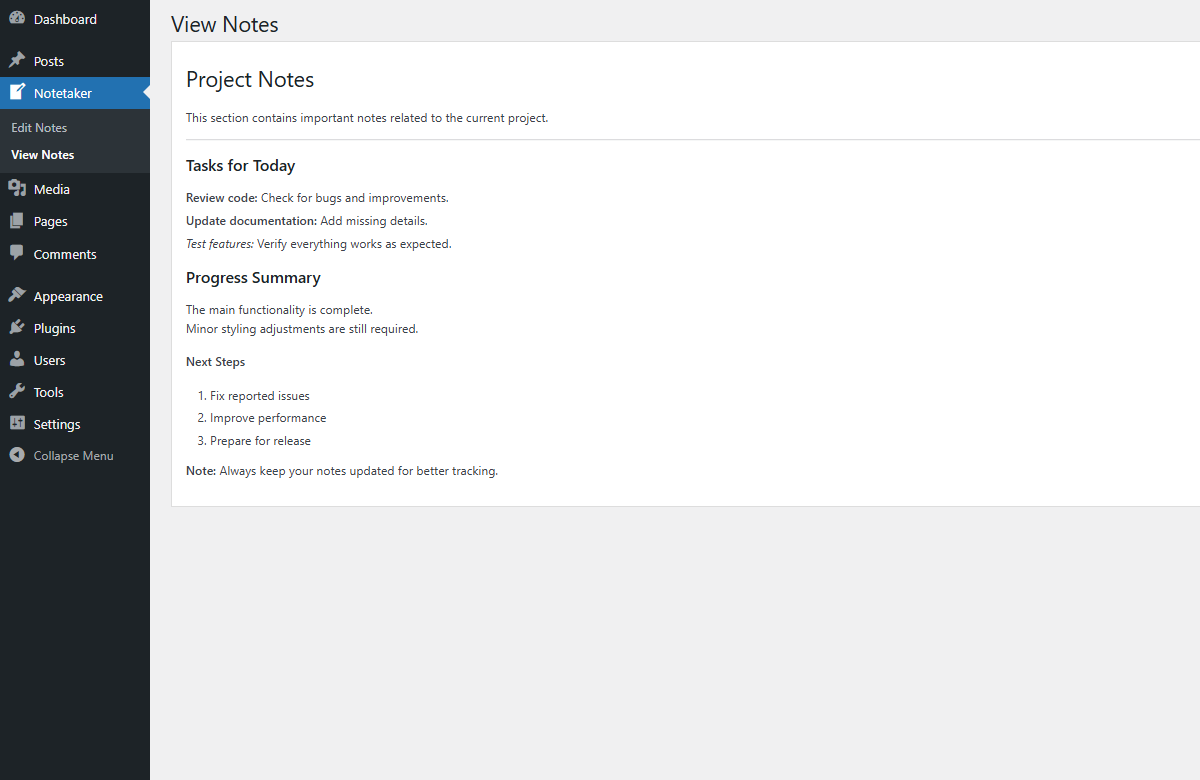
Example of View Notes page.


Installatie
- Upload the plugin files to the
/wp-content/plugins/notetaker-sidebar-notesdirectory, or install the plugin through the WordPress Plugins screen. - Activate the plugin through the Plugins screen in WordPress.
- Navigate to Notetaker > Edit Notes in the WordPress dashboard to create or modify your notes.
- View your saved notes anytime under Notetaker > View Notes.
FAQ
Can I use HTML formatting in my notes?
Yes. The plugin supports a limited set of safe HTML tags such as bold, italic, headings, lists, and paragraphs.
Can I resize the notes editor?
Yes. The notes editor is tall by default and supports vertical drag-resizing.
Beoordelingen
Er zijn geen beoordelingen voor deze plugin.
Bijdragers & ontwikkelaars
“Notetaker – Sidebar Notes” is open source software. De volgende personen hebben bijgedragen aan deze plugin.
Bijdragers
Vertaal “Notetaker – Sidebar Notes” in je eigen taal.
Interesse in ontwikkeling?
Bekijk de code, haal de SVN repository op, of abonneer je op het ontwikkellog via RSS.
Changelog
1.0
- Initial release.

