

Beschrijving

Modal Builder Block
Beschrijving
This small plugin allows you to create a modal / popup / lightbox with WordPress’ default Block editor (Gutenberg). The plugin provides you with a block that can be used for the modal’s trigger and the modal’s window contents. Anything you can do with the block editor, you can use for the modal trigger or the contents.
- Multiple trigger methods. Use the power of the Block Editor to create your trigger (buttons, images, covers, and more).
- Flexible modal content. Similarly to the trigger, use the Block Editor to define the content inside your modal content.
- Supports multiple modals on the same page.
- More to come.
To create a modal, simply use the Modal Builder block to create a trigger. Use another Modal Builder block to create the content (make sure you select the appropriate content type under the modal settings). On both instances, set the “Content ID” to whatever you want as long as both instances match. You are set.
Donations
If you like the plugin, consider leaving a donation to support further development of the plugin. Click here. If you would like custom solutions or the like, please visit HTR.Design.
Schermafbeeldingen
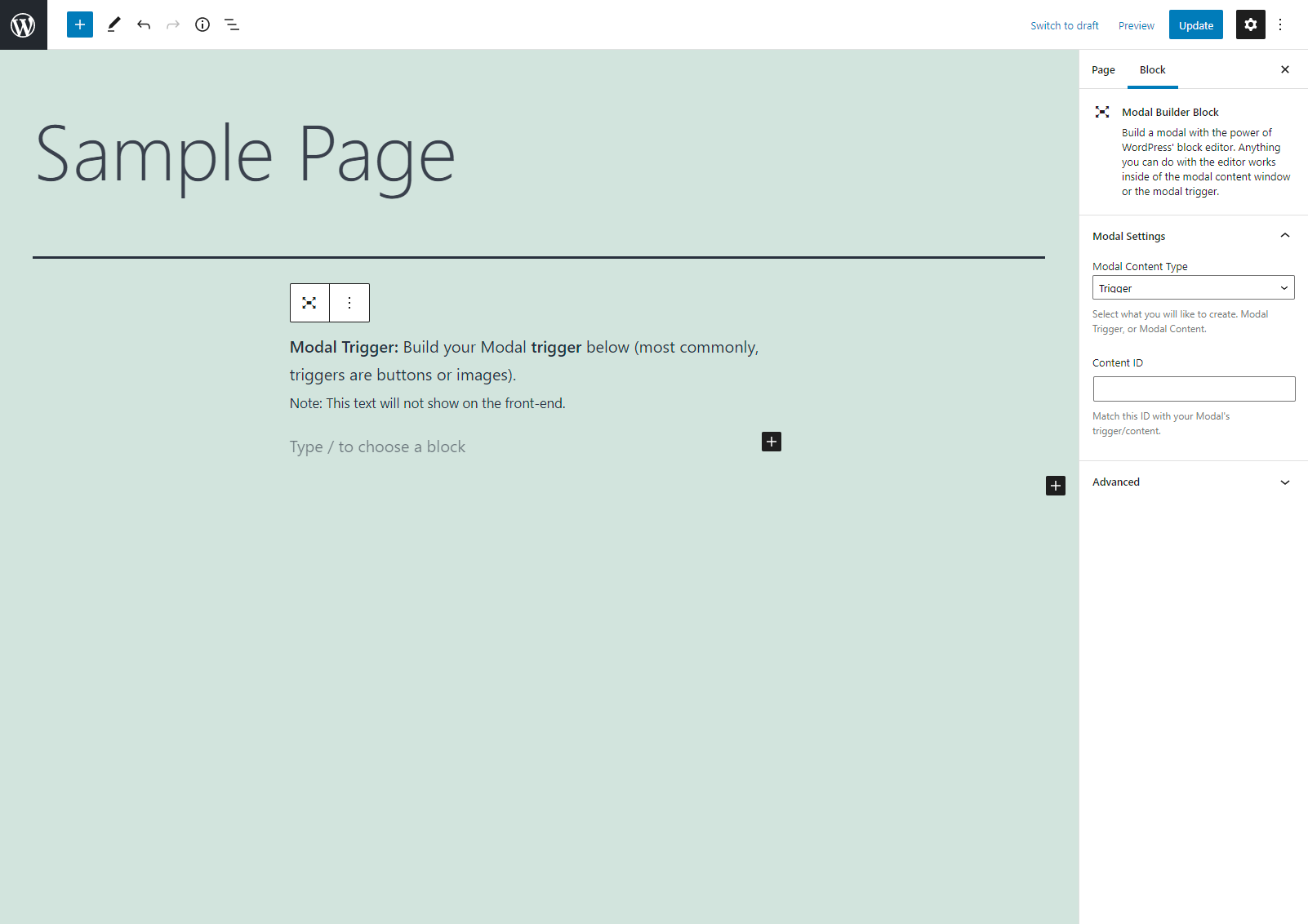
Modal Builder block in action. Adding a trigger. 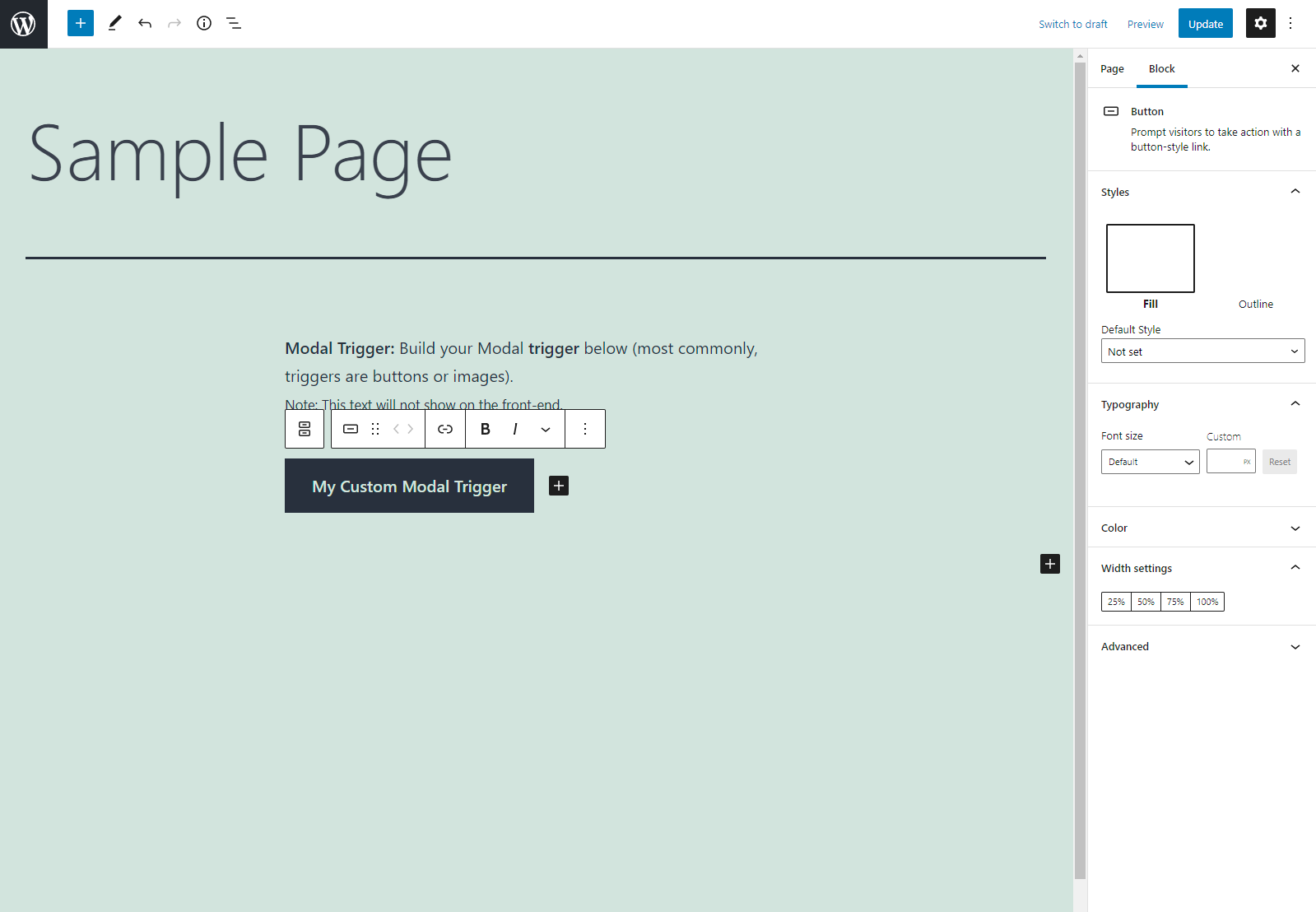
Adding a button block inside the trigger block. 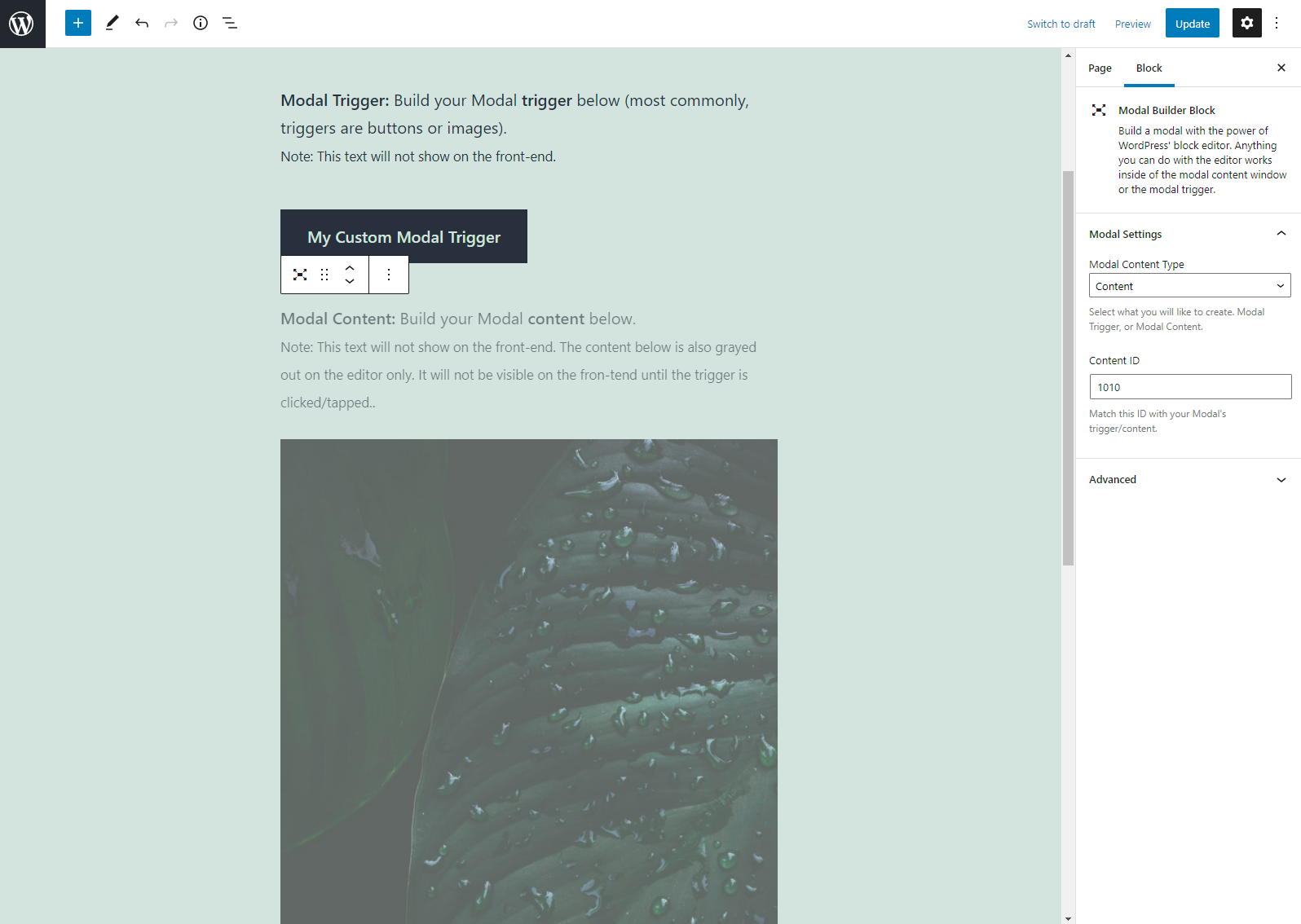
Add another Builder block and change “content type” to content. Add your modal content (like an image).


Blokken
Deze plugin heeft 1 blok.
- Modal Builder Block Build a modal with the power of WordPress' block editor. Anything you can do with the editor works inside of the modal content window or the modal trigger.
FAQ
Will there be more options for customization?
Certainly. Provided there is support and interest, more features will be added as often as we are able to!
Can there be multiple triggers for one Modal?
Yes! You can create as many triggers with different inner blocks as you like.
The plugin does not work properly on auto loaded posts?
Plugins are tested with first party WordPress plugins and themes (Jetpack, Twitenty Twenty-Five). The plugin is not tested with third party plugins or themes. Please try turning those plugins off or switching themes. If you need more assistance, please reach out. Please do note that we won’t have any plugin or theme you have purchased in order to test and troubleshoot with.
Beoordelingen


Bijdragers & ontwikkelaars
“Modal Builder Block” is open source software. De volgende personen hebben bijgedragen aan deze plugin.
Bijdragers
Vertaal “Modal Builder Block” in je eigen taal.
Interesse in ontwikkeling?
Bekijk de code, haal de SVN repository op, of abonneer je op het ontwikkellog via RSS.

