

Beschrijving

Universal Unit Converter
Beschrijving
Universal Unit Converter is a WordPress plugin that adds a beautiful, fully-featured unit conversion widget to your website. With 7 stunning template designs and 8 conversion categories, your visitors can quickly convert between different units of measurement.
The plugin is designed with modern aesthetics and smooth functionality in mind. Whether you run an educational site, a science blog, or any website where unit conversions are helpful, this plugin provides an elegant solution.
What Does Universal Unit Converter Do?
This plugin provides a complete unit conversion solution with:
- 8 Conversion Categories – Length, Weight, Temperature, Volume, Area, Speed, Time, and Data
- 7 Beautiful Templates – Minimal, Dashboard, Gradient, Neumorphism, Floating, Glass, and Split
- Real-time Conversion – Results update instantly as you type
- Responsive Design – Works perfectly on desktop, tablet, and mobile
Who Can Benefit From This Plugin?
Educational Websites: Help students convert units for homework and learning.
Science & Engineering Blogs: Provide useful conversion tools for your readers.
Cooking & Recipe Sites: Let visitors convert cooking measurements easily.
Fitness & Health Sites: Convert weight and measurement units for workouts and nutrition.
Travel & International Sites: Help users convert between metric and imperial systems.
Quick Setup Guide
- Install and activate the plugin through your WordPress dashboard
- Navigate to “Unit Converter” in your admin menu
- Configure the appearance and behavior options
- Copy the shortcode
[converter] - Paste the shortcode into any page, post, or widget area
That’s it. Your unit converter is ready to use.
Universal Unit Converter Features
8 Conversion Categories
- Length – Millimeters, Centimeters, Meters, Kilometers, Inches, Feet, Yards, Miles
- Weight – Milligrams, Grams, Kilograms, Metric Tons, Ounces, Pounds, Stones
- Temperature – Celsius, Fahrenheit, Kelvin
- Volume – Milliliters, Liters, Gallons, Quarts, Pints, Cups, Fluid Ounces
- Area – Square mm/cm/m/km, Hectares, Acres, Square ft/yd
- Speed – Meters/sec, km/hour, Miles/hour, Feet/sec, Knots
- Time – Milliseconds, Seconds, Minutes, Hours, Days, Weeks, Months, Years
- Data – Bytes, Kilobytes, Megabytes, Gigabytes, Terabytes, Bits
7 Beautiful Templates
Each template offers a unique visual style:
- Minimal – Clean sidebar navigation design
- Dashboard – Dark theme with horizontal navigation
- Gradient – Colorful gradient design with modern aesthetics
- Neumorphism – Soft UI design with subtle shadows
- Floating – Modern floating cards layout
- Glass – Frosted glassmorphism effect
- Split – Two-column side-by-side layout
Real-time Conversion
Results update instantly as users type, providing immediate feedback without page reloads.
Fully Responsive
The converter adapts to any screen size – desktop, tablet, or mobile phone.
Customization Options
- Show/hide widget title
- Adjustable border radius
- Configurable decimal places (0-8)
- Number format options (Standard, Scientific, Compact)
- Enable/disable conversion formula display
- Keyboard shortcuts (Enter to swap, Escape to clear)
- Click-to-copy result functionality
Shortcode Support
Use flexible shortcode options:
* [converter] – Display with default settings
* [converter template="glass"] – Use specific template
* [converter category="weight"] – Default to specific category
* [converter template="split" category="temperature"] – Combine options
Widget Ready
Add the converter to any sidebar or widget area using the included WordPress widget.
Self-Hosted Icons
All icons are self-hosted using an optimized SVG sprite – no external dependencies.
Optimized Performance
Lightweight code with minified CSS and JavaScript for fast page loads.
Schermafbeeldingen
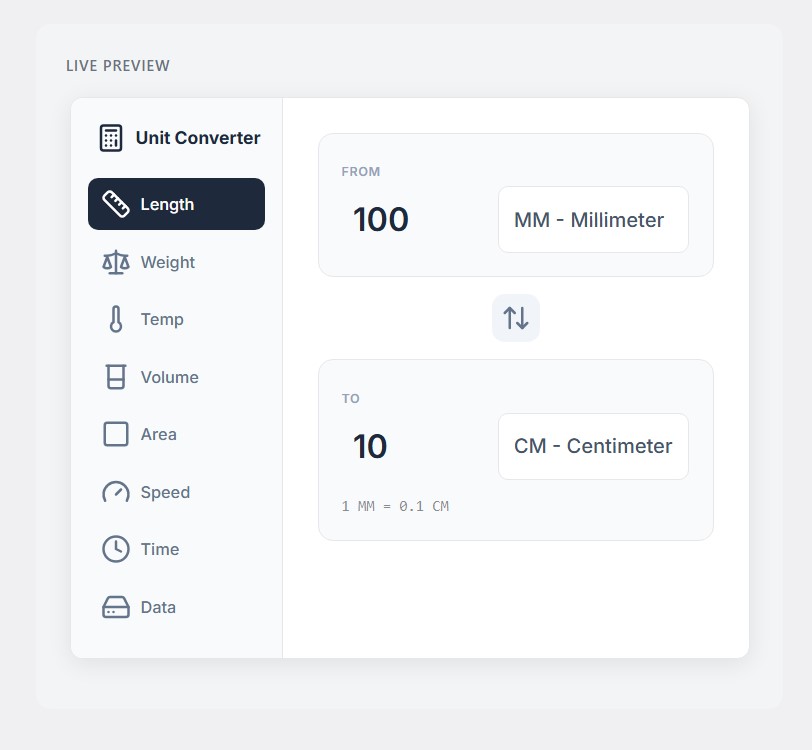
Minimal template – Clean sidebar navigation 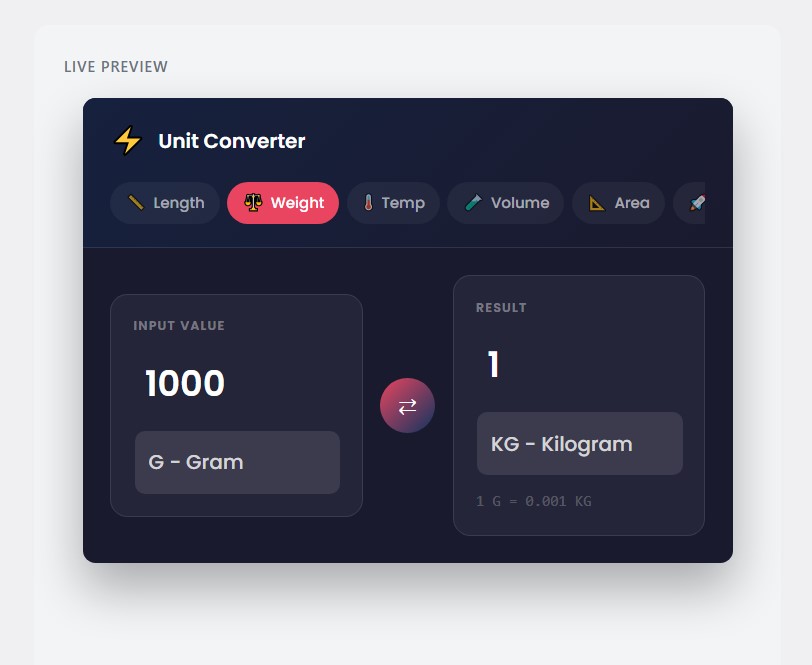
Dashboard template – Dark theme design 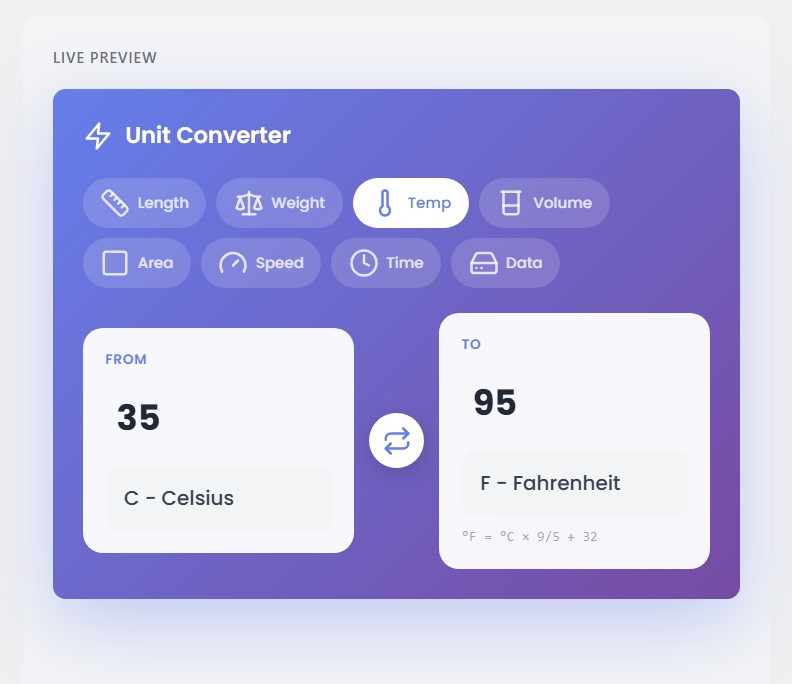
Gradient template – Colorful modern style 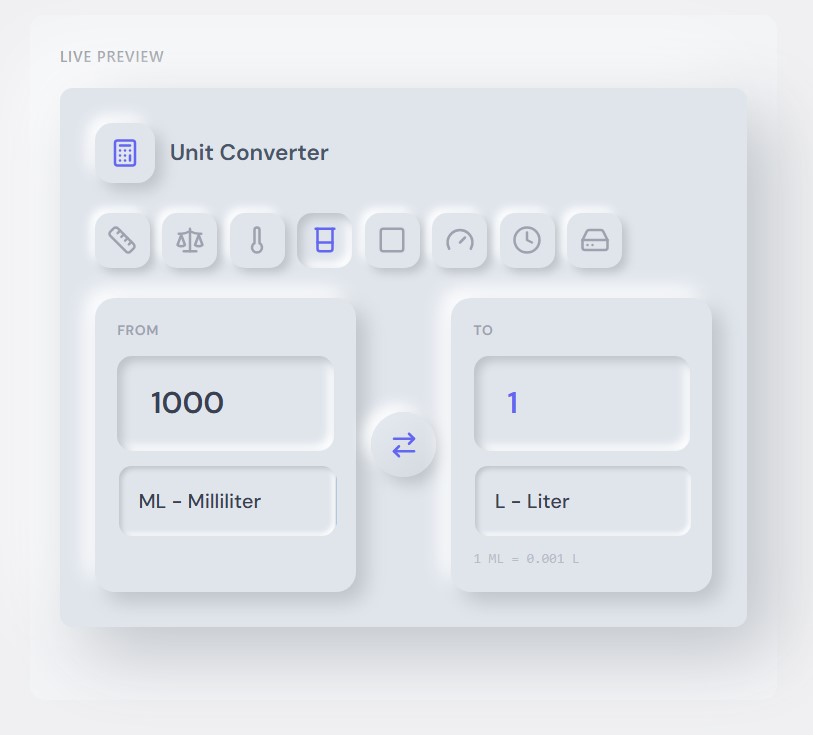
Neumorphism template – Soft UI design 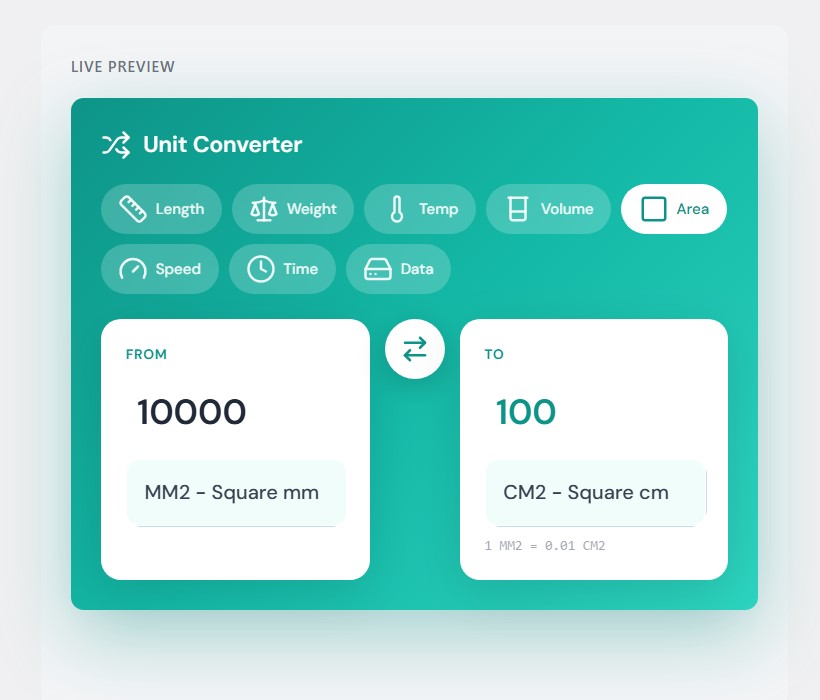
Floating template – Unique design 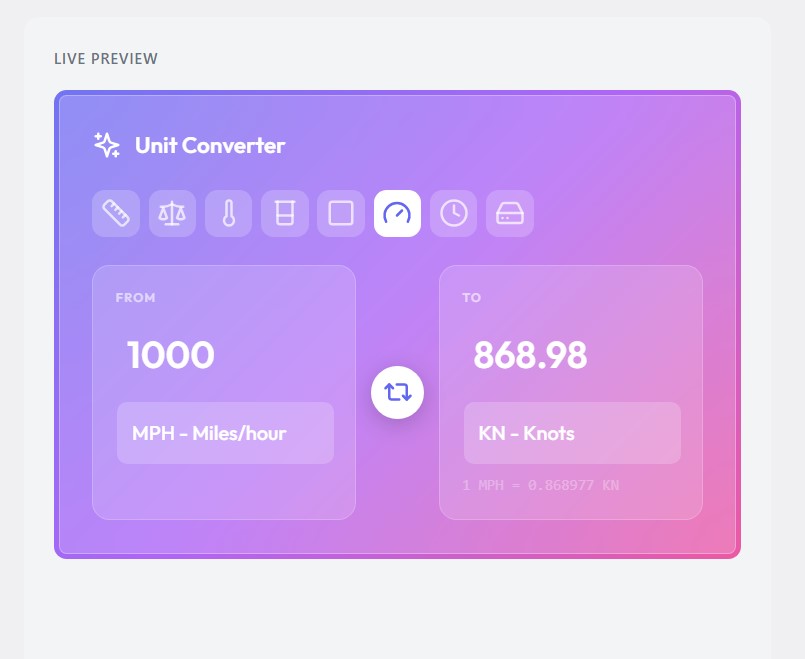
Glass template – Frosted glass effect 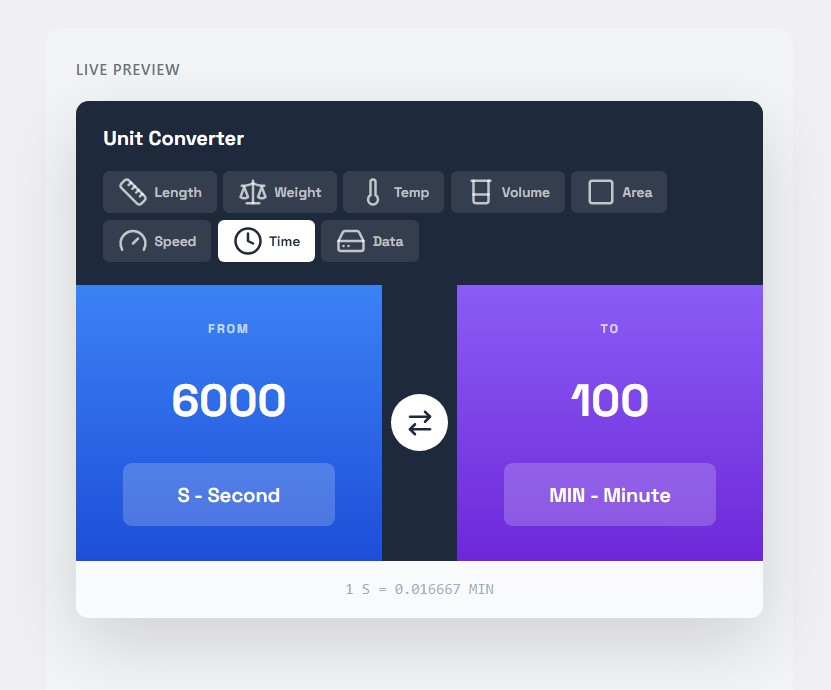
Split template – Two-column layout 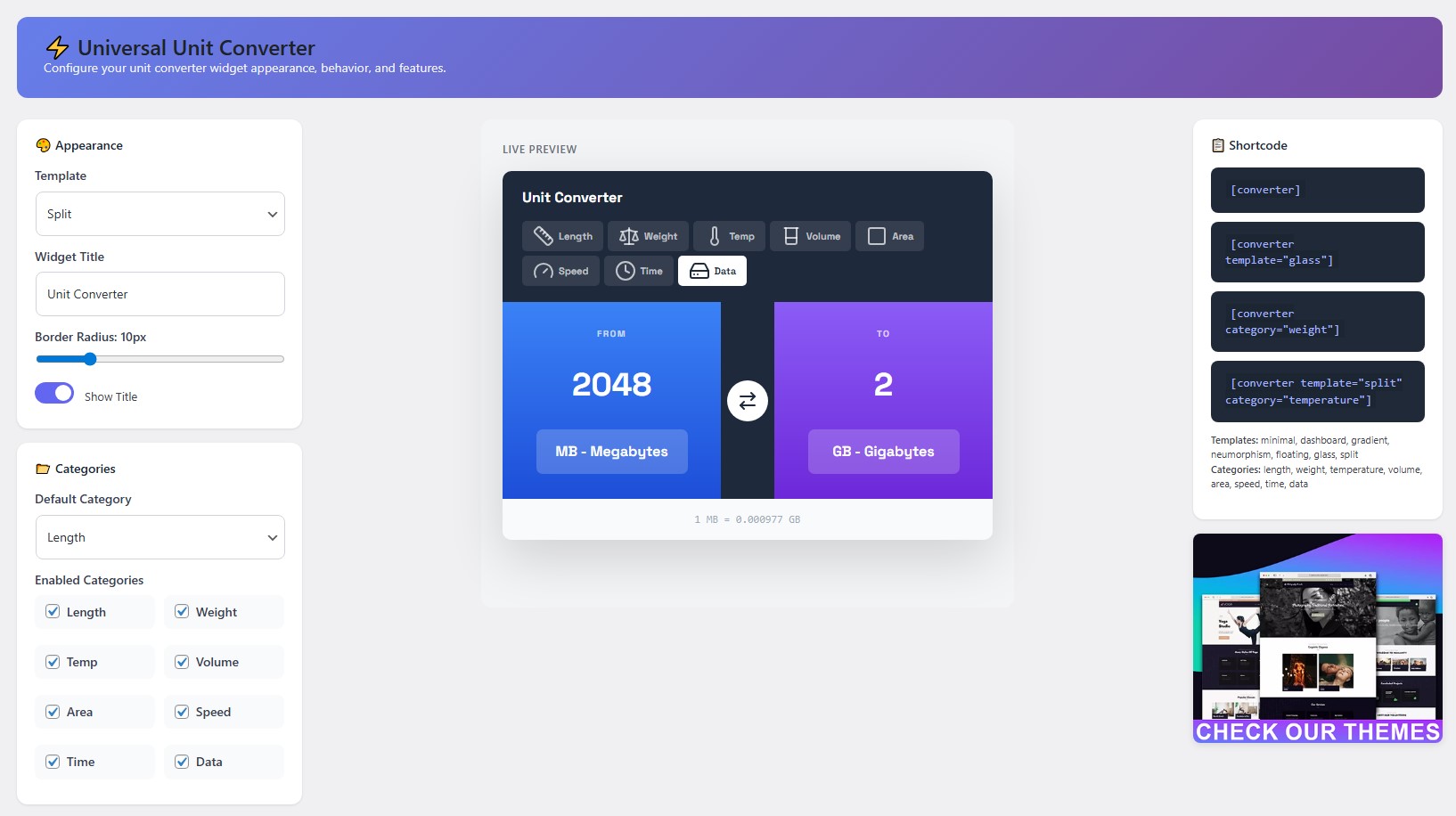
Admin Dashboard settings page 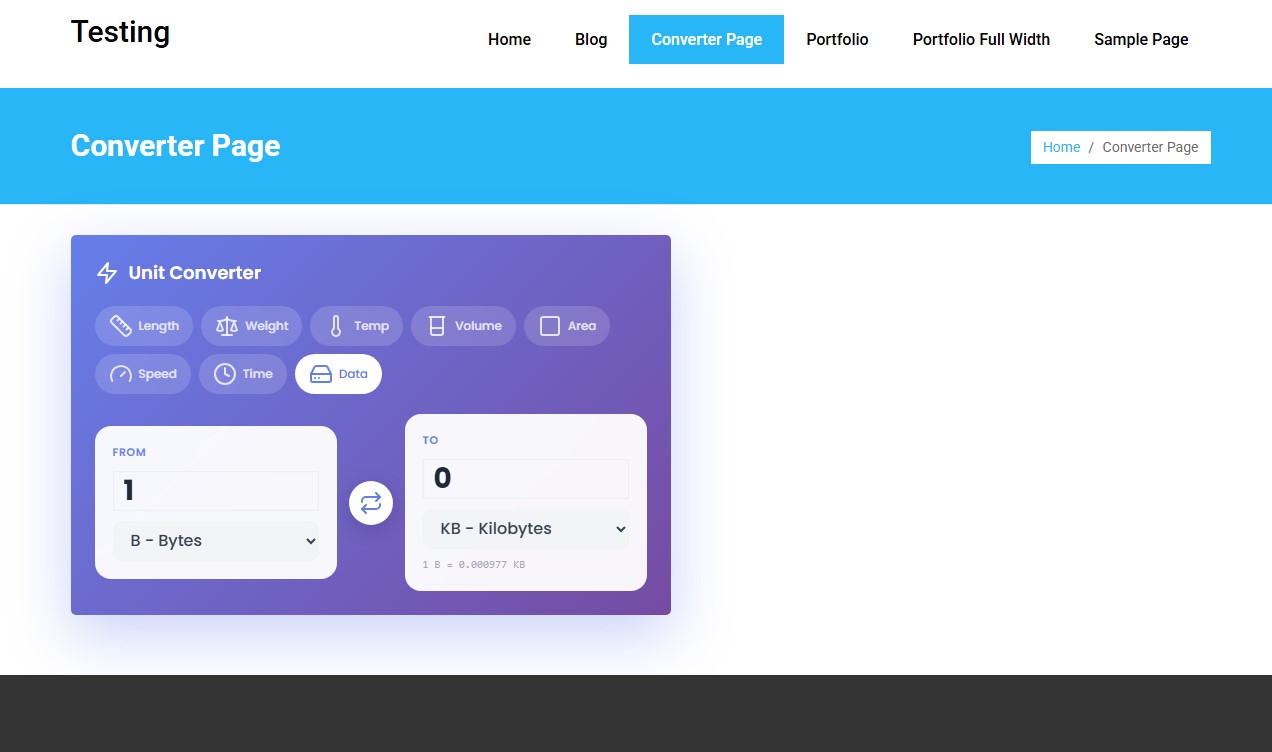
Universal Unit converter live preview on website


Installatie
From WordPress Dashboard
- Go to Plugins > Add New
- Search for “Universal Unit Converter”
- Click Install Now, then Activate
- Find Unit Converter in your admin menu
Manual Installation
- Download the plugin zip file
- Extract and upload the
hash-converterfolder to/wp-content/plugins/ - Activate through the Plugins menu
- Configure settings in Unit Converter menu
FAQ
How do I display the converter on my site?
Use the shortcode
[converter]in any page, post, or text widget. You can also use the Unit Converter widget in sidebar areas.Can I change which categories are shown?
Yes. In the admin settings, you can enable or disable any of the 8 conversion categories.
Does it work on mobile devices?
Yes. All 7 templates are fully responsive and work on any screen size.
Can I use different templates on different pages?
Yes. Use the template attribute in your shortcode:
[converter template="glass"]What are the keyboard shortcuts?
When enabled, press Enter to swap units and Escape to clear the input.
How does click-to-copy work?
When enabled, simply click on the result value to copy it to your clipboard. A “Copied!” notification will appear.
Can I show the conversion formula?
Yes. Enable “Show Formula” in the settings to display the conversion formula below the result.
Will this slow down my website?
No. The plugin is lightweight with self-hosted assets and no external dependencies.
What if I need help?
Post your questions on the WordPress plugin support forum or contact us through our website.
Beoordelingen
Er zijn geen beoordelingen voor deze plugin.
Bijdragers & ontwikkelaars
“Universal Unit Converter” is open source software. De volgende personen hebben bijgedragen aan deze plugin.
Bijdragers


Vertaal “Universal Unit Converter” in je eigen taal.
Interesse in ontwikkeling?
Bekijk de code, haal de SVN repository op, of abonneer je op het ontwikkellog via RSS.
Changelog
1.1.0
- Added: data-format attribute to all templates for Scientific/Compact number formatting
- Fixed: Template names now consistent between dropdown and shortcode examples
- Fixed: WordPress escaping standards compliance in widget class
- Improved: Code cleanup and optimization
- Tested: WordPress 6.9 compatibility
1.0.33
- Fixed: Minimal (Sidebar) template responsive layout on mobile devices
- Fixed: Dashboard template swap button maintaining circular shape
- Improved: CSS specificity for responsive breakpoints
1.0.32
- Fixed: Dashboard template swap button compression issue
- Improved: Protective CSS for all template swap buttons
1.0.31
- Fixed: Restored converter.min.css after accidental corruption
- Fixed: Dashboard template swap button styling
1.0.30
- Added: Container wrapper for proper widget width control
- Fixed: Widget max-width constraint (600px)
1.0.29
- Fixed: Split template swap button distortion
- Fixed: Glass template swap button styling
- Improved: Protective CSS for icon dimensions
1.0.28
- Fixed: Icon rendering timing with window load event
- Added: Retry mechanism for icon initialization
1.0.27
- Fixed: Lucide icons display on frontend
- Fixed: SVG sprite inclusion timing
1.0.26
- Added: Self-hosted Lucide icons (removed CDN dependency)
- Improved: Performance with local SVG sprite
1.0.25
- Fixed: Gradient template layout orientation
- Fixed: Swap button styling across all templates
1.0.24
- Complete plugin rewrite
- Added: 7 beautiful template designs
- Added: 8 conversion categories
- Added: Live preview in admin settings
- Added: Customizable appearance options
- Added: Keyboard shortcuts
- Added: Click-to-copy functionality
- Added: Show formula option
- Added: WordPress widget support

