

Beschrijving

GCheck – WordPress Certificate Plugin & Verification System
Beschrijving
GCheck is a powerful WordPress Certificate Plugin designed for training centers, academies, and online course creators. It simplifies the process of issuing and verifying certificates, ensuring authenticity and building trust with your students.
Whether you need to verify certificates manually or automate the process via API, GCheck provides a robust solution. Its seamless Google Sheets integration allow you to manage thousands of records effortlessly.
🚀 Why Use GCheck Certificate Plugin?
- Boost Credibility: Allow employers and students to verify course completion instantly using a unique ID.
- Save Time: Bulk upload thousands of certificates via CSV or sync directly from Google Sheets.
- Developer Friendly: robust REST API to connect with your custom LMS, mobile app, or external systems.
🌟 Key Features
- Instant Certificate Verification: Add a
[validate_certificate_form]shortcode anywhere to let users check certificate validity in real-time. - Google Sheets Sync: The only certificate plugin that lets you manage student data effectively using your favorite spreadsheet tool.
- Bulk CSV Upload: Import massive datasets of student records in seconds.
- REST API Support: Full programmatic access to Create, Read, Update, and Delete (CRUD) certificates.
- Customizable Data: Store essential details like Student Name, Course Name, Hours, Date, and Unique Serial Numbers.
- Secure & Lightweight: Optimized for performance with a focus on data integrity.
🔗 Integrations
- Google Sheets: Connects directly for real-time bulk management.
- LMS Compatibility: Works alongside popular LMS plugins by handling the verification layer independently.
🟢 How to Use
- Install & Activate: Get GCheck from the WordPress Repository.
- Add Certificates: Use the admin dashboard, upload a CSV, or connect Google Sheets.
- Publish Verification Form: Place
[validate_certificate_form]on your “Verify Certificate” page. - Done! Your students can now validate their achievements.
Instructions
Using Google Sheets for Bulk Upload
Managing certificates via Google Sheets is efficient and prevents data entry errors.
1. Get the Template
- Open the official Google Sheets Template.
- Click File > Make a copy to save it to your Drive.
2. Add Your Data
- Row 1 & 2: DO NOT CHANGE (These contain system headers).
- Columns:
- B (Full Name): Student’s name.
- C (Course): Course or Workshop title.
- D (Hours): Duration (numeric).
- E (Date): Completion date (DD/MM/YYYY).
3. Export & Upload
- In Google Sheets, go to File > Download > Comma-separated values (.csv).
- In WordPress, go to GCheck > Bulk Upload and select your file.
REST API
Developers can use the GCheck REST API to build custom integrations.
* Base URL: https://your-site.com/wp-json/gcheck/v1/
* Header: X-API-Key: YOUR_API_KEY
Endpoints:
* POST /certificates – Issue a new certificate.
* GET /certificates?code={CODE} – Verify a certificate.
* PATCH /certificates/{id} – Update details.
* DELETE /certificates/{id} – Revoke a certificate.
Schermafbeeldingen

GCheck Dashboard – Overview of your certificate system. 
Add Certificate – Manual entry form for single records. 
Bulk Upload – Interface for CSV and Google Sheets imports. 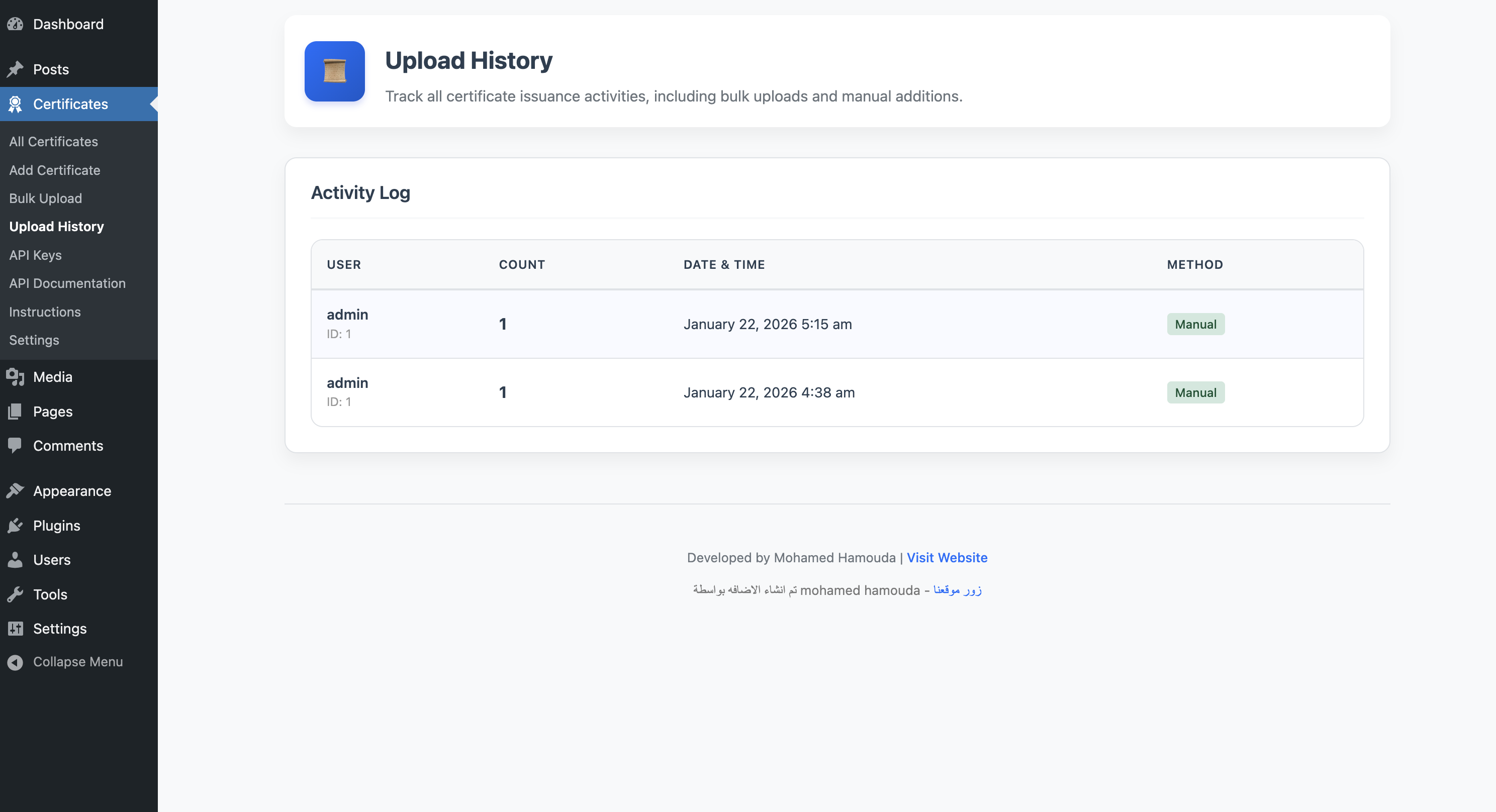
Upload History – Track all your bulk import batches. 
Instructions – In-dashboard guide for admins. 
Settings – Configure plugin options. 
REST API – Manage API keys and permissions. 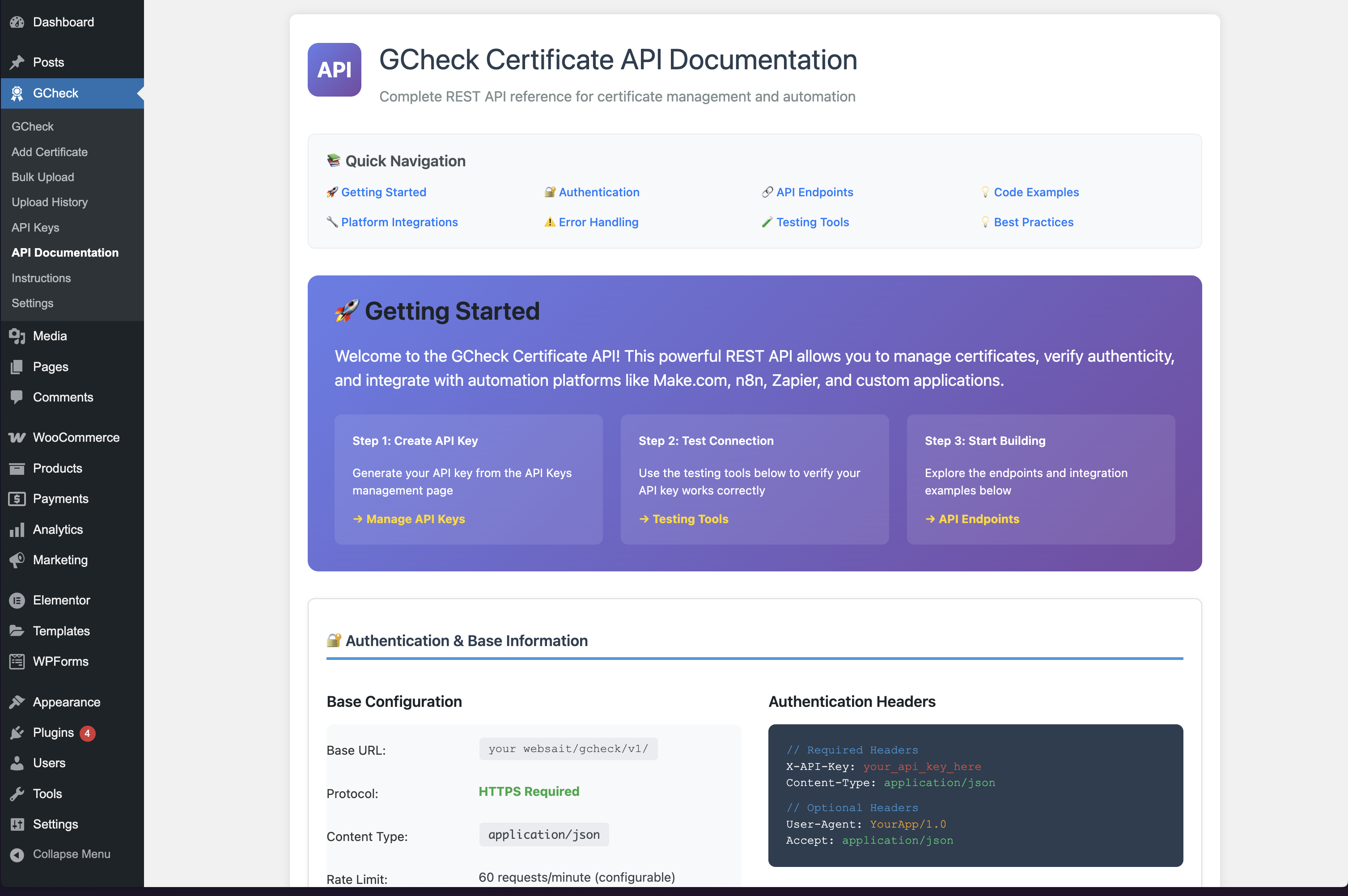
API Docs – Developer documentation.


Installatie
- Upload
gcheck-certificatefolder to the/wp-content/plugins/directory. - Activate the plugin through the Plugins menu in WordPress.
- Go to the GCheck menu to start adding and managing certificates.
FAQ
Can I use this for university degrees?
Yes, GCheck is perfect for universities, training centers, and online schools needing a verification system.
Does it work with Elementor or Divi?
Absolutely. The shortcode
[validate_certificate_form]works in any page builder text widget.Is the Google Sheets integration free?
Yes, the feature is built-in and free to use.
How do I generate API Keys?
Go to GCheck > Settings > API Keys to generate and manage secure access keys.
Beoordelingen


Bijdragers & ontwikkelaars
“GCheck – WordPress Certificate Plugin & Verification System” is open source software. De volgende personen hebben bijgedragen aan deze plugin.
Bijdragers
Vertaal “GCheck – WordPress Certificate Plugin & Verification System” in je eigen taal.
Interesse in ontwikkeling?
Bekijk de code, haal de SVN repository op, of abonneer je op het ontwikkellog via RSS.
Changelog
1.3.6
- Minor improvements and stability fixes.
1.3.5
- Fixed Guideline Violation: Removed admin notice cleaner.
- Fixed: “Sorry, you are not allowed to access this page” error by updating capability checks.
- Updated: Contributors and tags to comply with guidelines.
1.3.4
- Fixed critical fatal error on activation.
- Added UI help text for API Keys.
- Database schema stability improvements.
1.3.3
- New: Full REST API support.
- New: Google Sheets bulk operation workflow.
- Improvement: Enhanced Admin UI.
1.3.2
- Initial public release.

