

Beschrijving

Deze plugin is niet getest met de laatste 3 grotere versies van WordPress. Mogelijk wordt het niet meer onderhouden of ondersteund. Ook kunnen er compatibiliteitsproblemen ontstaan wanneer het wordt gebruikt met recentere versies van WordPress.

Tipso
Beschrijving
Tipso is a simple WordPress tooltip plugin that displays a responsive, animated, fully customizable tooltip when the visitor hovers over the matched element.
Usage
The plugin adds a button in the editor. On click it opens a modal window where you can enter the tooltip content. It generates a shortcode and inserts it in the editor.
The shortcode
[tipso tip=”Tooltip content”]Hover me[/tipso]
You can also manually add the shortcode in the editor, or you can assing the tooltip functionality to any element simply by adding a class tipso and for the content add a data-tipso=”Tooltip content”
For making changes to the default tooltip options (background color, content color etc.) go to “Settings/Tipso Settings”
Check the demo
Schermafbeeldingen
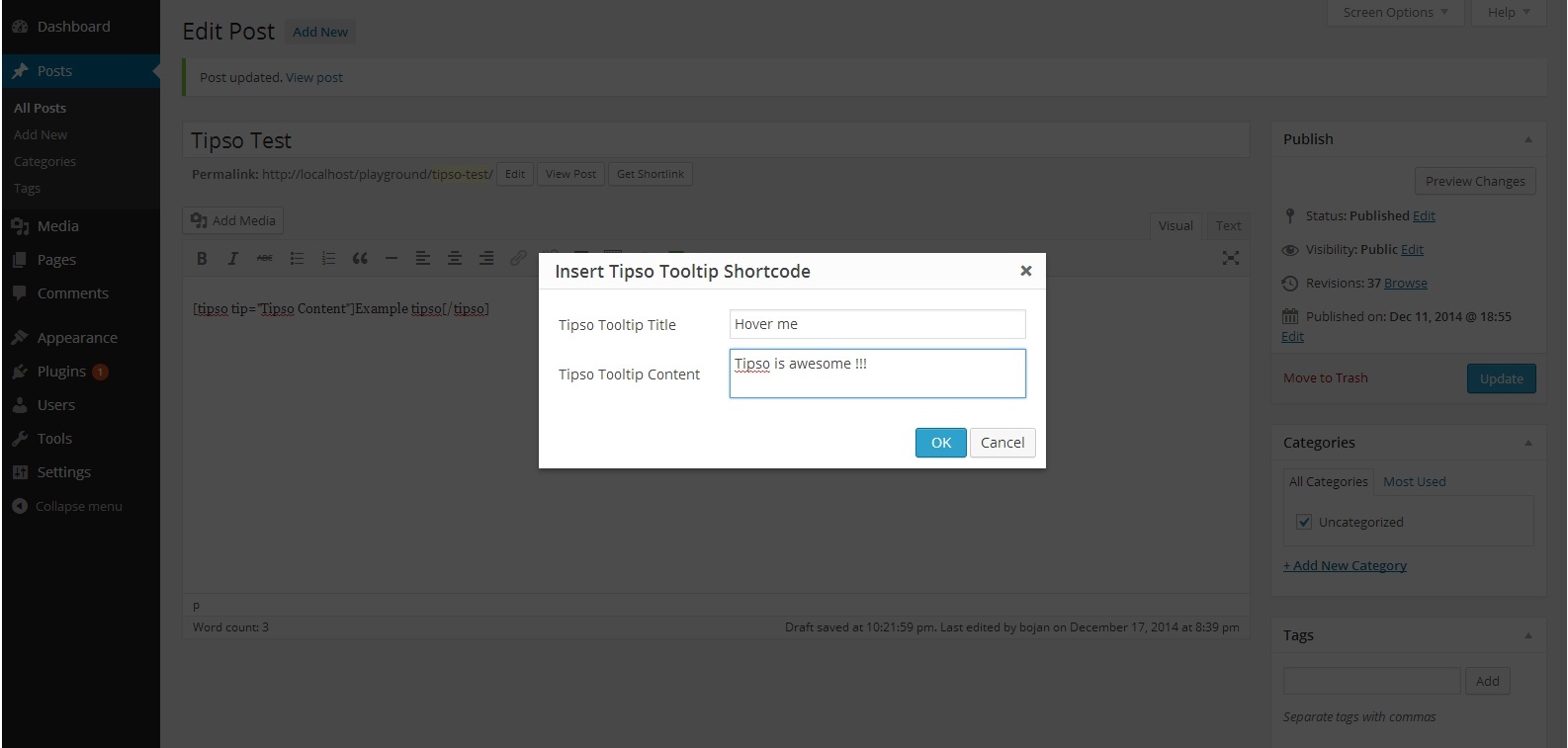
Editor 
In Action 
Settings Page


Installatie
- Unzip the plugin and upload it to your site\’s “/wp-content/plugins/” folder.
- Activate the plugin through the \’Plugins\’ menu in WordPress.
- Modify the plugin’s option settings
- Check out your new button in the content editor.
FAQ
For any question feel free to contact me 🙂
Beoordelingen


Bijdragers & ontwikkelaars
“Tipso” is open source software. De volgende personen hebben bijgedragen aan deze plugin.
Bijdragers
Vertaal “Tipso” in je eigen taal.
Interesse in ontwikkeling?
Bekijk de code, haal de SVN repository op, of abonneer je op het ontwikkellog via RSS.
Changelog
1.0.0
- Initial release

