

Beschrijving


SunCart Data Migration from Shopify for WooCommerce
Beschrijving
SunCart Data Migration from Shopify for WooCommerce helps you seamlessly migrate data from your Shopify store to your WooCommerce-powered WordPress site. Whether you’re moving to WooCommerce or syncing important data, this plugin simplifies the process with an intuitive UI and powerful features.
Key Features:
- Import products (simple and variable) with images, prices, and descriptions.
- Map Shopify collections to WooCommerce product categories.
- Import blog articles from Shopify to WordPress posts.
- Import orders and customers from Shopify to WordPress posts.
- Support for global attributes in variations.
- Batch import with AJAX progress bar to handle large datasets.
- Compatible with latest WooCommerce and WordPress versions.
- Secure, optimized code that follows WordPress coding standards.
License
This plugin is licensed under the GPLv2 or later. See LICENSE file for details.
Schermafbeeldingen
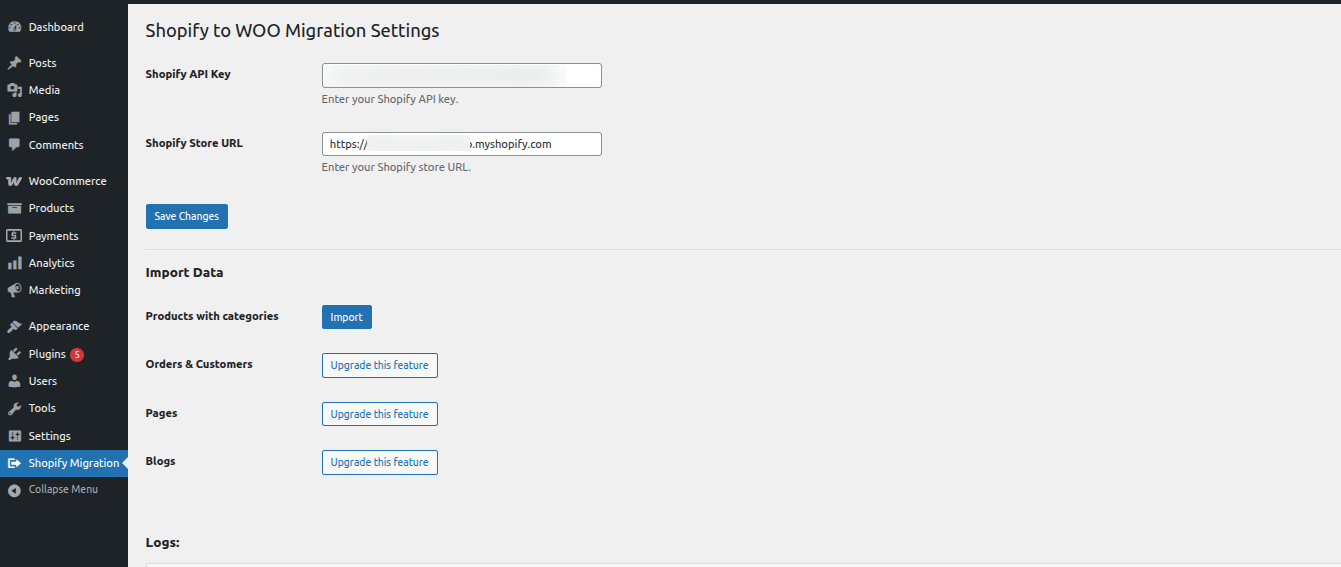
SunCart Data Migration from Shopify for WooCommerce – Settings Panel 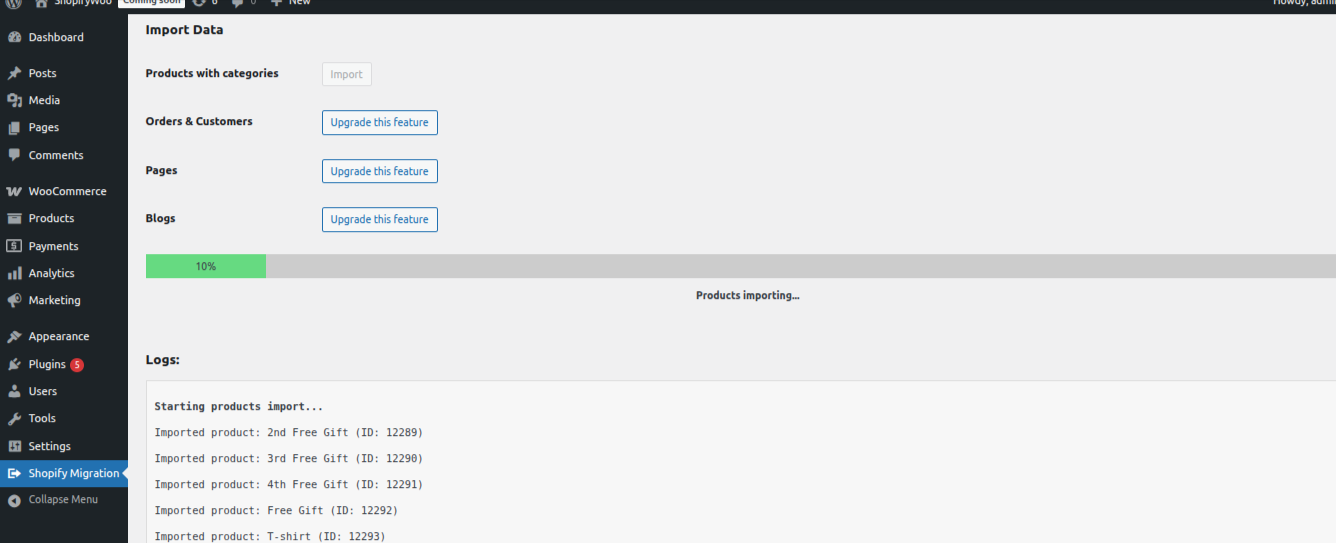
Product Import Progress


Installatie
- Upload the plugin files to the
/wp-content/plugins/suncart-data-migration-from-shopify-for-woocommercedirectory, or install the plugin through the WordPress admin. - Activate the plugin through the ‘Plugins’ screen in WordPress.
- Go to Tools > Shopify Importer to begin importing your data.
FAQ
Does this plugin support importing variable products?
Yes. It maps Shopify variants to WooCommerce variable products using global attributes.
Will this plugin import images from Shopify?
Yes, featured and gallery images are imported and attached to WooCommerce products.
Can I import blog posts from Shopify?
Yes, blog articles are imported as WordPress posts with the original publish date, author, and tags.
Is this plugin safe to use on a live site?
Yes, but it’s recommended to back up your site before large imports.
Beoordelingen
Er zijn geen beoordelingen voor deze plugin.
Bijdragers & ontwikkelaars
“SunCart Data Migration from Shopify for WooCommerce” is open source software. De volgende personen hebben bijgedragen aan deze plugin.
Bijdragers
Vertaal “SunCart Data Migration from Shopify for WooCommerce” in je eigen taal.
Interesse in ontwikkeling?
Bekijk de code, haal de SVN repository op, of abonneer je op het ontwikkellog via RSS.
Changelog
1.0.0
- Initial release.
- Import products and collections from Shopify.

