

Beschrijving


Sticky CTA Button
Beschrijving
Sticky CTA Button is a WordPress plugin that adds a customizable floating CTA (Call-to-Action) button and back-to-top button to your website. The plugin offers extensive customization options including:
- Flexible positioning – Choose from 4 corner positions
- Custom styling – Set your own colors, icons, and text
- Automatic combination – When both buttons are enabled, they’re automatically combined
- Responsive design – Works perfectly on all devices
- Accessibility – Full keyboard navigation and screen reader support
- Performance optimized – Lightweight and fast loading
Features
- Action Button: Create a call-to-action button with custom text, icon, and link
- Back-to-Top Button: Smooth scrolling back to top with customizable icons
- Smart Layout: Buttons automatically combine when both are enabled
- Icon Library: Choose from 16+ Font Awesome icons for each button
- Color Customization: Set custom background and text colors
- Position Control: Place buttons in any corner of the screen
- Layout Options: Vertical or horizontal combined layouts
- Rounded Corners: Optional rounded corner styling
- Mobile Responsive: Automatically adapts to smaller screens
Schermafbeeldingen
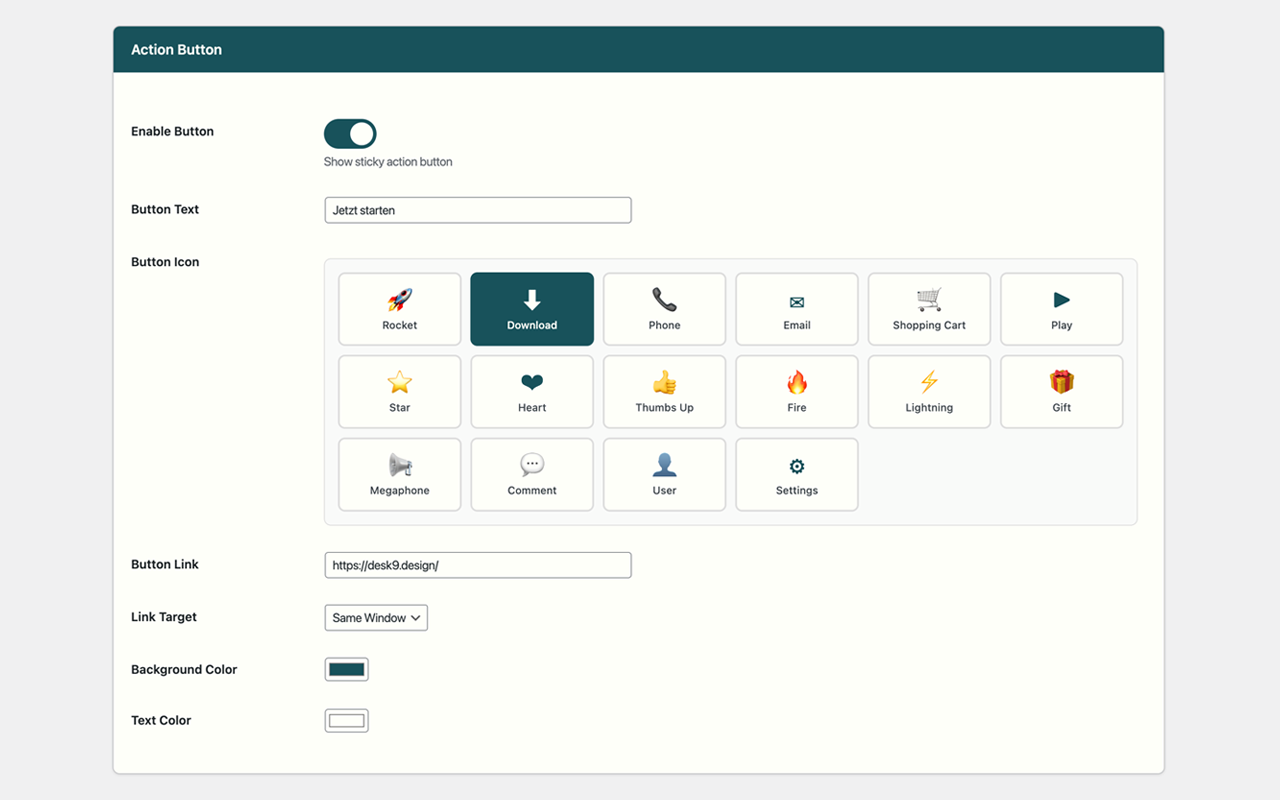
Plugin settings page with all customization options 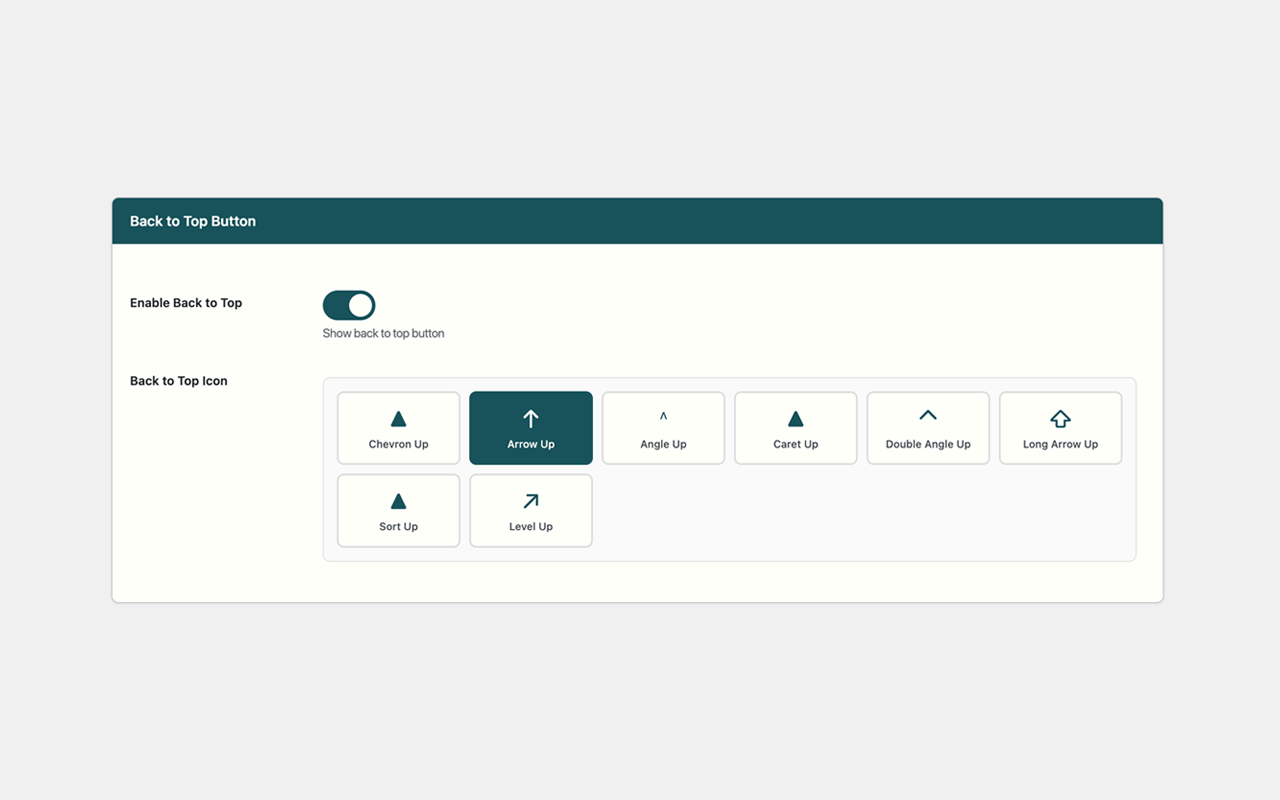
Example of action button with custom styling 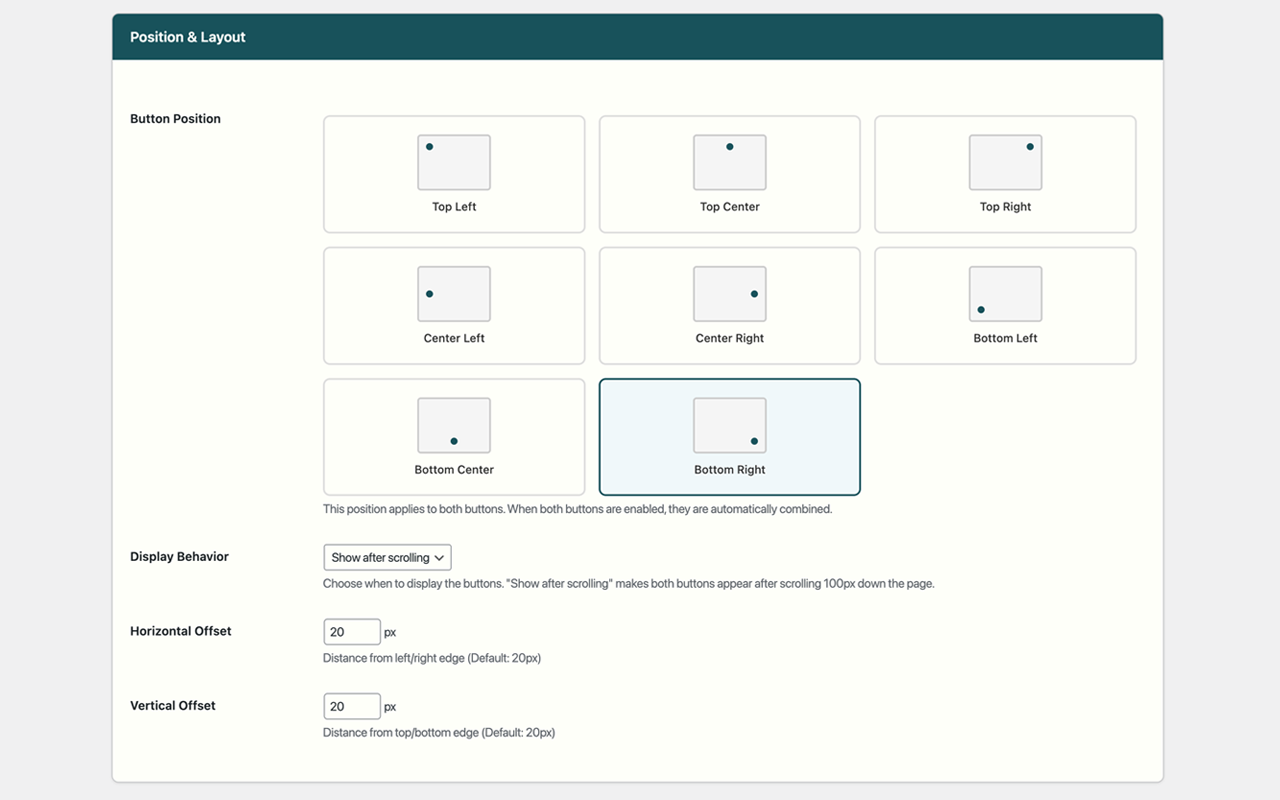
Combined buttons in vertical layout 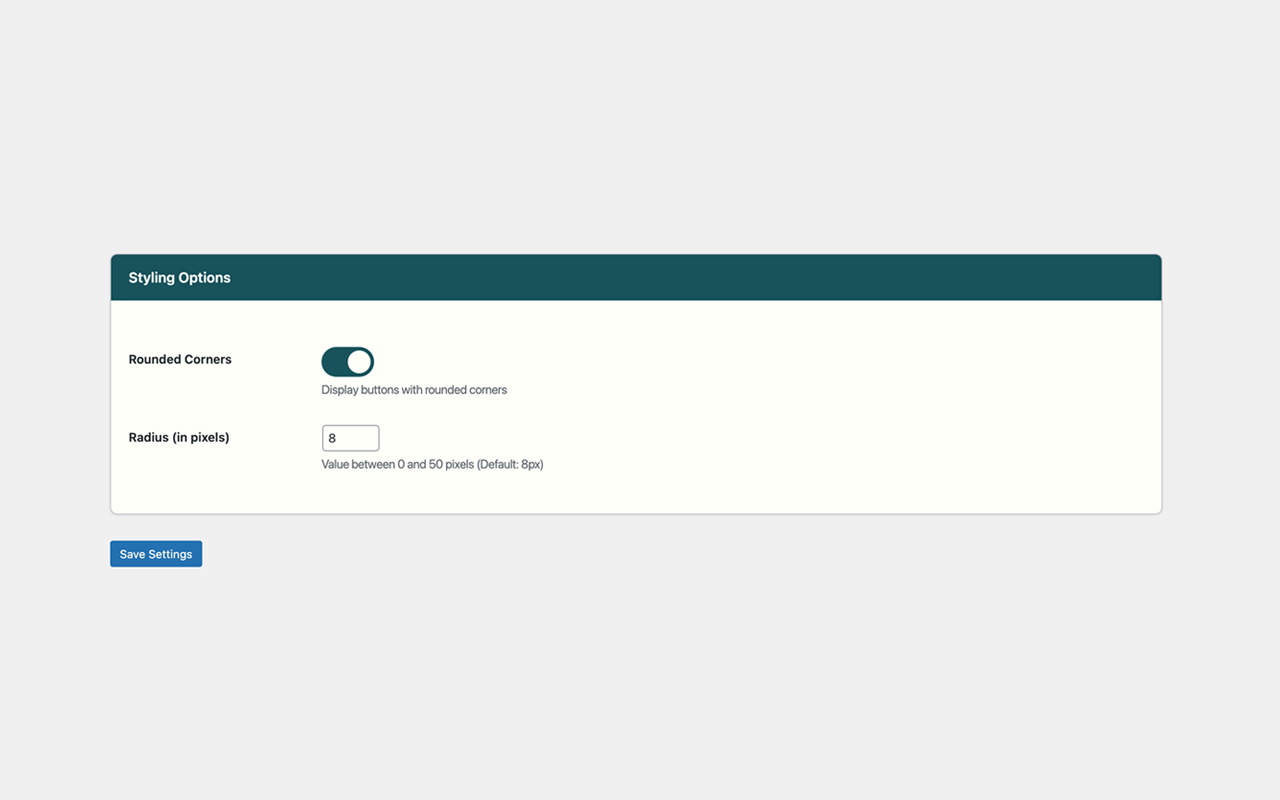
Mobile responsive design


Installatie
- Upload the plugin files to the
/wp-content/plugins/sticky-cta-buttondirectory, or install the plugin through the WordPress plugins screen directly. - Activate the plugin through the ‘Plugins’ screen in WordPress
- Use the Settings->Sticky CTA Button screen to configure the plugin
FAQ
Go to Settings > Sticky CTA Button in your WordPress admin. You can customize colors, text, icons, and positioning from there.
Yes! When both the action button and back-to-top button are enabled, they automatically combine into a single elegant unit.
Is the plugin mobile-friendly?
Absolutely! The plugin is fully responsive and automatically adjusts for mobile devices.
Does it affect site performance?
No, the plugin is lightweight and only loads necessary resources when buttons are enabled.
Beoordelingen
Er zijn geen beoordelingen voor deze plugin.
Bijdragers & ontwikkelaars
“Sticky CTA Button” is open source software. De volgende personen hebben bijgedragen aan deze plugin.
Bijdragers
Vertaal “Sticky CTA Button” in je eigen taal.
Interesse in ontwikkeling?
Bekijk de code, haal de SVN repository op, of abonneer je op het ontwikkellog via RSS.
Changelog
1.0.0
- Initial release
- Action button functionality
- Back-to-top button functionality
- Automatic button combination
- Full customization options
- Responsive design
- Accessibility features

