

Beschrijving

Deze plugin is niet getest met de laatste 3 grotere versies van WordPress. Mogelijk wordt het niet meer onderhouden of ondersteund. Ook kunnen er compatibiliteitsproblemen ontstaan wanneer het wordt gebruikt met recentere versies van WordPress.

Simple Blurb
Beschrijving
This plugin will allow you to add a blurb from the WordPress block editor.
Blurbs are a great way to inform your visitors about important content of your website by using a image, a title and a description.
For the title and the description we use built-in Gutenberg blocks.
Features
- Alignments: you will able to align the blurb content, the image, the title and the description from the block toolbar
- Image top animation: enable a smooth top animation from the settings sidebar
- New blocks in the description: enable the ability to add new blocks (paragraphs and list) from the settings toolbar.
- Customization: This plugin offer fields to set the blurb maximum width, color, padding, etc.
- This is just a simple blurb. If people use it and like it, new interesting features will be added!
Schermafbeeldingen
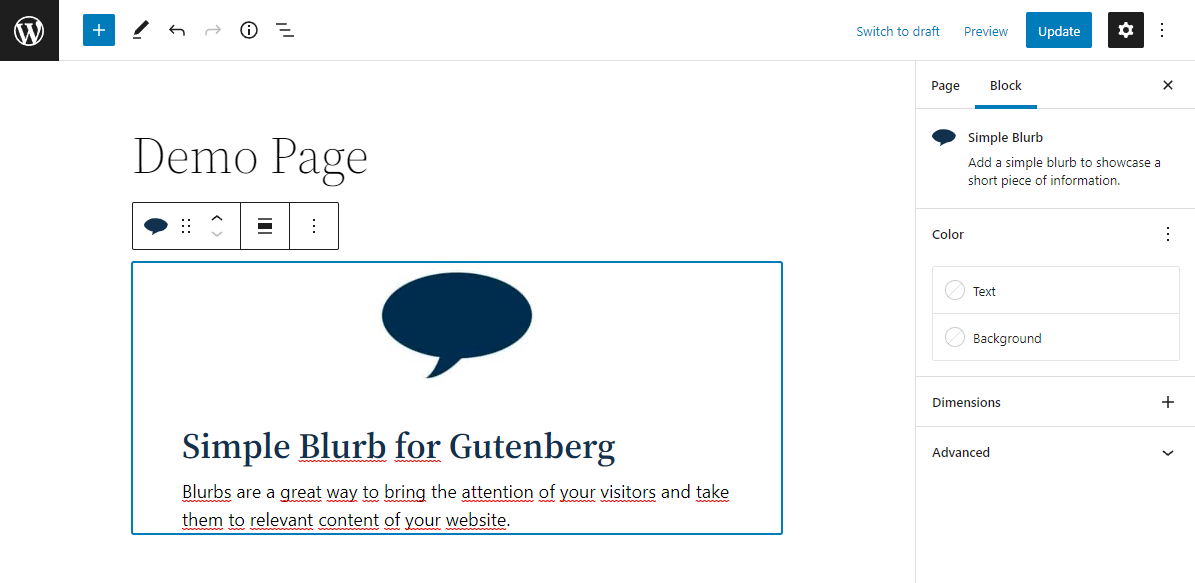
Block editor: Blurb. 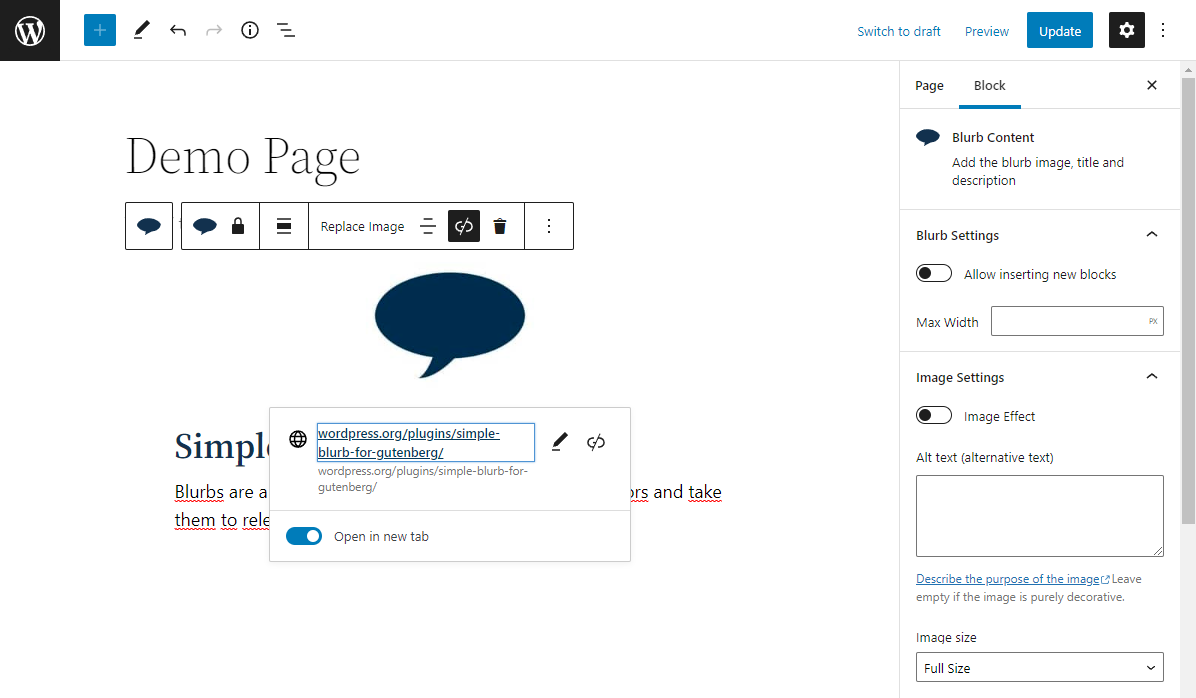
Block editor: Blurb Content. 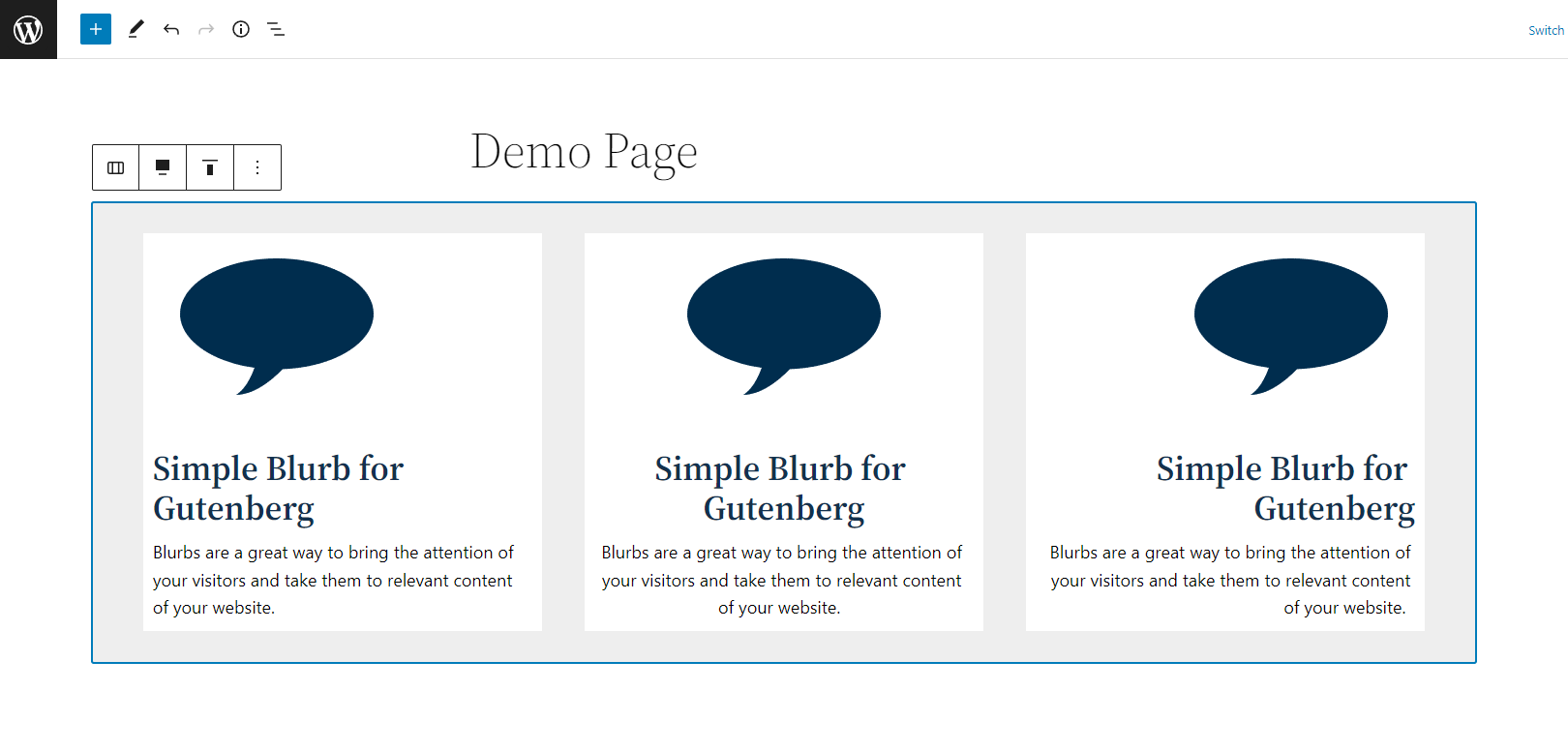
Block editor: Blurbs.


Blokken
Deze plugin heeft 1 blok.
- Simple Blurb Add a simple blurb to showcase a short piece of information.
Installatie
- Upload the plugin files to the
/wp-content/plugins/jc-blocks-simple-blurbdirectory, or install the plugin through the WordPress plugins screen directly. - Activate the plugin through the ‘Plugins’ screen in WordPress
- Once the plugin has been activated, a new block called ‘Simple Blurb’ will appear in the block inserter.
Beoordelingen

Bijdragers & ontwikkelaars
“Simple Blurb” is open source software. De volgende personen hebben bijgedragen aan deze plugin.
Bijdragers
Vertaal “Simple Blurb” in je eigen taal.
Interesse in ontwikkeling?
Bekijk de code, haal de SVN repository op, of abonneer je op het ontwikkellog via RSS.
Changelog
1.0.0
- Plugin release.

