

Beschrijving


Season Spark
Beschrijving
Season Spark loads tasteful front-end particle effects and lightweight visual overlays. The plugin’s implementation and admin UI provide the following behavior and options (exactly as implemented in the plugin):
- Included effects:
christmas(snow/twinkles),halloween(ghosts/pumpkins + fog overlay),valentines(hearts + confetti),newyear(occasional fireworks bursts),easter(eggs & bunnies, occasional large egg drop),thanksgiving(falling leaves + occasional turkey popup),independence(fireworks + occasional flag/spark bursts),diwali(lights/diya sparkles + occasional diya popup),hanukkah(menorah sparkles + occasional menorah popup), andgeneric(custom graphics: rain/stars/bubbles or an uploaded background). - Per-effect configuration:
enabled, optionalschedulewithstart/enddates,density,speed, andcolorfor effects that use color (the admin shows color pickers only for effects that accept color). - Custom Graphics support: the
genericeffect can use an uploaded background (custom_bg) and an uploaded custom cursor image (custom_cursor_image). Whencustom_bgis set the plugin creates a lightweight animated background element instead of particles. - Custom Cursor support: when a per-effect
custom_cursoris enabled the front-end will attempt to use a providedcustom_cursor_imageor bundled SVG image as an overlay cursor (implemented by the public JS initializer). - Accessibility: the plugin respects the user’s
prefers-reduced-motionsetting, supports a site-levelmotion_reducedadmin toggle, and prints a small per-user motion toggle (stored inlocalStorage). When reduced motion is active, visual initialization is skipped. - Performance: only enabled effects have their per-effect JS files enqueued; the plugin localizes
seasonSparkSettingsandseasonSparkImagesfor front-end initialization and ships thetsparticlesbundle underassets/vendor/tsparticles/.
Admin and developer features (as implemented):
- Admin pages: top-level “Season Spark” menu with the subpages
Effects,Settings, andFor Devs. - Settings: global toggles (load particle library, reduce motion) and default density/speed values; the Effects page exposes per-effect controls, schedule toggles, density/speed inputs, color pickers for color effects, and WP Media-based selectors for custom background/cursor on the
genericeffect. - Developer filters present in the code:
seasonspark_get_registered_effects(modify the list of effects),seasonspark_settings_for_js(filter settings passed to front-end JS), andseasonspark_images_for_js(filter the image mapping sent to JS).
Notes:
- Default activation: by default only the
valentineseffect is enabled on activation. - Assets: effect scripts, images and styles are bundled under
assets/; the plugin enqueues only enabled effect scripts to keep the front-end lightweight.
Schermafbeeldingen
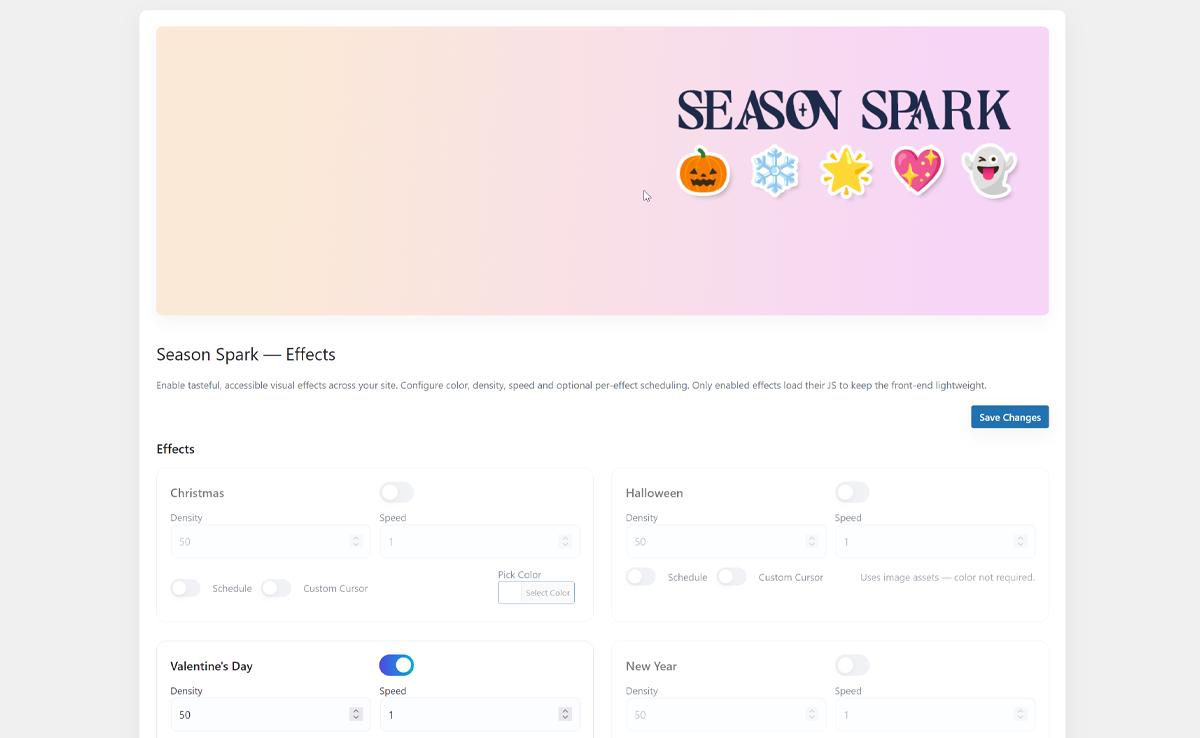
Main plugin dashboard screen. 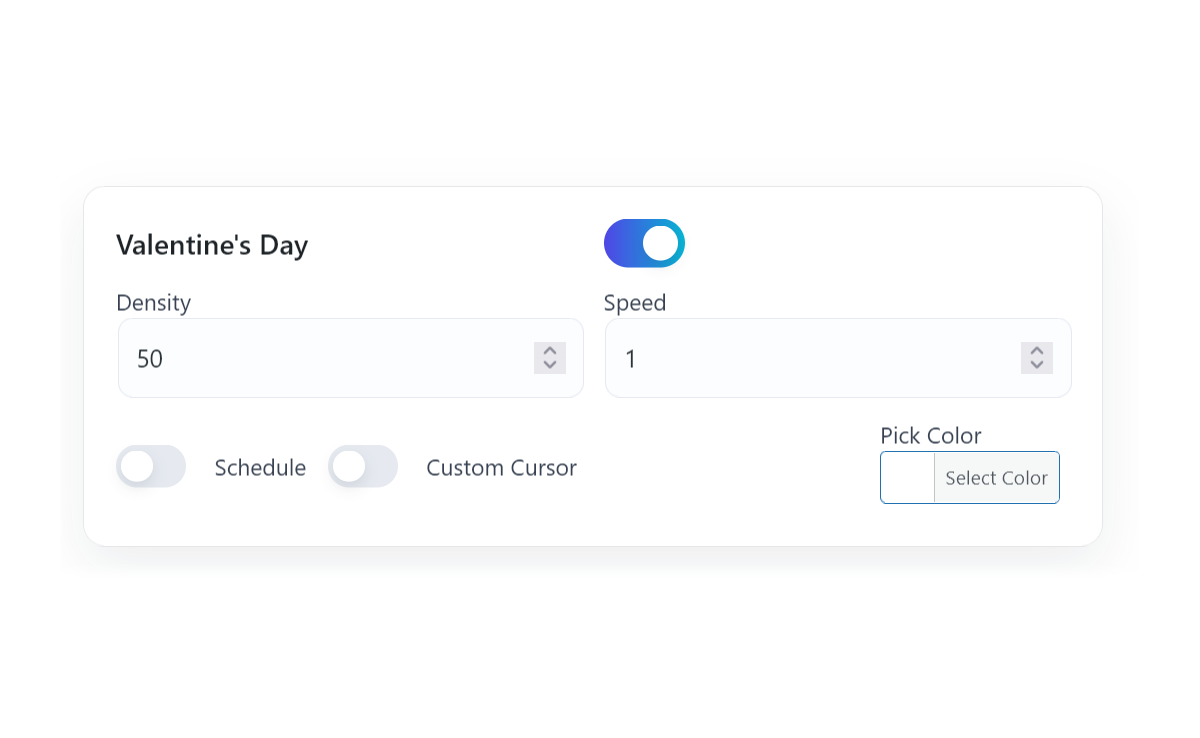
Effect module box 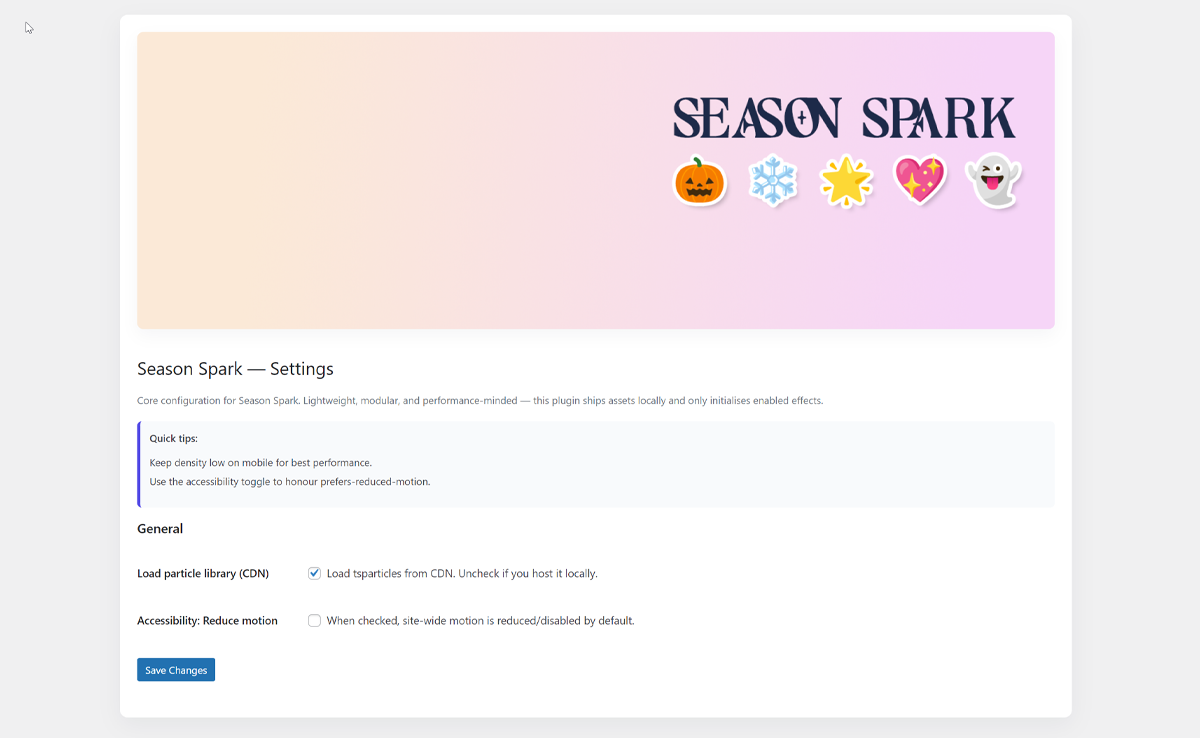
Additional settings 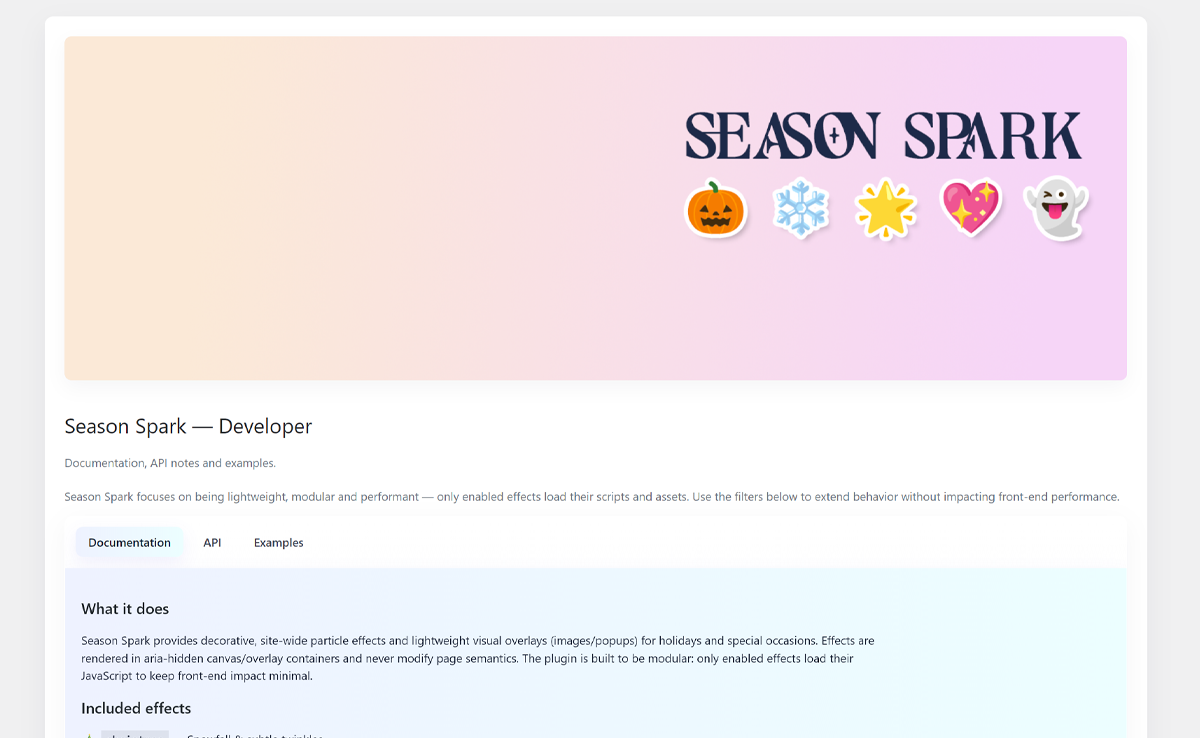
Dedicated developer information page


Installatie
- Upload the
season-sparkfolder to the/wp-content/plugins/directory. - Activate the plugin through the ‘Plugins’ screen in WordPress.
- Configure the plugin under the Season Spark menu in the admin sidebar.
FAQ
Will these effects affect my SEO?
No. Effects are decorative, output in aria-hidden containers, and rendered on canvas or as non-semantic visual overlays; they do not alter semantic page content.
How can I add a new effect?
Use the
seasonspark_get_registered_effectsfilter to add a new key/title pair, and add a corresponding JS file underassets/js/effects/that callsseasonSparkRegisterEffect('yourkey', fn)to register an initializer for that effect.
Beoordelingen
Er zijn geen beoordelingen voor deze plugin.
Bijdragers & ontwikkelaars
“Season Spark” is open source software. De volgende personen hebben bijgedragen aan deze plugin.
Bijdragers
Vertaal “Season Spark” in je eigen taal.
Interesse in ontwikkeling?
Bekijk de code, haal de SVN repository op, of abonneer je op het ontwikkellog via RSS.
Changelog
1.0.0
- Initial release — core effects, admin UI, per-effect options and accessibility-aware front-end initialization.

