

Beschrijving

Deze plugin is niet getest met de laatste 3 grotere versies van WordPress. Mogelijk wordt het niet meer onderhouden of ondersteund. Ook kunnen er compatibiliteitsproblemen ontstaan wanneer het wordt gebruikt met recentere versies van WordPress.
QR Block
Beschrijving
The QR Block plugin provides a few blocks:
- QR: A block that generates the QR code based on its content. Generic purposes.
- Wi-Fi Network Connection: Connect to a Wi-Fi Network via a QR Code.
- QR Post: Share your post with a QR Code.
Also, it renders the QR code of the current post in the Post sidebar. A simple but functional way o load the post on mobile, for instance.
Source & Support
You can follow development, file an issue, suggest features, and view the source at the Github WPHackers/qr-block repo.
Credits
This block is powered by the brilliant qrcode.react library.
Schermafbeeldingen
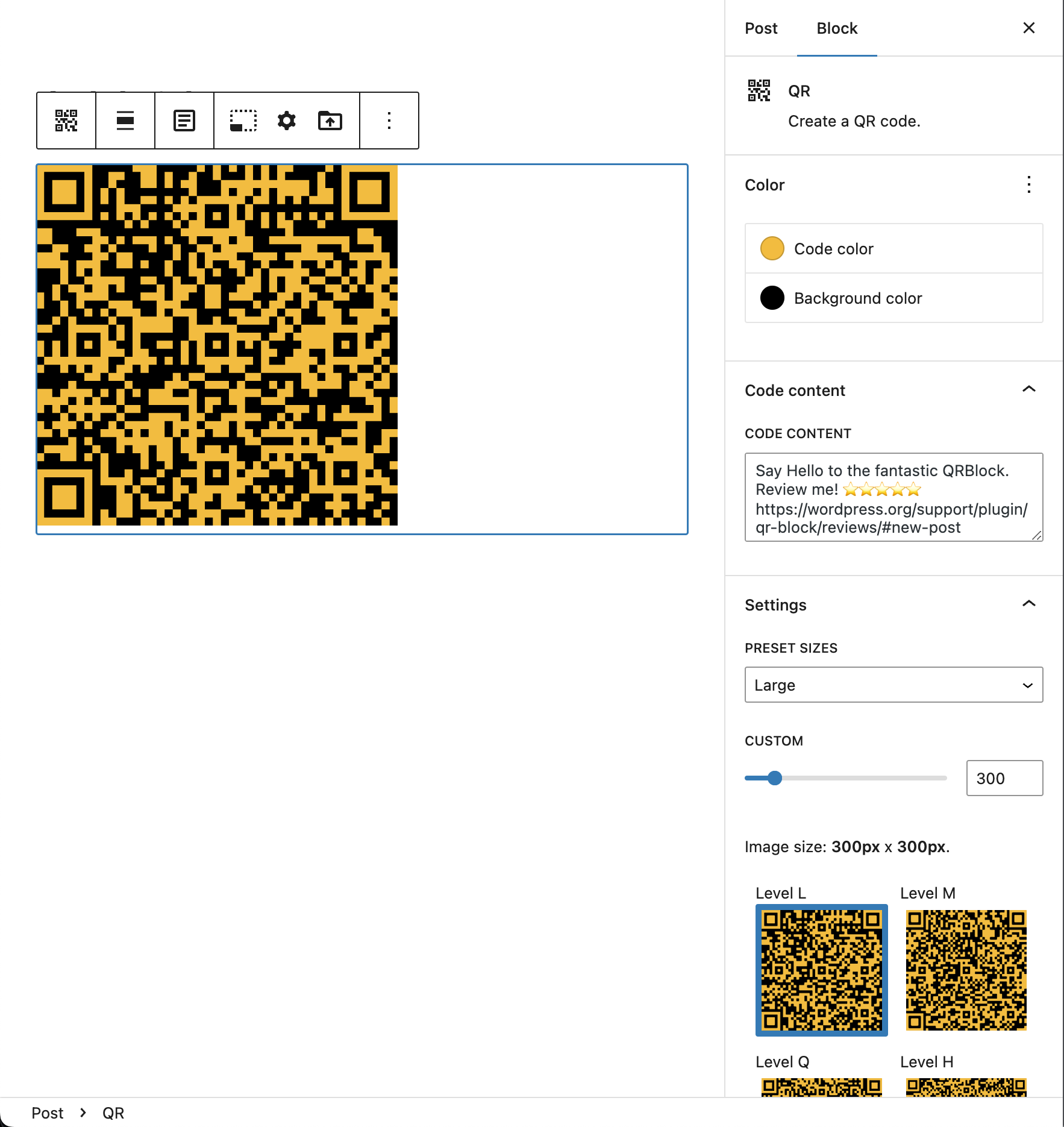
QR Block – General view
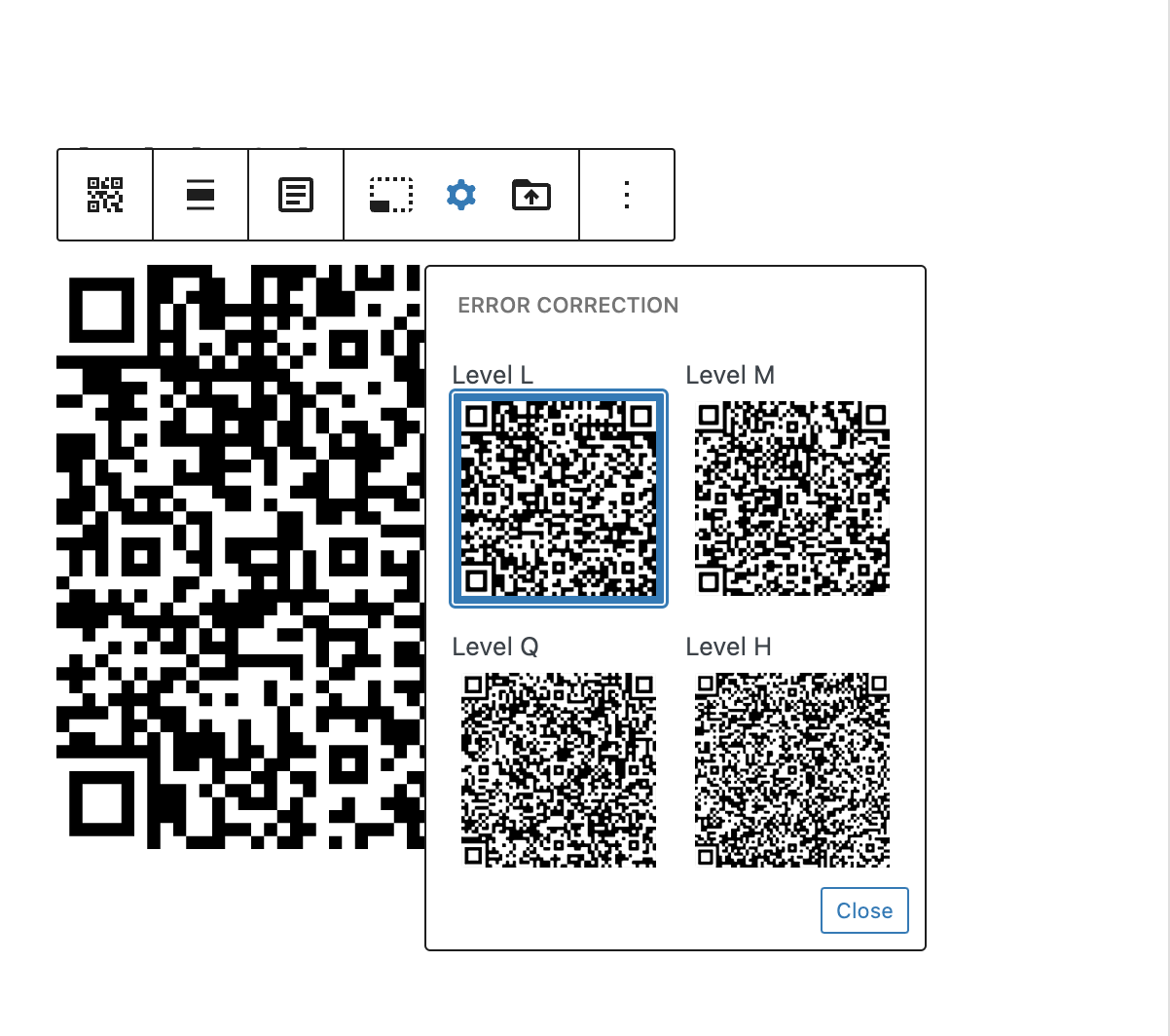
QR Block – Error correction
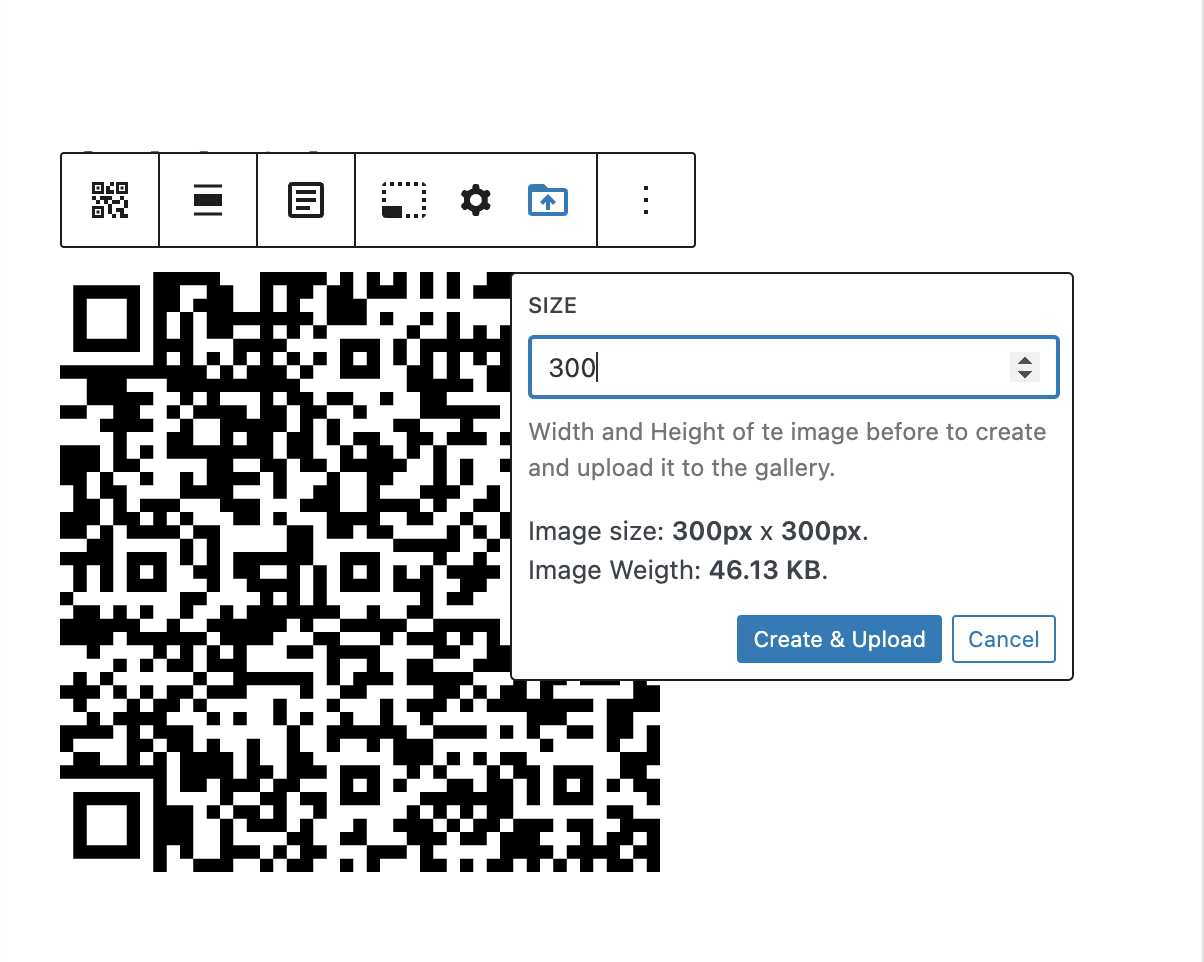
QR Block – Create & Upload
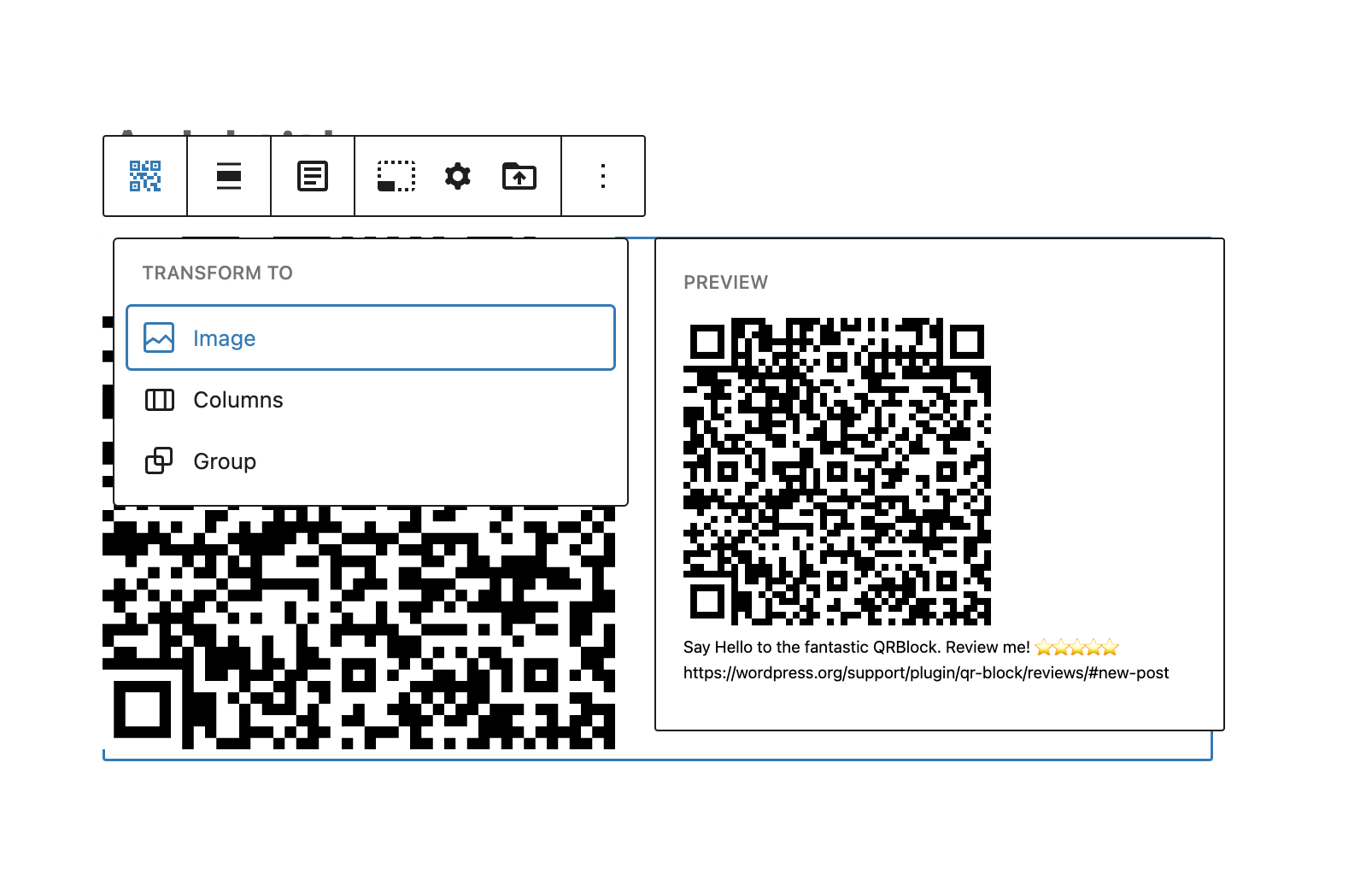
QR Block – Transform to Image
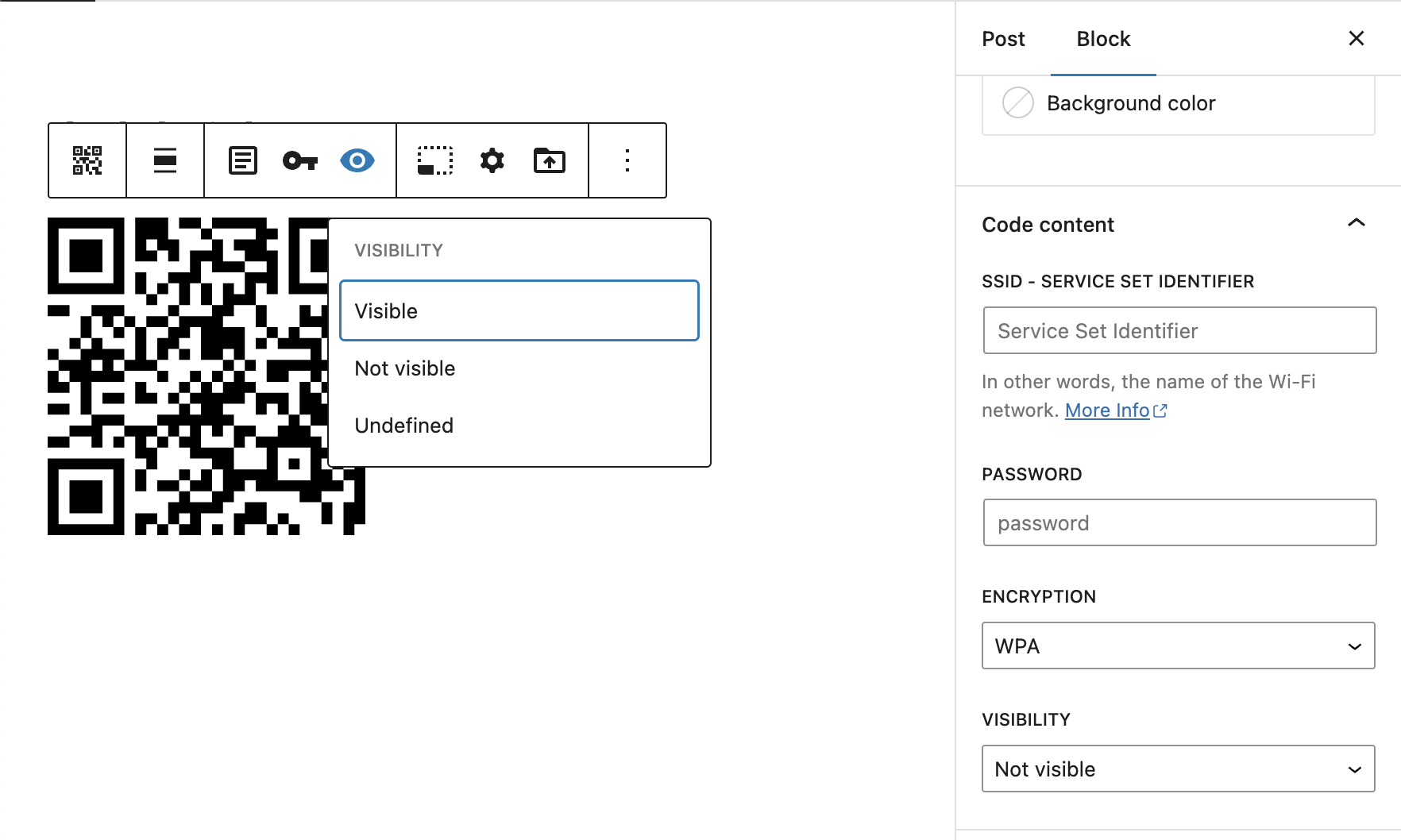
QR Block – WiFi Network variation
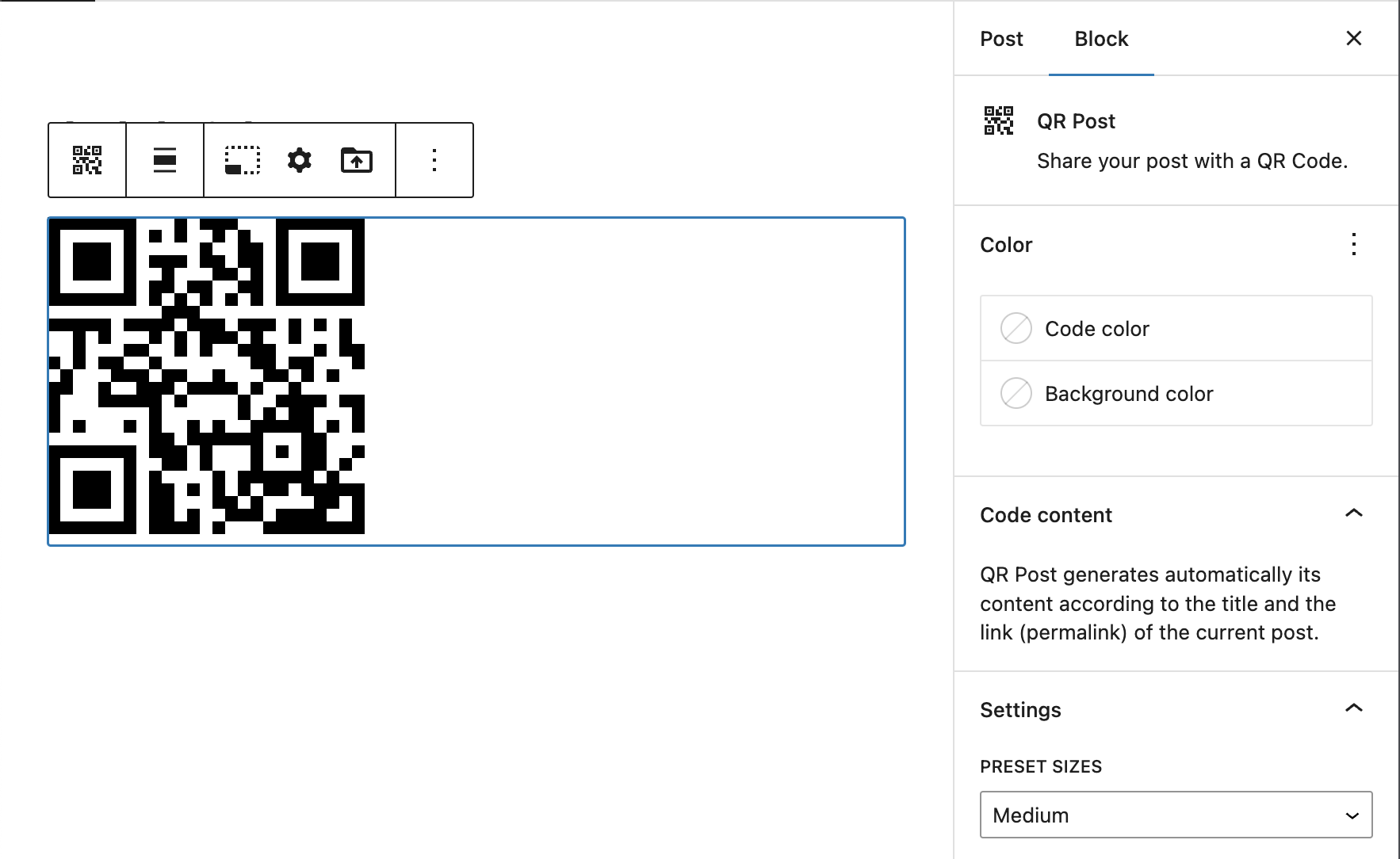
QR Block – QR Post variation

QR Post plugin (Post sidebar)


Blokken
Deze plugin heeft 1 blok.
- QR Create a QR code.
Installatie
- Upload the plugin files to the
/wp-content/plugins/qr-blockdirectory, or install the plugin through the WordPress plugins screen directly. - Activate the plugin through the ‘Plugins’ screen in WordPress

Bijdragers & ontwikkelaars
“QR Block” is open source software. De volgende personen hebben bijgedragen aan deze plugin.
Bijdragers
Vertaal “QR Block” in je eigen taal.
Interesse in ontwikkeling?
Bekijk de code, haal de SVN repository op, of abonneer je op het ontwikkellog via RSS.
Changelog
0.0.1
- Initial Release.
0.0.2
- Refactoring code.
- remove server-side qr library.
0.0.3
- Fix issues – Enhancementes.
0.0.4
- Fix issues / Enhancementes / Tidy code.
0.0.5
- Fix issue when installing plugin from block editor, on the fly. Need to set default attributes at block edit function level.
0.0.6
- Fix corrupted compiled files.
- Add “Upload to Media Library” block option.
0.0.7
- Tranform to core/image block.
- Tweak setting code popover.
- Add some external link help for Error Correction Level.
- Add image size support when uploading.
- Add WiFI Network block variation.
- Refactoring setting size and error Correction
- Improve setting error correction
0.0.8
- Fix setting block title bug
0.0.9
- Fix setting block title bug
- Fix initial size value when installing block on the fly
0.0.10
- Introduce QR Post panel
0.0.11
- Tweak default content of the blocks
- Test on 6.1.1
- Update descripcion and screenshots
= 0.0.13
* Fix runtime breaking bug

