

Beschrijving

Deze plugin is niet getest met de laatste 3 grotere versies van WordPress. Mogelijk wordt het niet meer onderhouden of ondersteund. Ook kunnen er compatibiliteitsproblemen ontstaan wanneer het wordt gebruikt met recentere versies van WordPress.

Presentation Block
Beschrijving
This plugin requires WordPress version 5.3 or higher! It works best if you also have the Gutenberg plugin installed and up-to-date.
Report issues, or collaborate, on Github.
- Creates a custom post type “Presentation”, which will render as a presentation on the front end using Reveal.js.
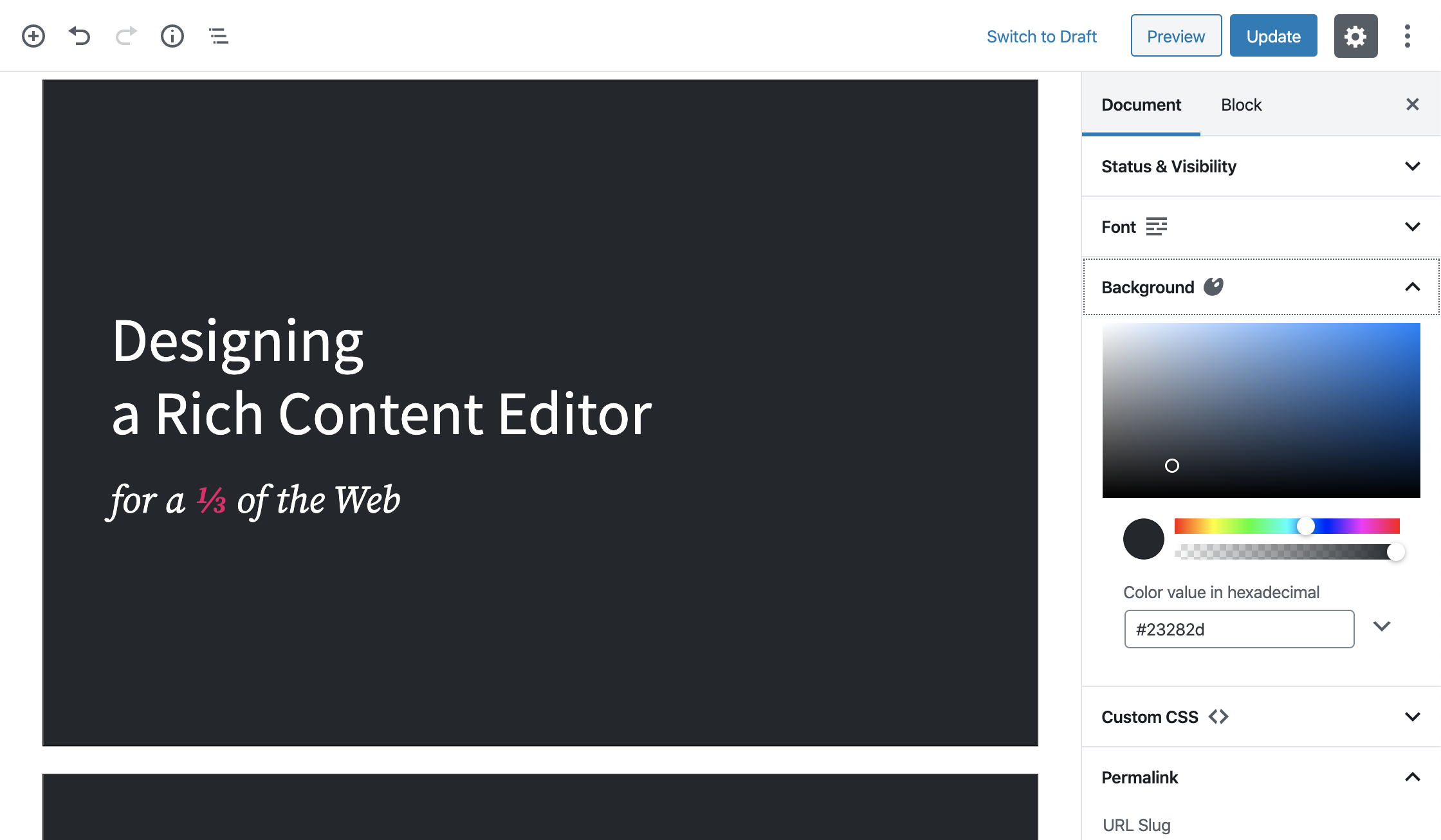
- Enables the block editor with a “Presentation Block” block, which can be used as a container for each slide in the presentation.
- You can add background colors, gradients, images, even iframes for the whole presentation, but also per slide.
- You can select a font, color, and size.
- If that’s not enough, you can always add some custom CSS!
- You can import a custom font by adding
@import url('https://fonts.googleapis.com/css?family=...');above any other rules in the CSS input field. - It’s possible to include some notes with every slide.
- You can enter a speaker view which will show the current slide, next slide, notes and timers.
- A lot more options coming soon!
Schermafbeeldingen
screenshot-1.png

Blokken
Deze plugin heeft 1 blok.
- Presentation Block
Installatie
- From the dashboard of your site, navigate to Plugins –> Add New.
- Select the Upload option and hit “Choose File.”
- When the popup appears select the presentation-block-x.x.zip file from your desktop. (The ‘x.x’ will change depending on the current version number).
- Follow the on-screen instructions and wait as the upload completes.
- When it’s finished, activate the plugin via the prompt. A message will show confirming activation was successful.
FAQ
Does it support Gutenberg?
Yes, the ‘Presentation Block’ can be found under the Common Gutenberg Blocks under the ‘Presentation’ post type.
Beoordelingen

Bijdragers & ontwikkelaars
“Presentation Block” is open source software. De volgende personen hebben bijgedragen aan deze plugin.
Bijdragers


Vertaal “Presentation Block” in je eigen taal.
Interesse in ontwikkeling?
Bekijk de code, haal de SVN repository op, of abonneer je op het ontwikkellog via RSS.
Changelog
1.0.5
- Upated readme.
1.0.4
- Add a button to easily add a new slide.
- Update the allowed blocks on slides.
1.0.3
- Bug fixes to have build files.
1.0.0
- A change since the previous version of slide.
- Bug fixes for slide.

