

Beschrijving


Payment Gateway for maib MIA for WooCommerce
Beschrijving
Accept MIA Instant Payments directly on your store with the Payment Gateway for maib MIA for WooCommerce.
Features
- Online payments with MIA Instant Payments
- Reverse transactions – partial or complete refunds
- Admin order actions – check order payment status
- Supports WooCommerce block-based checkout experience
- Free to use – Open-source GPL-3.0 license on GitHub
Getting Started
Schermafbeeldingen
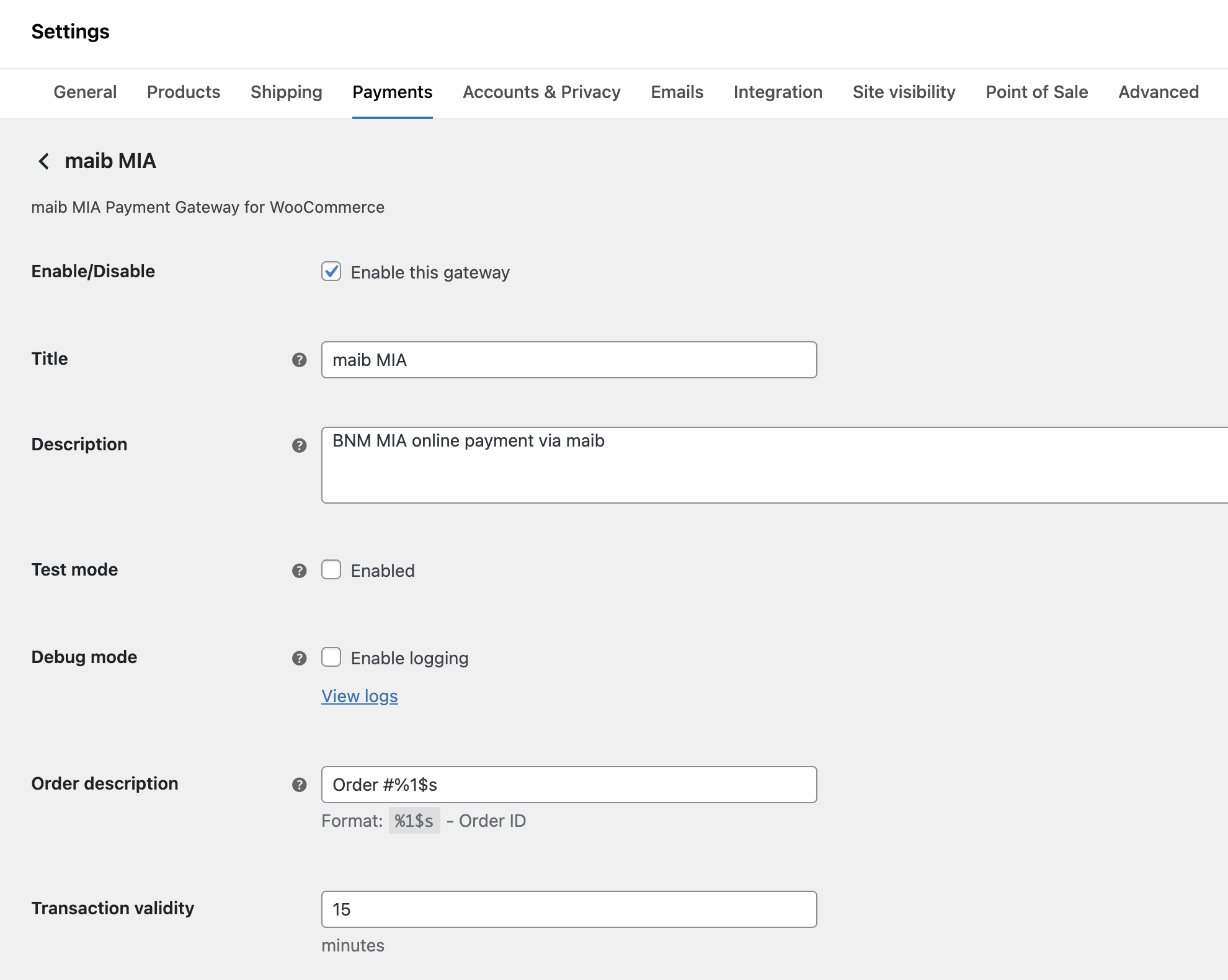
Plugin settings 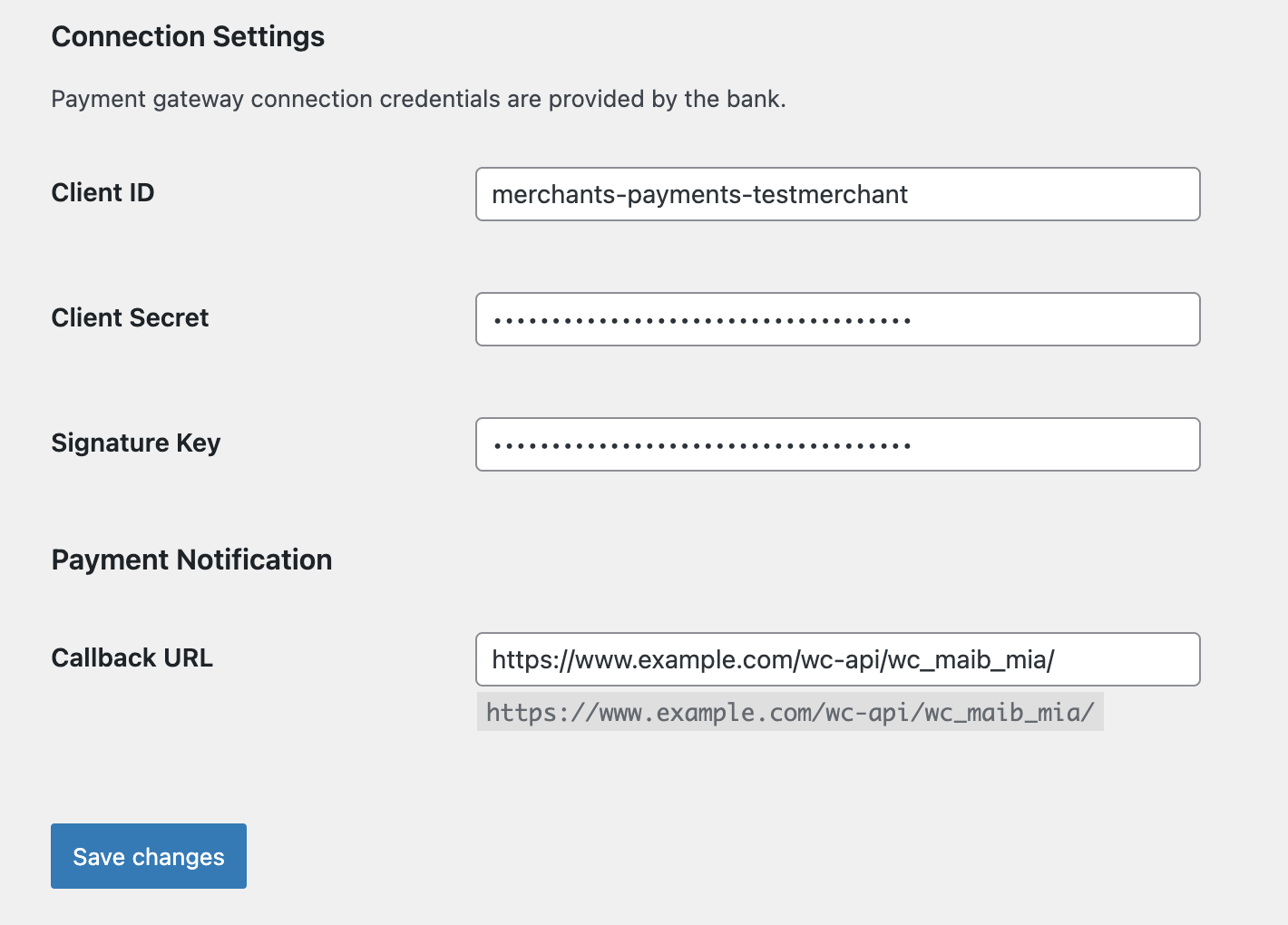
Connection settings 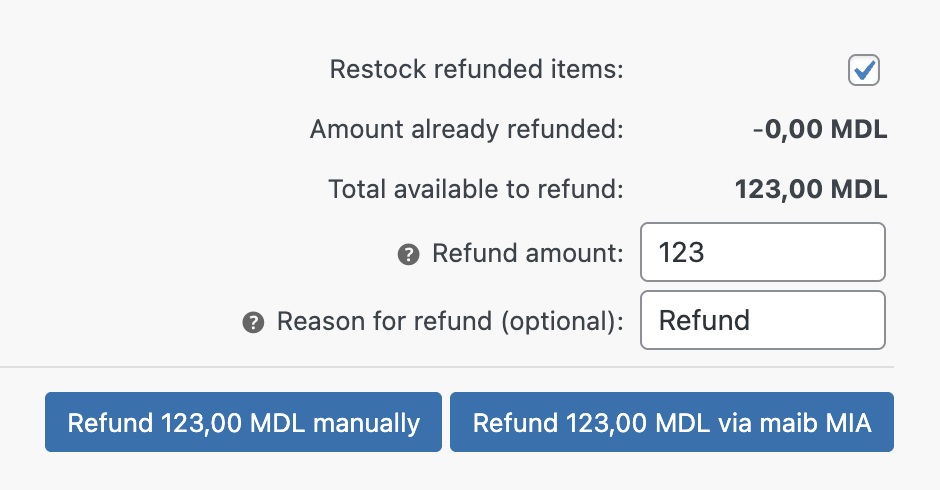
Refunds 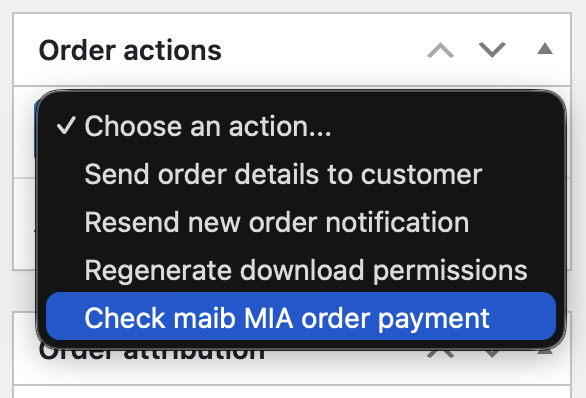
Order actions


Installatie
- Configure the plugin Connection Settings by entering the connection credentials received from the bank
- Provide the Callback URL to the bank to enable online payment notifications
- Enable Test and Debug modes in the plugin settings
- Perform the following test cases and provide the requested details to the bank:
- Test case #1: Create a new order and pay
- Test case #2: Create a new order and pay, afterwards perform a full order refund
- Disable Test and Debug modes when ready to accept live payments
FAQ
How can I configure the plugin settings?
Use the WooCommerce > Settings > Payments > maib MIA screen to configure the plugin.
Where can I get the Connection Settings?
The connection settings are provided by maib. This data is used by the plugin to connect to the maib MIA payment gateway and process the transactions. Please see https://www.maib.md/en/plati-prin-qr-mia for details.
What store settings are supported?
maib MIA currently supports transactions in MDL (Moldovan Leu).
How can I contribute to the plugin?
If you’re a developer and you have some ideas to improve the plugin or to solve a bug, feel free to raise an issue or submit a pull request in the Github repository for the plugin.
You can also contribute to the plugin by translating it. Simply visit translate.wordpress.org to get started.

Bijdragers & ontwikkelaars
“Payment Gateway for maib MIA for WooCommerce” is open source software. De volgende personen hebben bijgedragen aan deze plugin.
Bijdragers
“Payment Gateway for maib MIA for WooCommerce” is vertaald in 1 locale. Dank voor de vertalers voor hun bijdragen.
Vertaal “Payment Gateway for maib MIA for WooCommerce” in je eigen taal.
Interesse in ontwikkeling?
Bekijk de code, haal de SVN repository op, of abonneer je op het ontwikkellog via RSS.
Changelog
See payment-gateway-wc-maib-mia project releases on GitHub for details.
1.1.0
Added partial refunds.
1.0.3
Added manual check payment status order action.
1.0.2
Improved QR code generation logic and settings validation.
1.0.1
Included vendor packages.
1.0.0
Initial version release.

