

Beschrijving
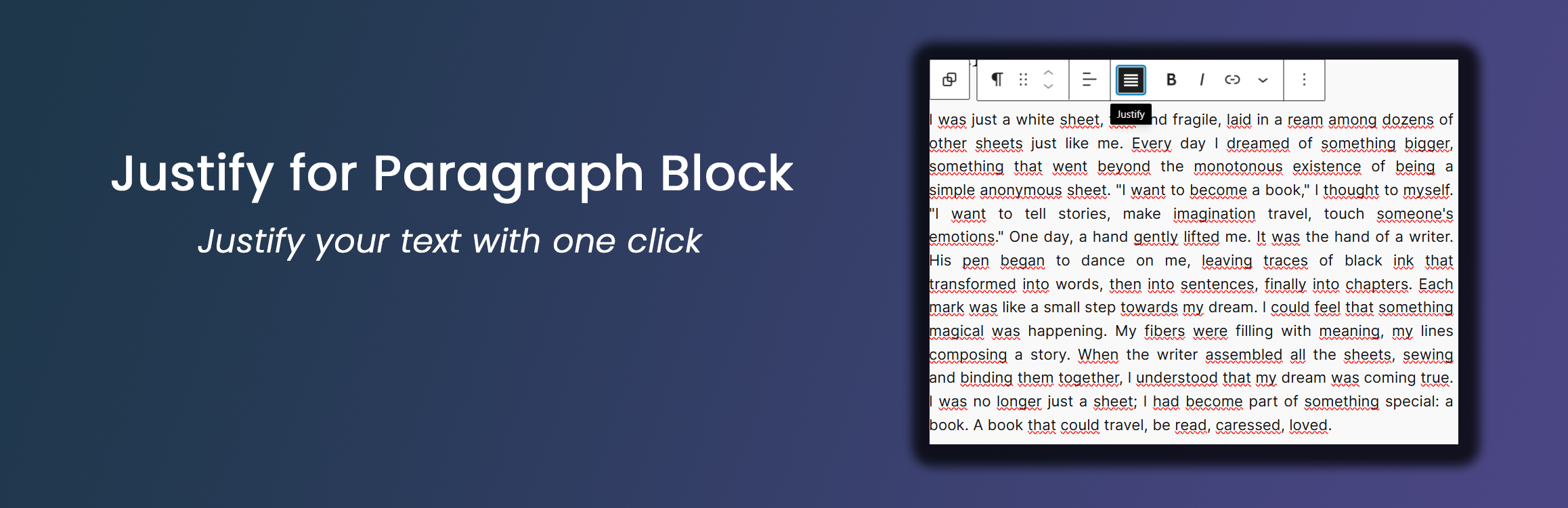

Justify for Paragraph Block
Beschrijving
This lightweight plugin enhances the WordPress Gutenberg editor by adding a justify text alignment option to paragraph blocks. Key features include:
- Simple one-click text justification
- Works seamlessly with the default Gutenberg paragraph block
- Optional typography settings for justified paragraphs
- Lightweight and performance-friendly
Typography Settings
From version 1.1.0, the plugin includes optional typography settings for justified paragraph blocks. These settings are available under:
Settings Justify Paragraph Typography Settings
Available options include:
- Justification mode
- Standard (only
text-align: justify) - Advanced (enables additional typographic enhancements)
- Standard (only
- Automatic hyphenation (hyphens: auto)
- Allows compatible browsers to break long words at line endings to reduce large gaps in justified text
- Adjust space between words
- Presets: No change, Slightly larger, Slightly smaller
- Custom value: numeric value plus unit (
em,px,rem) for fine-grained control
Typography settings affect only justified paragraph blocks and are applied both in the editor and on the frontend.
Credits
Developed by Nick Digital Projects.
Recommendations
- Ensure you’re using WordPress 5.0 or later
- PHP 7.0 or higher is recommended
Schermafbeeldingen

Justify alignment button in the paragraph block toolbar 
Example of justified text in a paragraph block


Installatie
- Upload the ‘justify-for-paragraph-block’ folder to the ‘/wp-content/plugins/’ directory
- Activate the plugin through the ‘Plugins’ menu in WordPress
- Use the new justify alignment option in the paragraph block toolbar
FAQ
How do I use the justify alignment?
Simply click on the justify icon in the paragraph block toolbar to align the text.
Does this work with all themes?
Yes, the plugin uses standard WordPress alignment classes and should work with most themes.
Can I use this with other block types?
Currently, this plugin is designed specifically for paragraph blocks.
Beoordelingen

Bijdragers & ontwikkelaars
“Justify for Paragraph Block” is open source software. De volgende personen hebben bijgedragen aan deze plugin.
Bijdragers
Vertaal “Justify for Paragraph Block” in je eigen taal.
Interesse in ontwikkeling?
Bekijk de code, haal de SVN repository op, of abonneer je op het ontwikkellog via RSS.
Changelog
1.1.0
- Added optional typography settings for justified paragraph blocks (hyphenation and word-spacing presets/custom)
- Applied typography settings consistently in both the block editor and the frontend
- Kept the plugin scope limited to the core Paragraph block
1.0.0
- Initial release
- Added justify alignment option for paragraph blocks

