

Beschrijving


JSON-LD Generator for Generative Engine Optimization GEO
Beschrijving
JSON-LD Generator for AEO, SEO, AIO is a simple and lightweight plugin that helps you easily add and manage Frequently Asked Questions (FAQs) and automatically generate the proper JSON-LD structured data for Answer Engine Optimisation (AEO), ChatGPT and other Generative Answer Engines.
Features:
* Add FAQ question and answer pairs.
* Edit and delete existing FAQs.
* Automatically generates valid JSON-LD / JSONLD / JSON / JSON LD schema markup.
* Inserts FAQ JSON-LD automatically in the <head> of the homepage.
* Lightweight and easy to use.
This plugin uses WordPress options storage, so no extra database tables are created. Perfect for small sites that want rich FAQ schema without heavy plugins.
Schermafbeeldingen
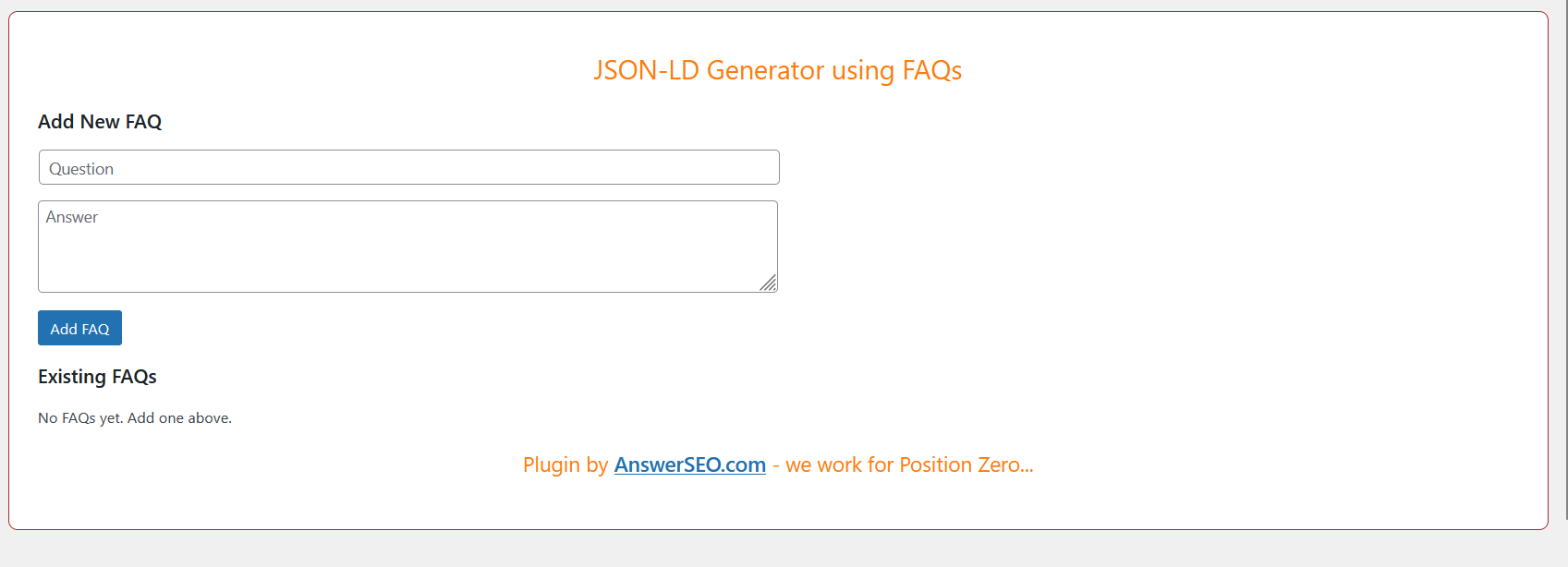
Add a new FAQ in the settings page. 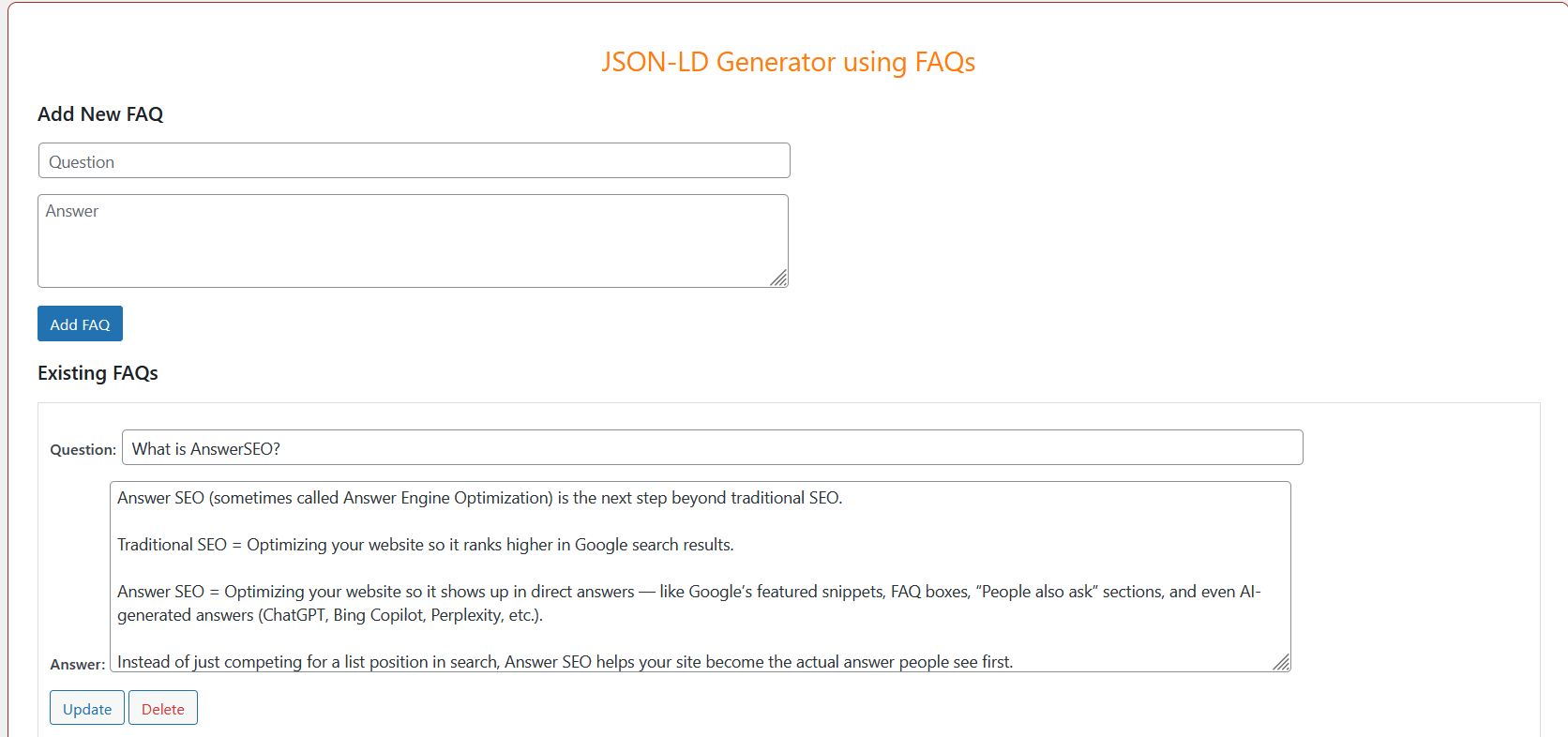
Edit or delete existing FAQs. 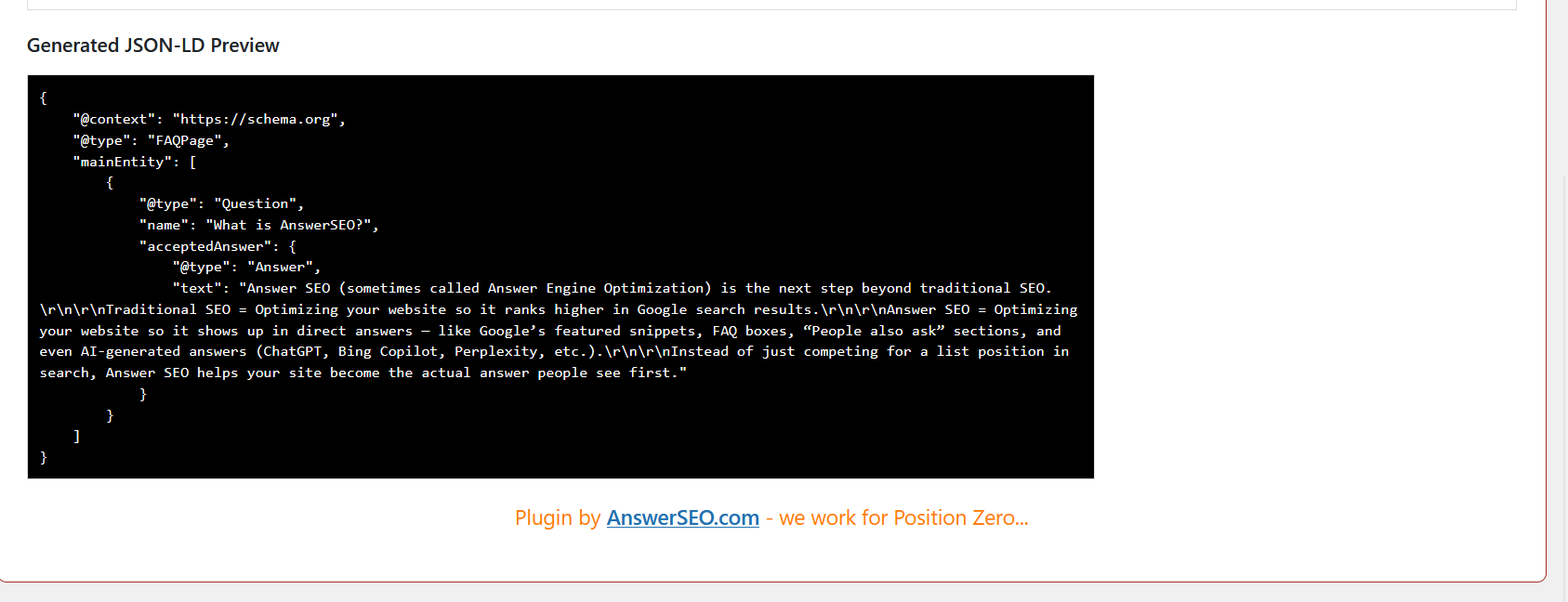
JSON-LD schema automatically inserted in homepage header.


Installatie
- Download the plugin and unzip the file.
- Upload the folder
json-ld-generator-faqto the/wp-content/plugins/directory. - Activate the plugin from the “Plugins” menu in WordPress.
- Go to Settings JSON-LD Generator to add your FAQs.
FAQ
Where does the JSON-LD schema appear?
It is automatically inserted into the
<head>of the homepage.Can I use FAQs on other pages?
By default, the JSON-LD is only added to the homepage.
Does this plugin create custom tables?
No. All FAQs are stored in the WordPress options for simplicity.
Is the JSON-LD valid for Google Rich Results?
Yes, it follows schema.org FAQPage markup format.
Beoordelingen
Er zijn geen beoordelingen voor deze plugin.
Bijdragers & ontwikkelaars
“JSON-LD Generator for Generative Engine Optimization GEO” is open source software. De volgende personen hebben bijgedragen aan deze plugin.
Bijdragers
Vertaal “JSON-LD Generator for Generative Engine Optimization GEO” in je eigen taal.
Interesse in ontwikkeling?
Bekijk de code, haal de SVN repository op, of abonneer je op het ontwikkellog via RSS.
Changelog
1.0.0
- Initial release with add/edit/delete FAQ functionality.
- Automatic JSON-LD output in homepage header.

