

Beschrijving


Hugeicons
Beschrijving
Hugeicons plugin provides a seamless way to use Hugeicons in your WordPress site. This plugin is designed to make icon management and implementation as simple as possible.
Free Features:
- Easy integration of Hugeicons into your WordPress site
- Icon picker interface for block editors
- Access to 4,300+ free icons
- Shortcode support
- Modern and responsive admin interface
- Compatible with latest WordPress versions
Pro Features:
Upgrade to Pro to unlock:
- Access to 40,000+ premium icons
- Multiple icon styles (Solid, Duotone, Twotone, Stroke, Bulk)
- Multiple icon sets to choose from
- Regular updates with new icons
- Priority support
Get Hugeicons Pro to unlock all premium features!
External Services
This plugin connects to Hugeicons’ servers for one essential purpose:
Icons API Service
* What: The plugin connects to https://hugeicons.com/api to fetch icon metadata and updates
* Why: This allows us to deliver real-time icon updates, new categories, and improvements without requiring frequent plugin updates
* When: Only when using the icon picker in the WordPress editor
* Data transmitted: Only technical requests for icon data; no personal information is sent
- Terms of Service: https://hugeicons.com/terms-of-service
- Privacy Policy: https://hugeicons.com/privacy-policy
Support
For support, please visit:
For premium support and features, upgrade to Pro!
Schermafbeeldingen
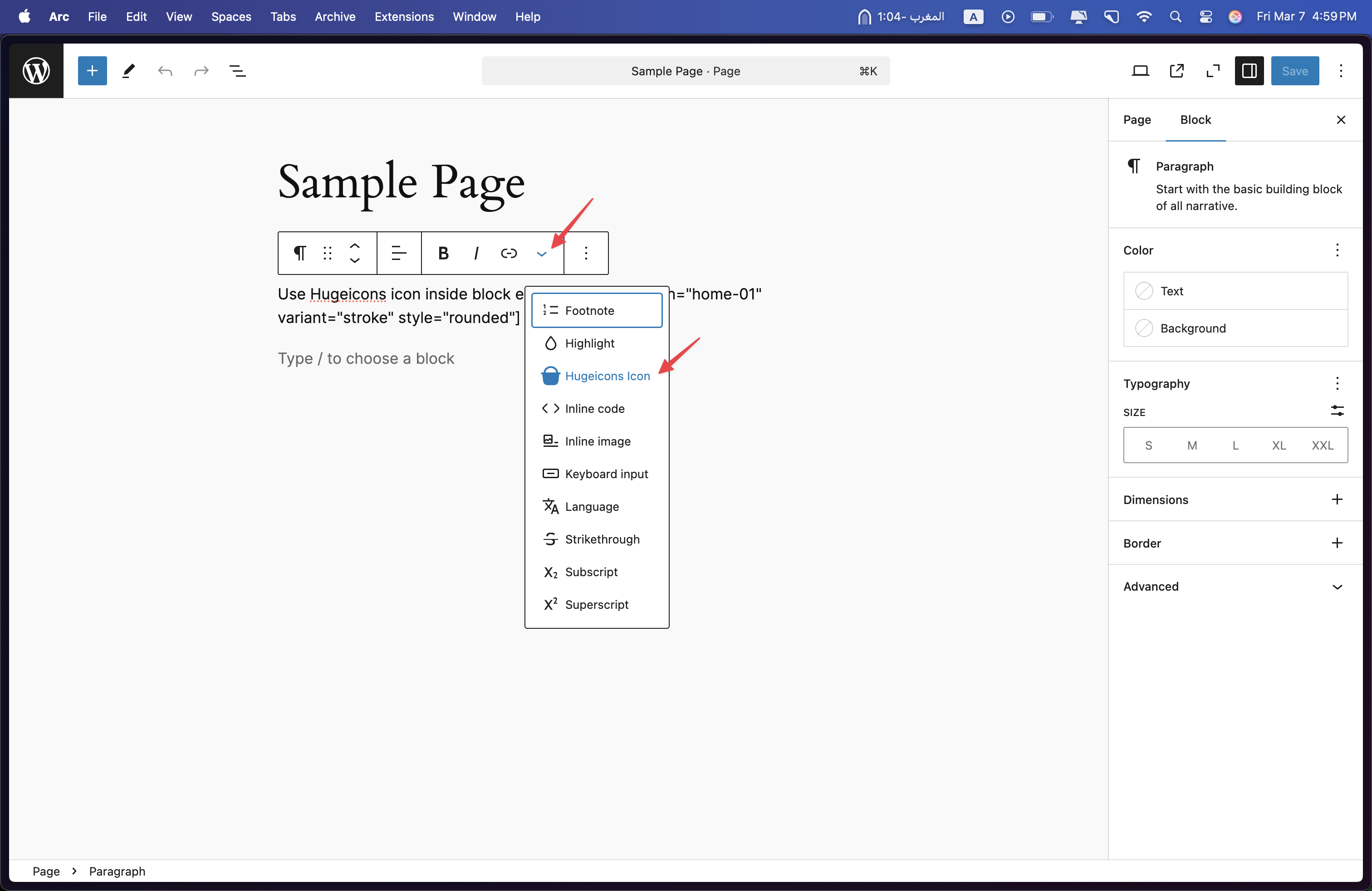
Adding a Hugeicons Icon through the Rich Text Controls 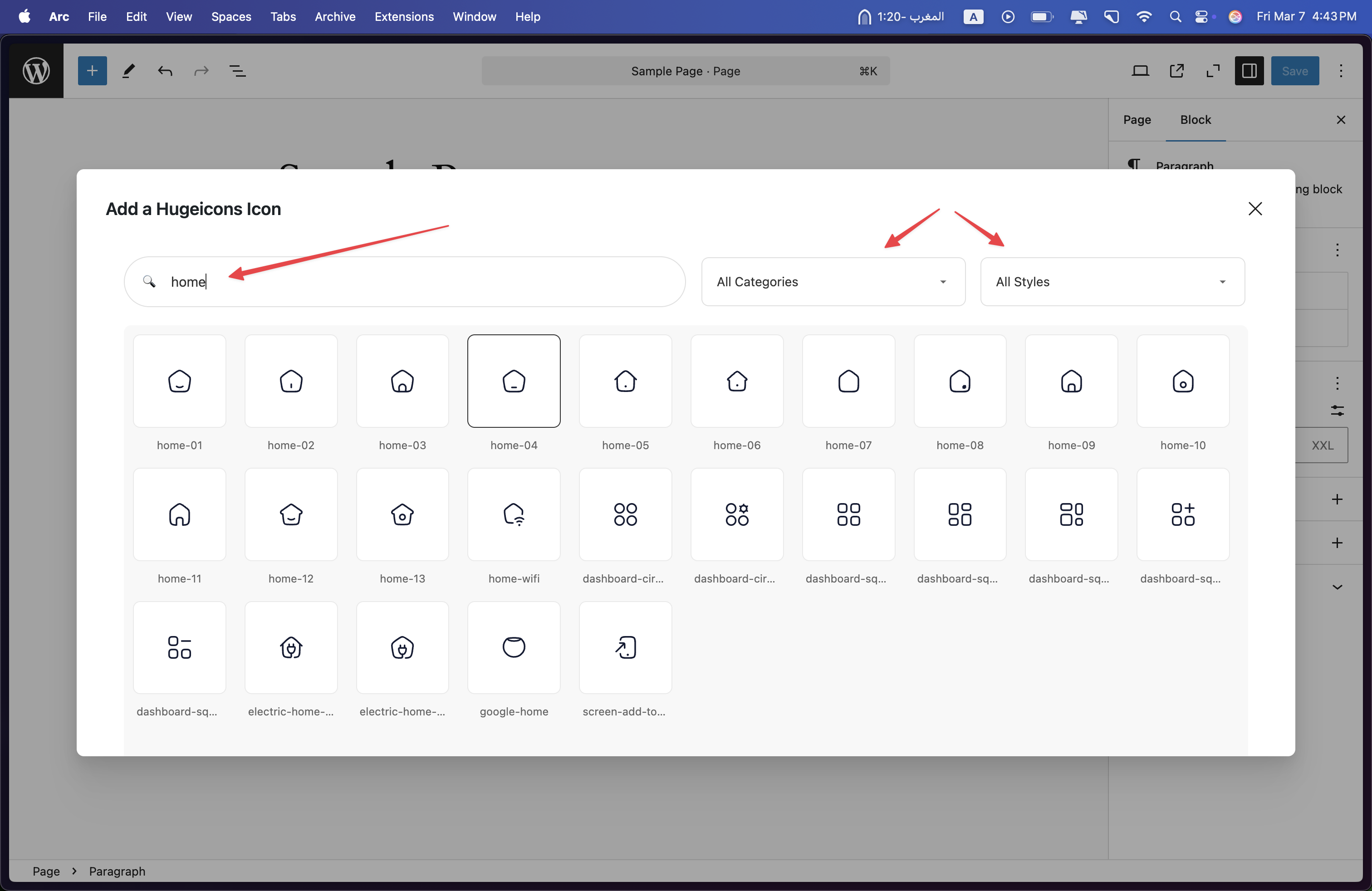
Hugeicons Icon Selection Modal – Icon Search and Filtering 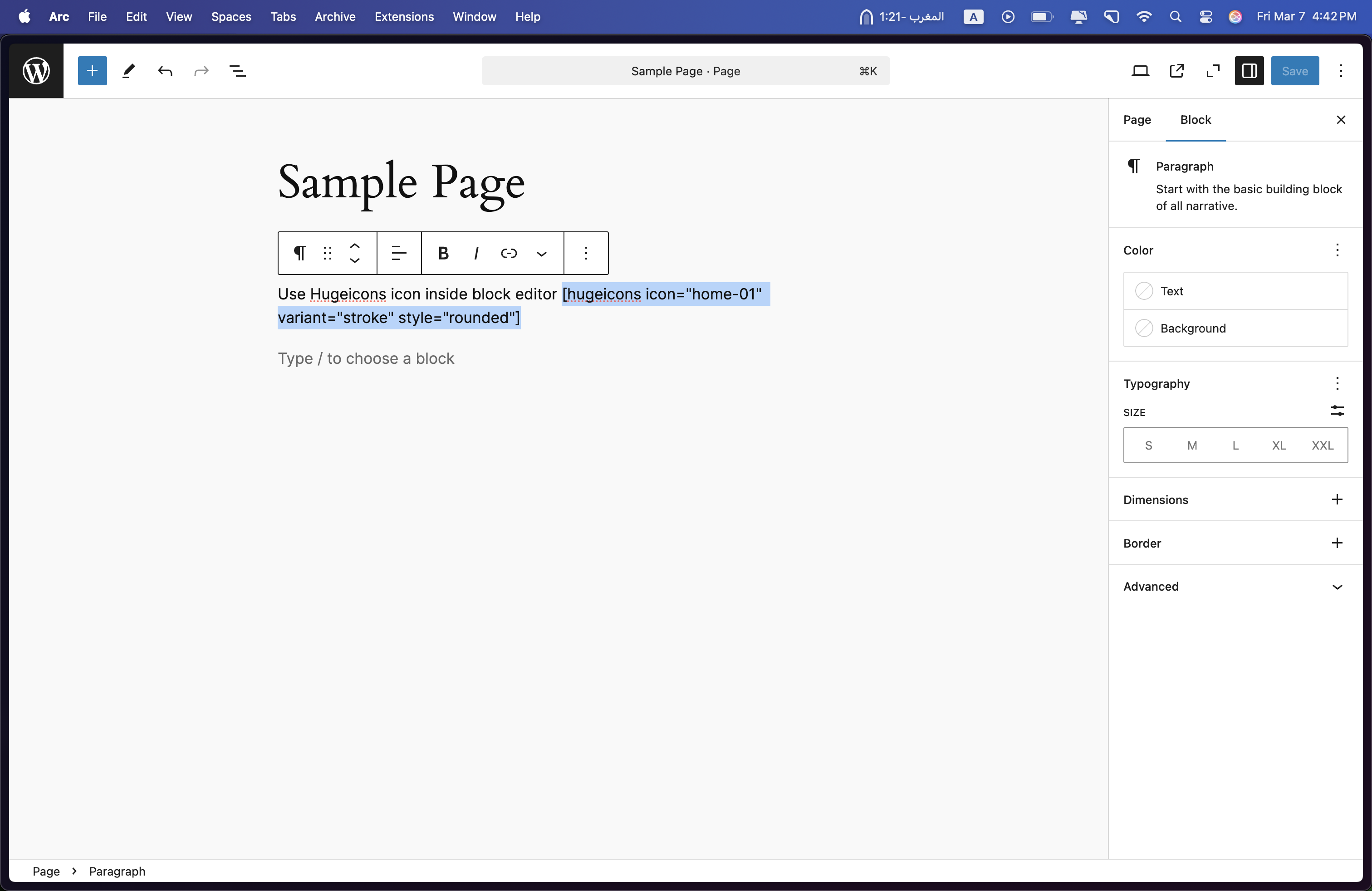
Hugeicons Icon Implementation Example 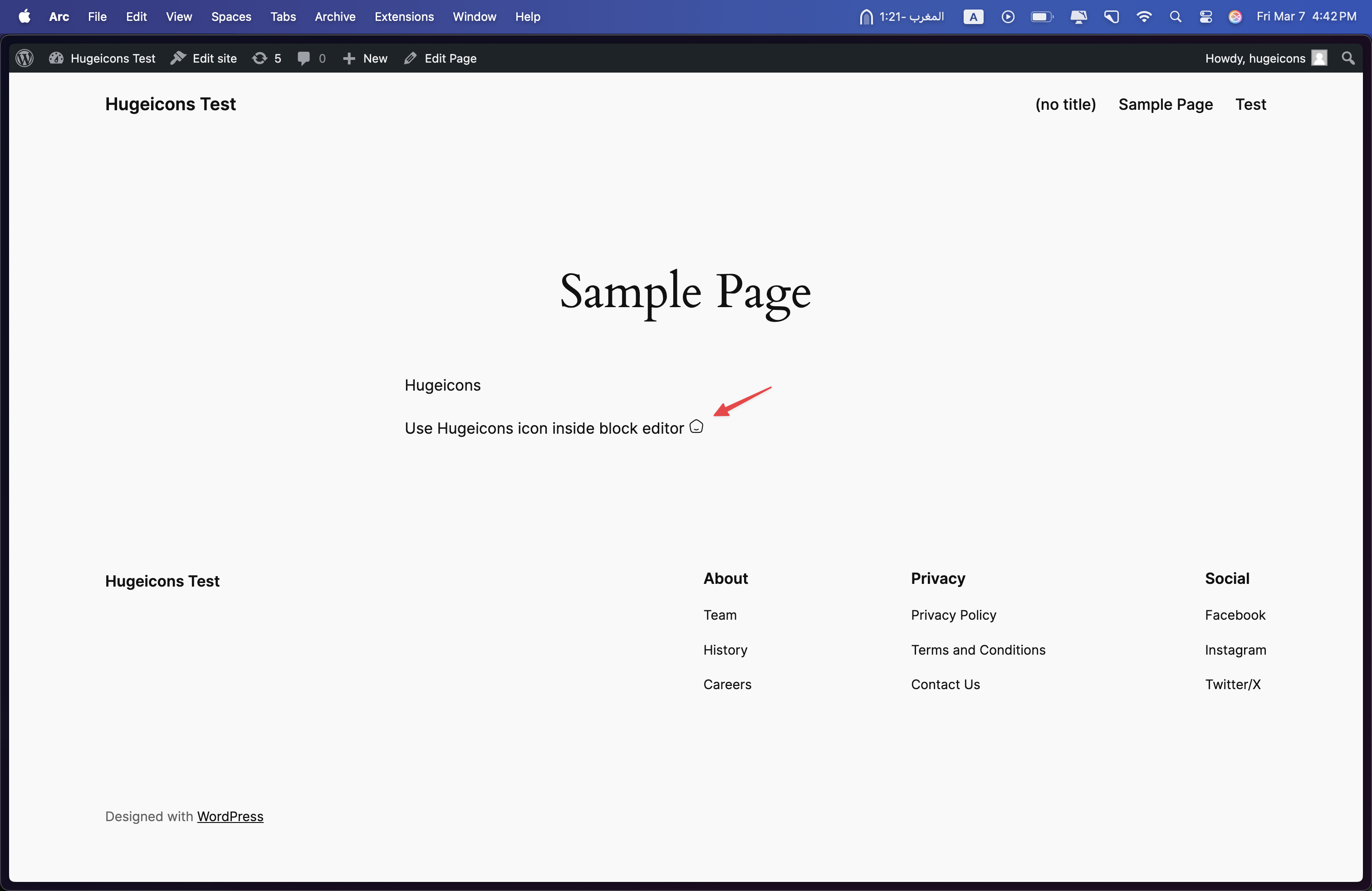
Frontend View of Hugeicons Icon


Blokken
Deze plugin heeft 5 blokken.
- Hugeicons Button A beautiful button with an icon from Hugeicons with multiple design variants.
- Hugeicons Icon Box A feature box with icon, title, and description with multiple design variants.
- Hugeicons FAQ An accordion FAQ section with optional icons and multiple design variants.
- Hugeicons Icon Display a beautiful icon from the Hugeicons library.
- Hugeicons Icon List Create a list with beautiful icons from Hugeicons with multiple design variants.
Installatie
- Upload the plugin files to the
/wp-content/plugins/hugeiconsdirectory, or install the plugin through the WordPress plugins screen directly - Activate the plugin through the ‘Plugins’ screen in WordPress
- Use the Settings->Hugeicons screen to configure the plugin
- To unlock premium features, upgrade to Pro and enter your license key
FAQ
How do I add icons to my content?
You can add icons in several ways:
Using the Icon Picker:
- Click the Hugeicons button in your editor
- Search and select your desired icon
- Insert it into your content
Using Shortcodes:
[hugeicons icon=”icon-name” size=”32″ color=”#333333″]Using HTML:
What’s the difference between Free and Pro versions?
Free version includes:
* 4,300+ free icons
* Standard supportPro version includes:
* 40,000+ premium icons
* Multiple icon styles
* Priority supportUpgrade to Pro to unlock all premium features!
How do I upgrade to Pro?
- Visit Hugeicons Pricing
- Choose your preferred plan
- Complete the purchase
- Download the pro add-on, install it and activate it
- Enter your license key in the plugin settings
- Refresh the page and you should see the pro icons in the icon picker
What are the system requirements?
- WordPress 5.0 or higher
- PHP 7.4 or higher
Beoordelingen

Bijdragers & ontwikkelaars
“Hugeicons” is open source software. De volgende personen hebben bijgedragen aan deze plugin.
Bijdragers

“Hugeicons” is vertaald in 1 locale. Dank voor de vertalers voor hun bijdragen.
Vertaal “Hugeicons” in je eigen taal.
Interesse in ontwikkeling?
Bekijk de code, haal de SVN repository op, of abonneer je op het ontwikkellog via RSS.
Changelog
2.0.0
- Complete codebase rewrite for improved performance and maintainability
- Added new block widgets: FAQ, Button with Icon, Icon List, Icon Box, and Icon blocks
- Enhanced block editor integration with modern React components
- Improved icon picker interface and user experience
- Better code organization and architecture
1.0.1
- Tested compatibility with WordPress 6.9
- Updated for WordPress 6.9 release
1.0.0
- Initial release
- Added icon picker for block editor
- Added shortcode support
- Added free icon set
- Added Pro version support

