

Beschrijving

Deze plugin is niet getest met de laatste 3 grotere versies van WordPress. Mogelijk wordt het niet meer onderhouden of ondersteund. Ook kunnen er compatibiliteitsproblemen ontstaan wanneer het wordt gebruikt met recentere versies van WordPress.

Goal Tracker – Custom Event Tracking for GA4
Beschrijving
TLDR: Goal Tracker for Google Analytics GA4 is a no-code plugin that helps you set up event tracking for your WordPress website.
This plugin makes it easy to track in-page elements such as call-to-action buttons, forms, ad visibility, and more with Google Analytics GA4. Best of all is that you don’t have to write custom code.
Working with GA4 can be challenging, especially if you migrate from Universal Analytics. But if you give it a chance, GA4 can become a powerful tool.
We set out to help you become an advanced user of Google Analytics without having to learn code.
🎁 What’s in the box?
- Track Links – both internal and external
- Track Email Links – We create a dedicated event for email links.
- Visibility Tracking – Fire an event when an element comes into view on the page (Ads, CTA buttons, Pricing Tables…)
- Click Tracking – Track user clicks on any element on the page, such as a contact form submit button or a call to action button.
- Recommended Events – Our user interface takes out the guesswork when using “recommended events”.
- Much more to come in the next few months.
Upgrade to our Pro version:
Goal Tracker for Google Analytics GA4 is the professional version of our plugin and adds more tracking capabilities:
- WooCommerce Tracking
- User Tracking
- Placeholders to enrich your event data
- Track Self-Hosted Media audio and video
- YouTube and Vimeo support
- Plugin Management permissions for teams
- Track Contact Form 7 submissions
- Access to our Pro support team
Want to see the plugin in action?
🏷 Already using Google Tag Manager?
While Google Tag Manager has been here for years, we think that could improve when it comes to event tracking.
Goal Tracker for Google Analytics reduces the guesswork involved with recommended events and only takes a few clicks.
Oh, and the plugin can work on a website that already uses Google Tag Manager.
Need help?
You can read the documentation pages here – https://www.wpgoaltracker.com/ga4-help-center/
🗓 Want to reach out?
If you have any questions or suggestions or need help setting up the plugin, you can schedule a call, and we’ll be happy to chat.
Schermafbeeldingen

Setup 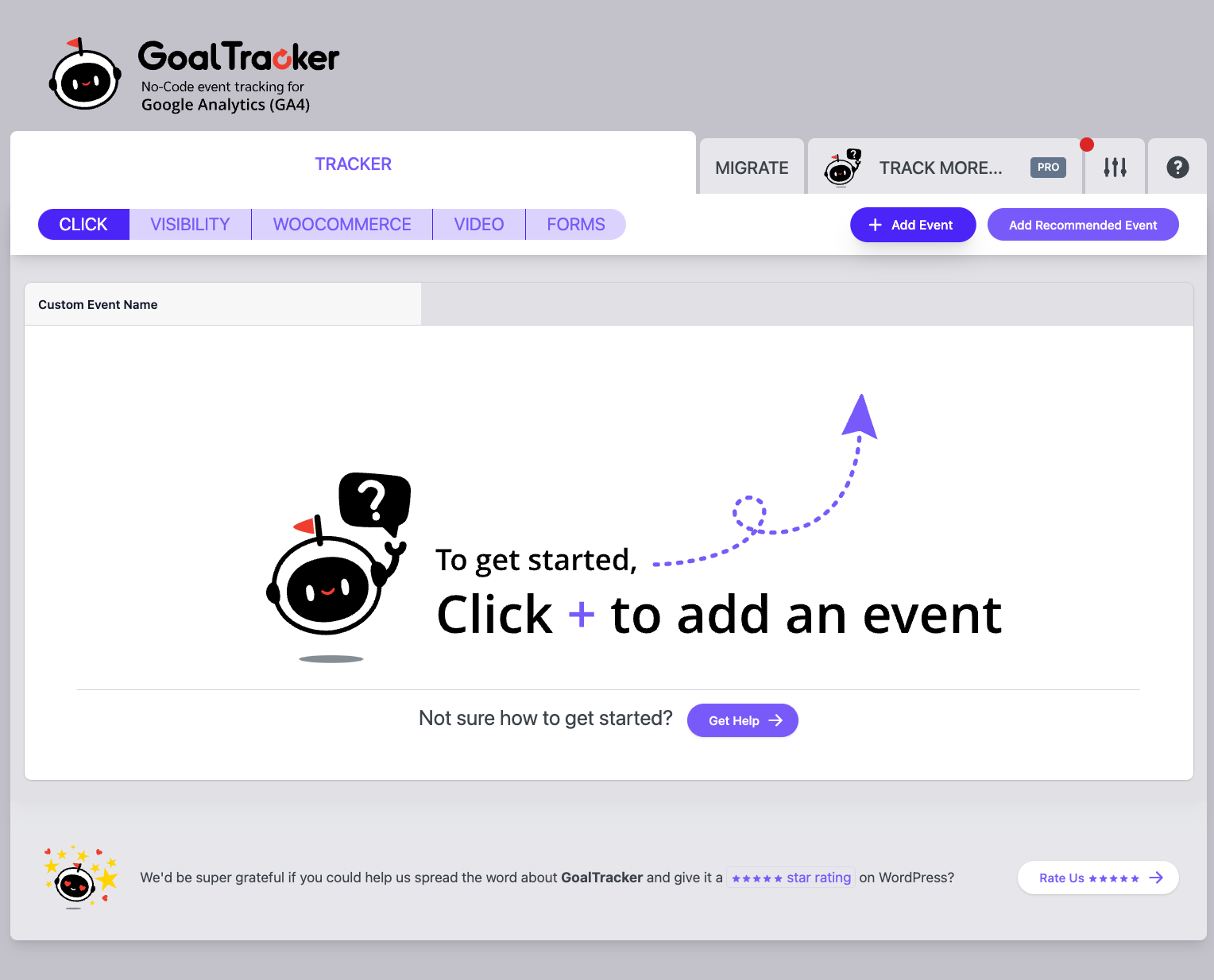
Track Clicks and Visibility 
Recommended Events 
Custom Events


Installatie
- Upload the plugin files to the
/wp-content/plugins/wp-goal-tracker-gadirectory, or install the plugin through the WordPress plugins screen directly. - Activate the plugin through the ‘Plugins’ screen in WordPress
Beoordelingen


Bijdragers & ontwikkelaars
“Goal Tracker – Custom Event Tracking for GA4” is open source software. De volgende personen hebben bijgedragen aan deze plugin.
Bijdragers


Vertaal “Goal Tracker – Custom Event Tracking for GA4” in je eigen taal.
Interesse in ontwikkeling?
Bekijk de code, haal de SVN repository op, of abonneer je op het ontwikkellog via RSS.
Changelog
1.1.5 – 2024-10-31
- Package Updates
1.1.4 – 2024-05-02
- Updating third party libraries
1.1.3 – 2024-03-13
- Bug fix – Plugin admin UI not showing for some WordPress versions.
1.1.2 – 2024-02-20
- Fixing an issue with video popups
1.1.1 – 2024-01-08
- UI changes
- Better error handing
1.1.0 – 2023-12-18
- Bug Fixes
- Pro – Added WooCommerce Support
1.0.16
Added Help Sections
1.0.15
Bug fixes
1.0.14
Better support for lazy loaded elements
Bug Fixes
1.0.13
Bug Fixes
1.0.12
Bug fixes
1.0.11
- Migration Service
- Bug fixes
1.0.10
- You can now disable tracking for logged in administrators.
- Added Contact Form 7 integration to the Pro version.
1.0.9
- Added the import and export configuration buttons.
- Bug fix – Issue with WooCommerce descriptions
1.0.8
- Added user tracking to the Pro plugin.
- Added help sections.
- Bug fixes
1.0.7
- Fix an issue with the Pro plugin.
- We will now rescan visibility events when new elements are added to the DOM.
1.0.6
- New user interface
- Fixing an issue with anchor links
- Allowing to add a separate data stream
1.0.5
- Better support for third party plugins
1.0.4
- Changing the gtag function name to avoid conflitcs with third party components.
1.0.3
- Fixing an email trackinb bug.
1.0.2
- Introducing the Pro version.
- Bug fixes and UI changes for both versions.
1.0.1
- Typo fix.
- Adding the getting started guide.
1.0.0
- The first version of Goal Tracker GA!

