Layout – Webdesign

0,00 / maand excl. BTW

Layout kiezen / webdesign aanpassen

Ander webdesign / layout? Dat kan hier heel gemakkelijk!

  1. Gratis: Kies één van de voor geprogrammeerde layouts.
  2. Gratis: Pas je gekozen webdesign naar wens aan.
  3. Kies hier een andere gratis layout: Gratis implementatie.
  4. Kies een andere gratis layout: Vergoeding voor implementatie.
  5. Kies een betaald thema: Vergoeding voor implementatie.
  6. Laat een layout voor je maken.

Andere Layout

Ander Webdesign

Eénmalige betaling

1. Om welk webdesign gaat het (naam)
2. Waar kunnen wij het vinden
3. Als het in een account staat, mogen wij dan inlog-gegevens opdat wij het kunnen uploaden

Het verwijderen van webdesigns bespaart webruimte. Als er een webdesign extra op je website / webshop wordt gezet, dan kost dat webruimte.

Prijs per maand

Categorie:

Beschrijving

Deze plugin is niet getest met de laatste 3 grotere versies van WordPress. Mogelijk wordt het niet meer onderhouden of ondersteund. Ook kunnen er compatibiliteitsproblemen ontstaan wanneer het wordt gebruikt met recentere versies van WordPress.

Classic Menu Block

Beschrijving

Use classic menus in gutenberg, using this block. This block renders classic menu data using wp_nav_menu function, improving backwards compatiblity.

Schermafbeeldingen
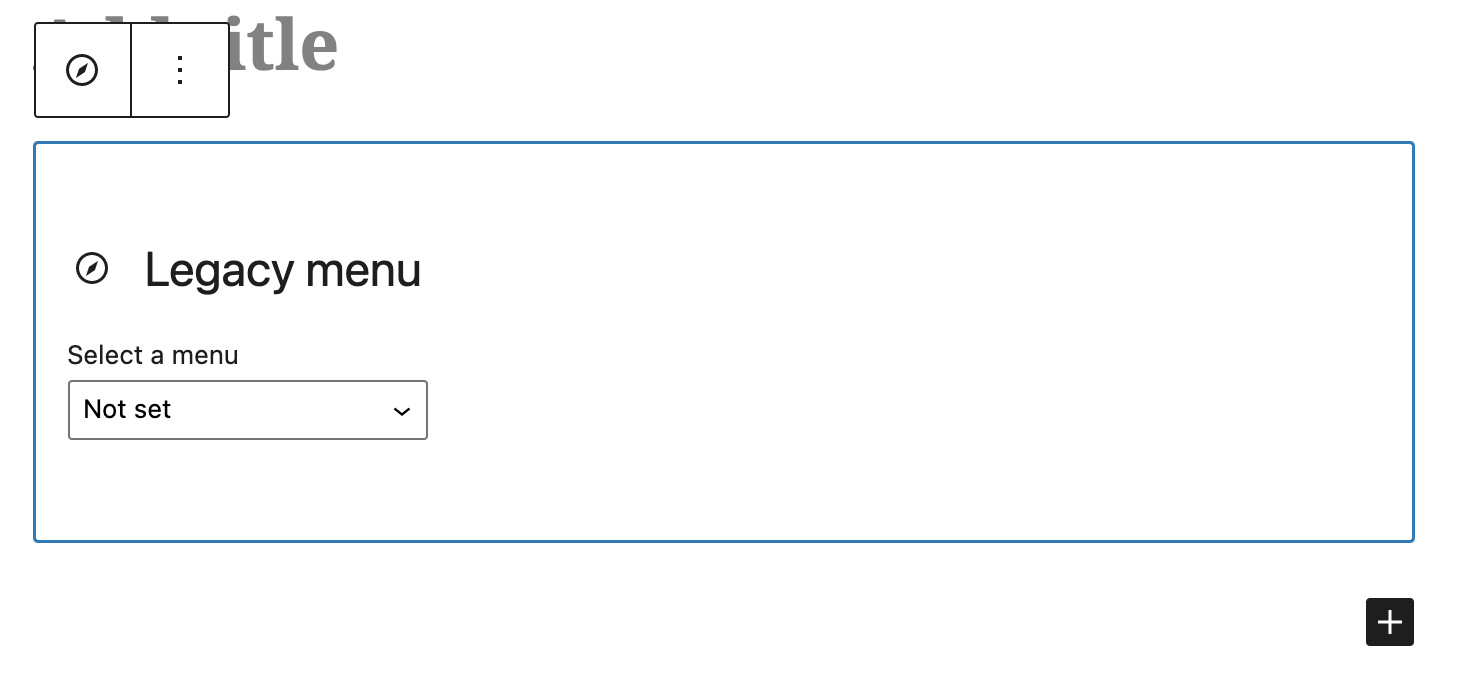
  • The navigation block \

Blokken

Deze plugin heeft 1 blok.

  • Classic Menu Block A gutenberg block to use classic menus.

Installatie

This section describes how to install the plugin and get it working.

  1. Upload the plugin files to the /wp-content/plugins/classic-menu-block directory, or install the plugin through the WordPress plugins screen directly.
  2. Activate the plugin through the ‘Plugins’ screen in WordPress

Beoordelingen

4 september 2024
Great plugin for what it is – as a wrapper for the classic menu insert fn wp_nav_menu(), and so to be able to insert a classic menu into a full block theme.  BUT  ….   The documentation is totally absent for who this plugin is for, how you use it , whats the prerequisites    .. So the plugin provides a block to insert a classic menu  …So I assume you can insert a classic menu into a website which is using a Block theme. But if I simply start with block theme 2024, install and activate the plugin, then I don’t get in the Backend the menu item ‘Menus’  under Appearance  … so I cannot first setup/create a classic menu …. But then I realised if you  include the function register_nav_menus() in an action hook in the theme, then I get the MI ‘Menus’  –  function register_my_menu() {    register_nav_menus();          } add_action( ‘after_setup_theme’, ‘register_my_menu’ ); So now I can create a classic menu in the Backend, insert a Classic Menu block  in a page and select a classic menu for that  block insert. So for example, theme 2024 has no such register fn, so I  added it to  a child theme    And then to the styling   ….   The plugin  comes with some simple menu styling  – that’s  OK, at least its something  … But  if you want to do  your own styling the Spacemonkey article mentions  a filter  .. but its not clear  what it’s for / how  you  use it  …   But after looking in the code of the plugin  top file  classic-menu-block.php,  you  can use the filter  to change the  params  which  in the plugin are then passed to the classic menu insert function  wp_nav_menu() .   So  I  used this to change the class name of the outer  wrapper div of the inserted menu from the default to my own  …  as such I could remove the default styling, and style the menu as I  want without the need for !important or mega specificity.     So in conclusion it would be useful to simply add this info  in the diocumentation    ….  A comment on improving the default styling / adding styling config  (there isn’t any config at the moment)  …  I don’t know how far this should go  … simply because there would be so many  possibilities  to  suite each person’s needs so the whole thing becomes totally overweight  …   I think its best as is  –  the simple current  styling – at least  it works for the  non-dev, but  with the filter  a developer can do  their own styling.
20 februari 2024
Exactly what I was looking for: a simple menu-block. Nothing more, nothing less.
Lees alle 2 beoordelingen

Bijdragers & ontwikkelaars

“Classic Menu Block” is open source software. De volgende personen hebben bijgedragen aan deze plugin.

Bijdragers

“Classic Menu Block” is vertaald in 10 localen. Dank voor de vertalers voor hun bijdragen.

Vertaal “Classic Menu Block” in je eigen taal.

Interesse in ontwikkeling?

Bekijk de code, haal de SVN repository op, of abonneer je op het ontwikkellog via RSS.