

Beschrijving

Timeline – Vertical and Horizontal Timeline Layouts
Beschrijving
The Most User-Friendly Timeline Plugin for WordPress – Loved by Thousands.
Timeline makes it effortless to create responsive, customizable, and interactive timelines that fit perfectly inside posts, pages, and widgets.
Whether you’re displaying a personal journey, company history, project milestones, or event schedules — Timeline gives you complete visual storytelling freedom.
The plugin offers vertical and horizontal layouts, supports start alignment, custom HTML titles, and includes a powerful shortcode generator for quick embedding.
Choose the layout you like, add timeline items, customize the visuals — and publish. No hassle. No technical knowledge required.
Timeline | Pricing | Support | Demo
Key Features
- Vertical & Horizontal Layouts: Easily switch between vertical and horizontal timelines with a single click.
- Start Index Control: Choose whether your timeline begins from the left, right, top, or bottom.
- Visible Item Limit (Horizontal): Select how many items should appear at once for better usability.
- HTML Support in Timeline Titles: Add icons, bold text, or any HTML tags inside your titles.
- Responsive & Mobile Friendly: Timelines automatically adapt to all screen sizes..
- Shortcode Generator: Quickly embed a timeline anywhere using shortcode.
- Lightweight & Fast: Clean code, optimized performance, and minimal footprint.
Pro Features
Upgrade to Timeline Pro and access advanced customization, premium themes, and interactive editing options.
What’s Included in the Pro Version?
- Powerful Gutenberg Block: Build and customize timelines visually inside the Block Editor.
- Seven Extra Themes: Professionally designed templates including dual-orientation themes.
- Classic Editor for Descriptions: Format descriptions beautifully with rich text support.
- Customizable Icons: Add icons to timeline items and style them exactly how you want.
- Advanced Styling Options: Add icons to timeline items and style them exactly how you want.
- Customizable Icons: Add icons to timeline items and style them exactly how you want.
- Enhanced Layout Controls: Adjust every detail for a polished, professional timeline.
- Enhanced Customization Options: Fine-tune every aspect of your timeline for ultimate design control.
🎯 How to Use Timeline – Quick Start Guide
- Install and activate the plugin
- Go to Timeline Add New
- Configure your timeline settings
- Copy the generated shortcode
- Paste it inside any post, page, or widget
That’s it — your timeline is live!
Use Cases
Personal milestones & life stories
- Company history timeline
- Event & conference schedules
- Project roadmap
- Product evolution
- Educational course chapters
- Portfolio storytelling
⭐ Checkout our other WordPress Plugins-
🔥 Html5 Audio Player – Best audio player plugin for WordPress.
🔥 Html5 Video Player – Best video player plugin for WordPress.
🔥 PDF Poster – A fully-featured PDF Viewer Plugin for WordPresss.
🔥 StreamCast – A fully-featured Radio Player Plugin for WordPresss.
🔥 3D Viewer – Display interactive 3D models on the webs.
Schermafbeeldingen
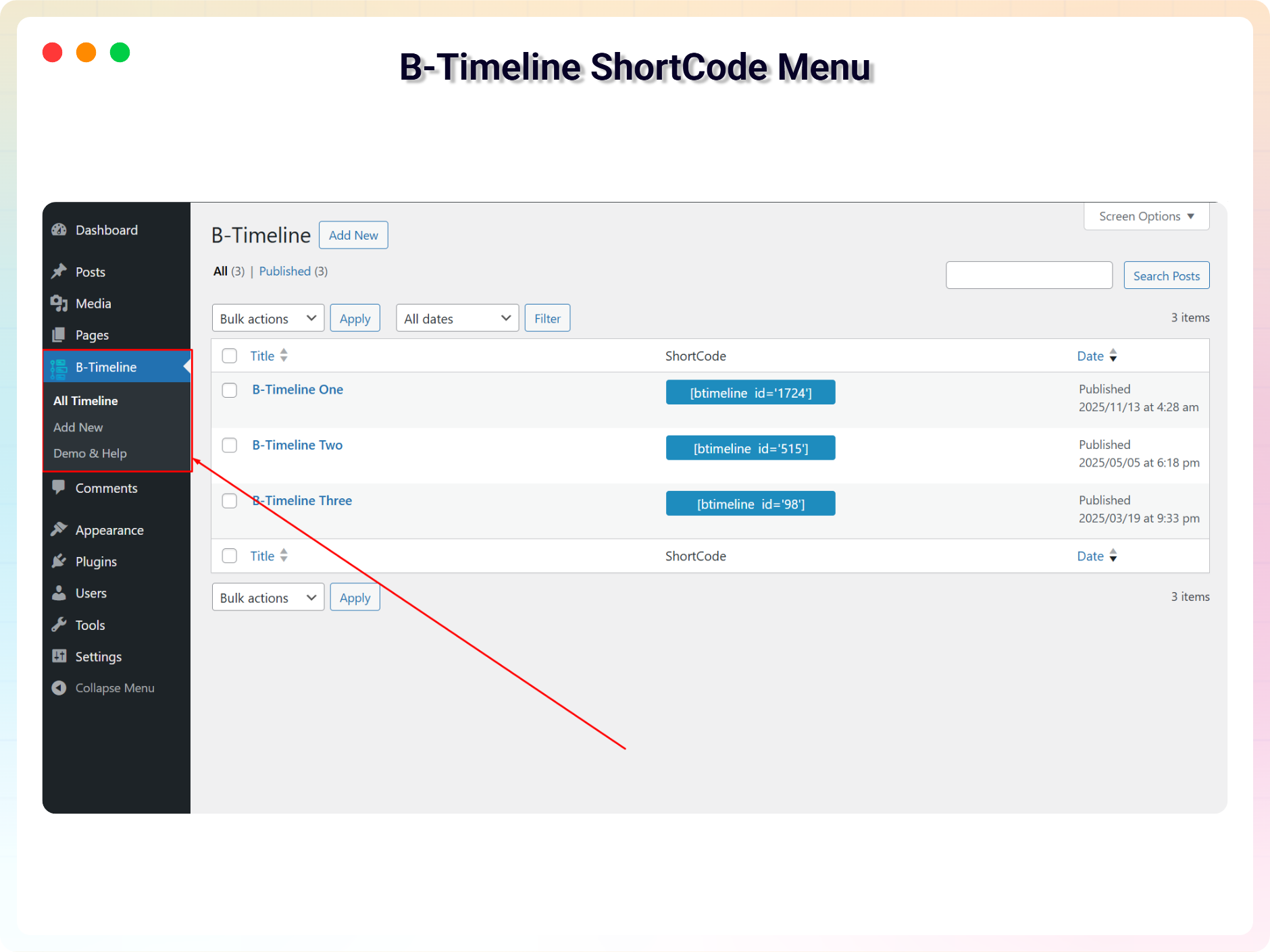
Timeline ShortCode Menu 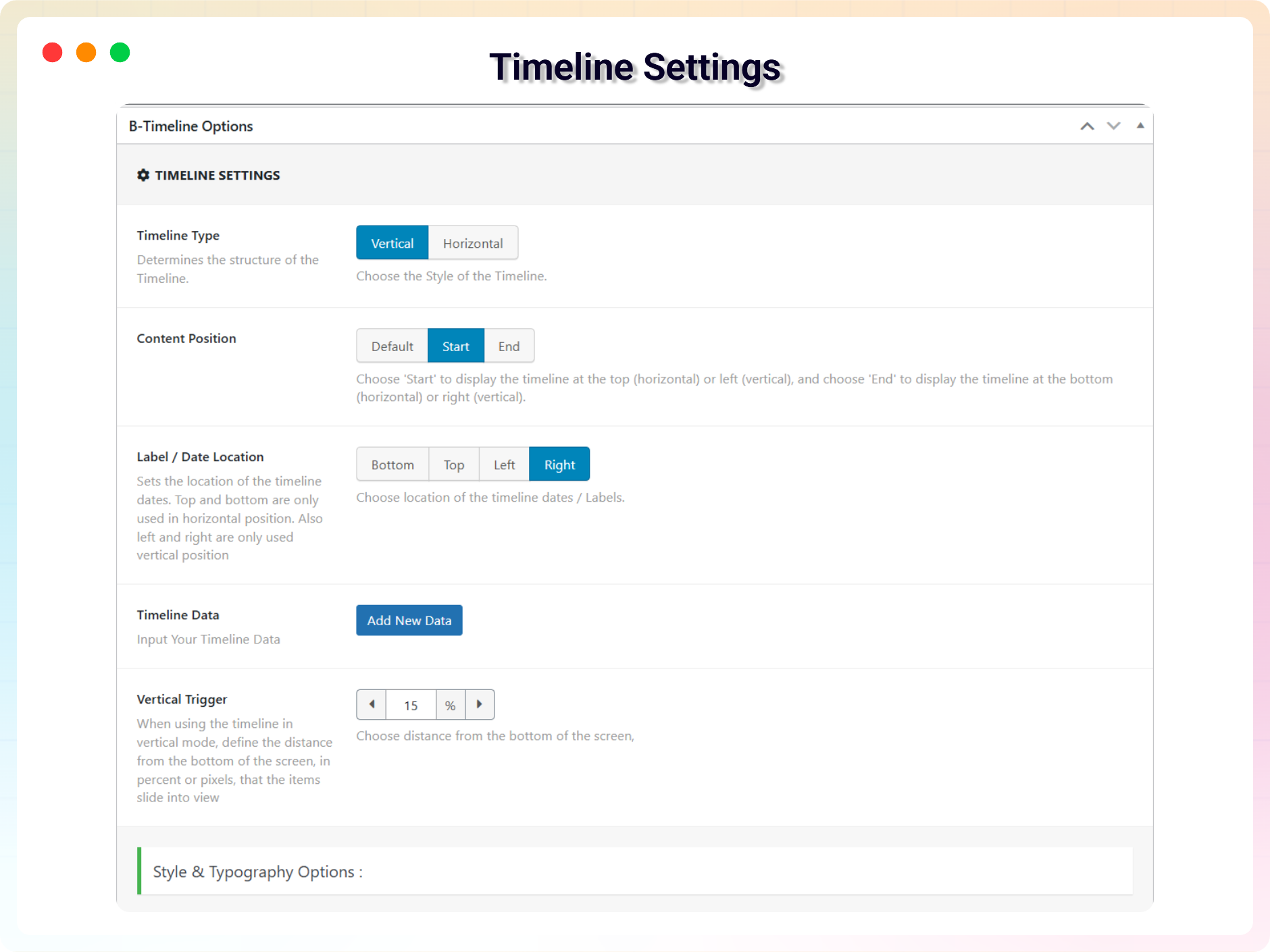
Timeline Settings 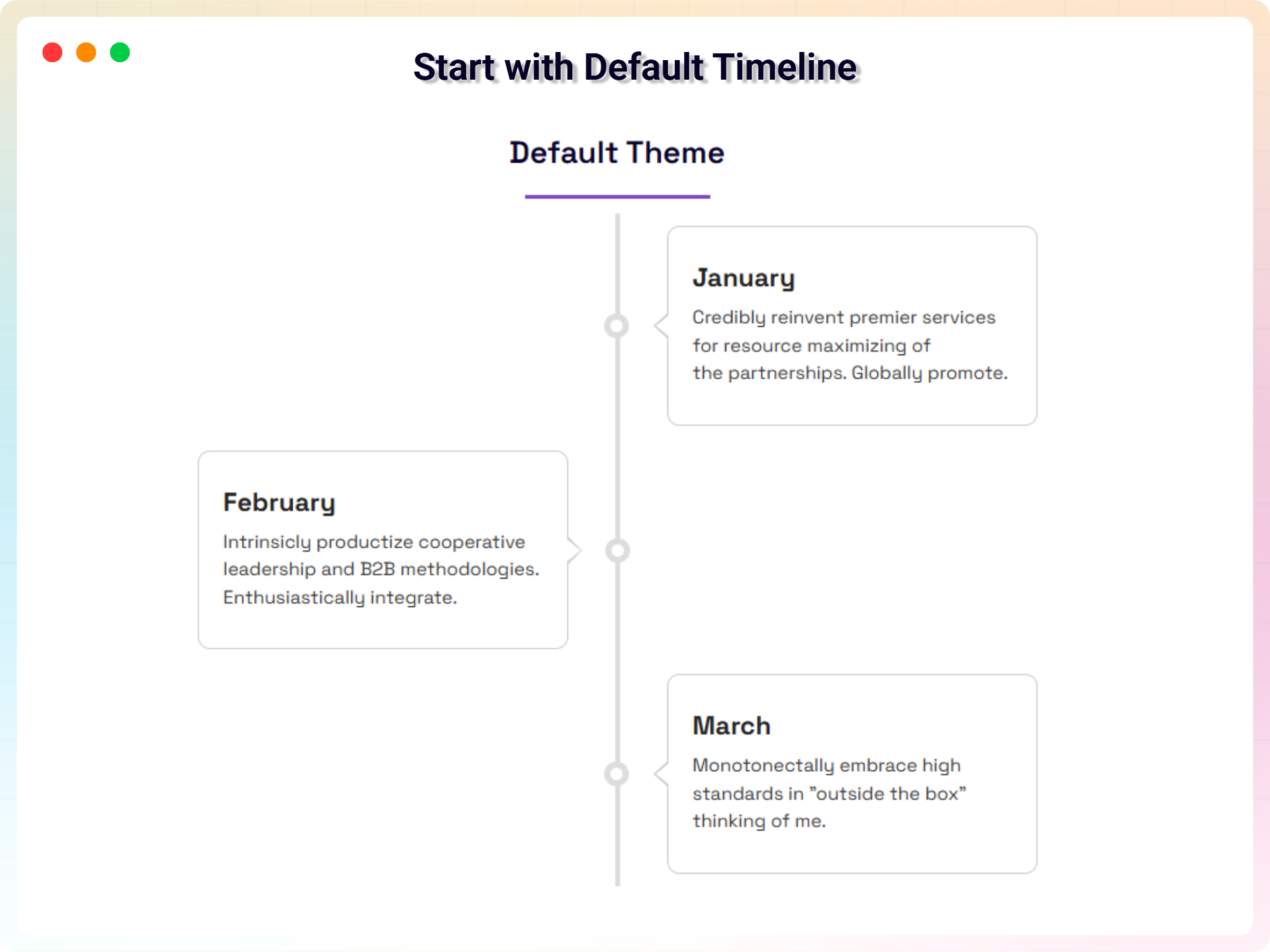
Default Timeline 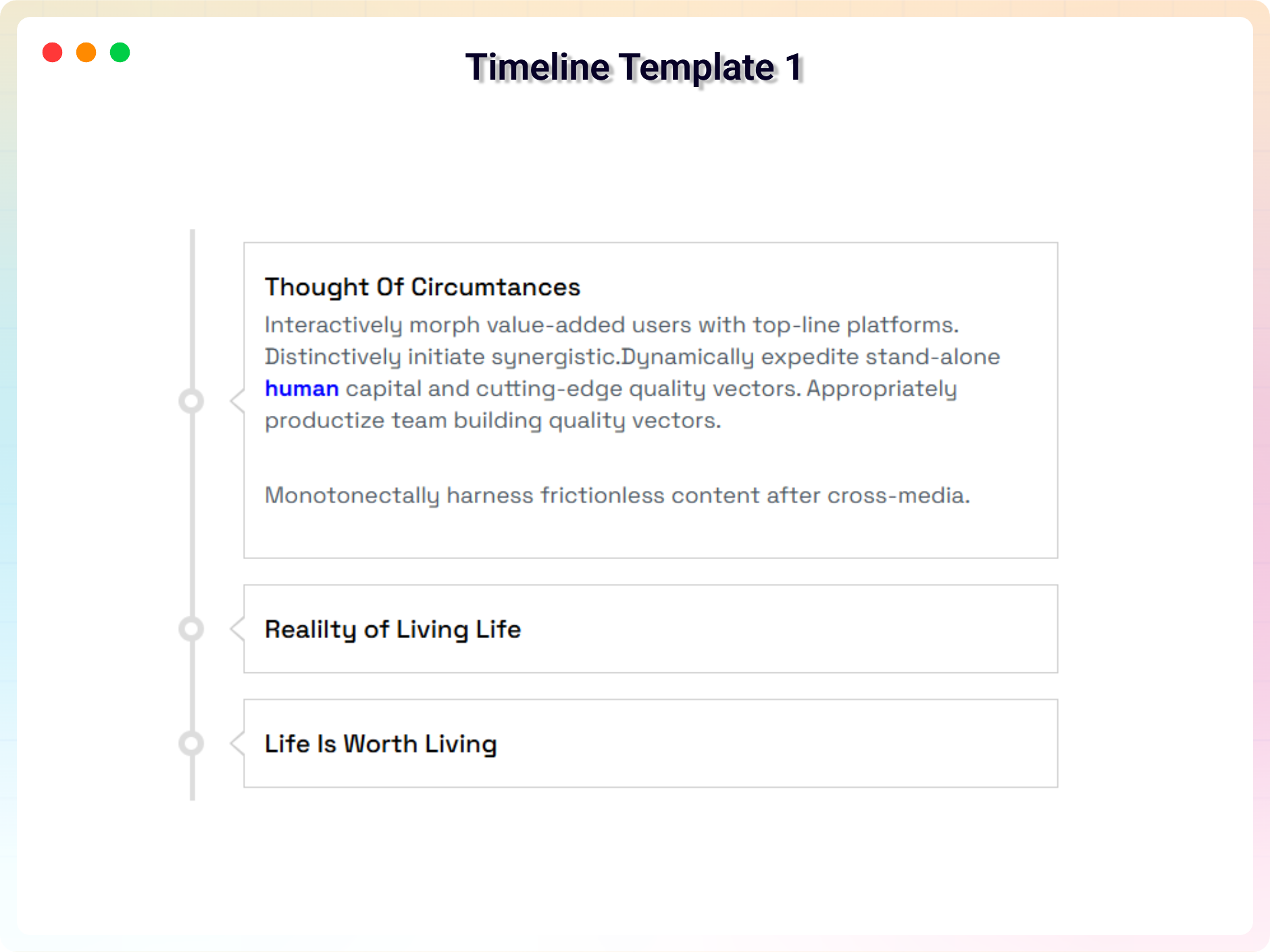
Template 1 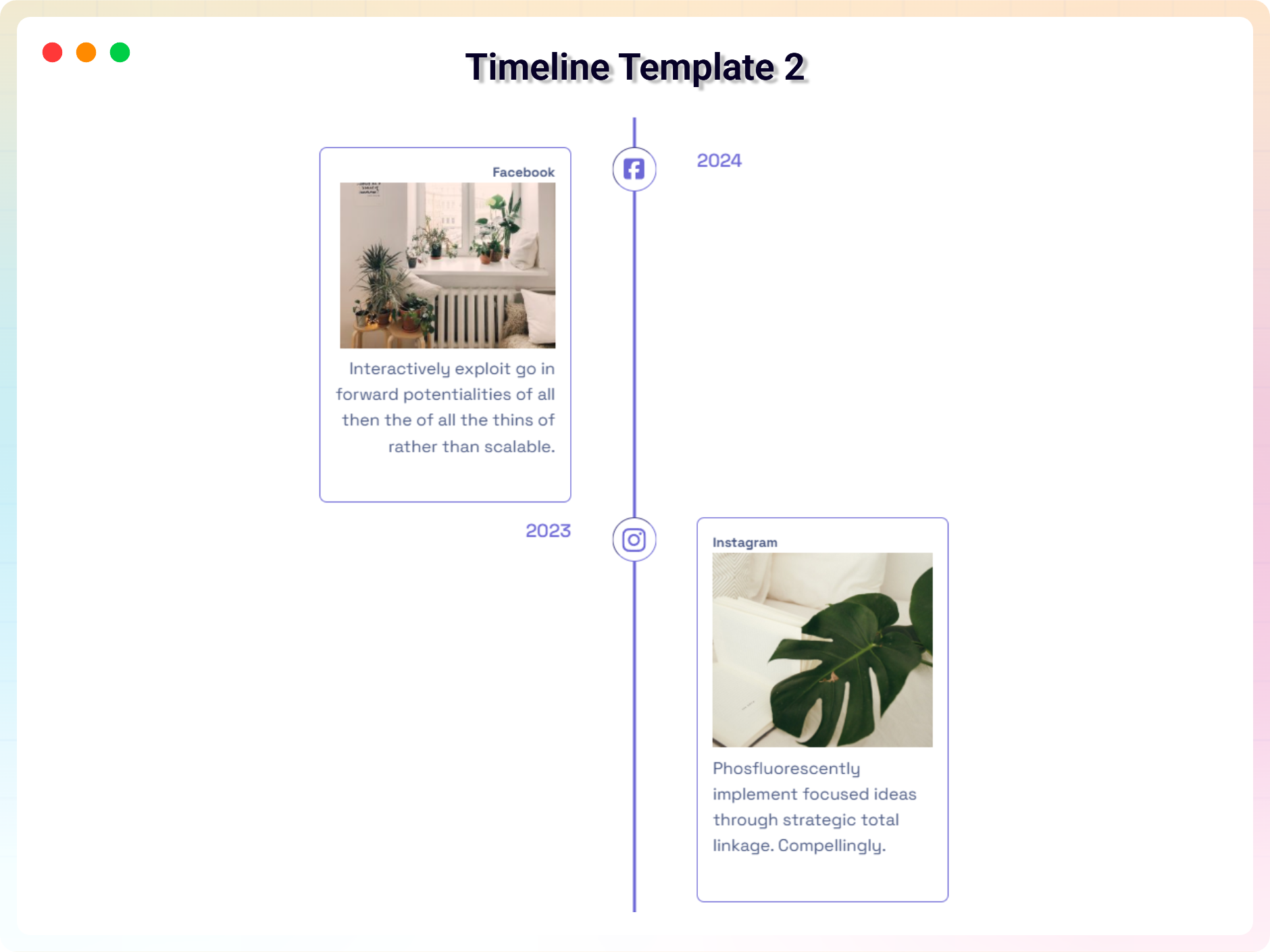
Template 2 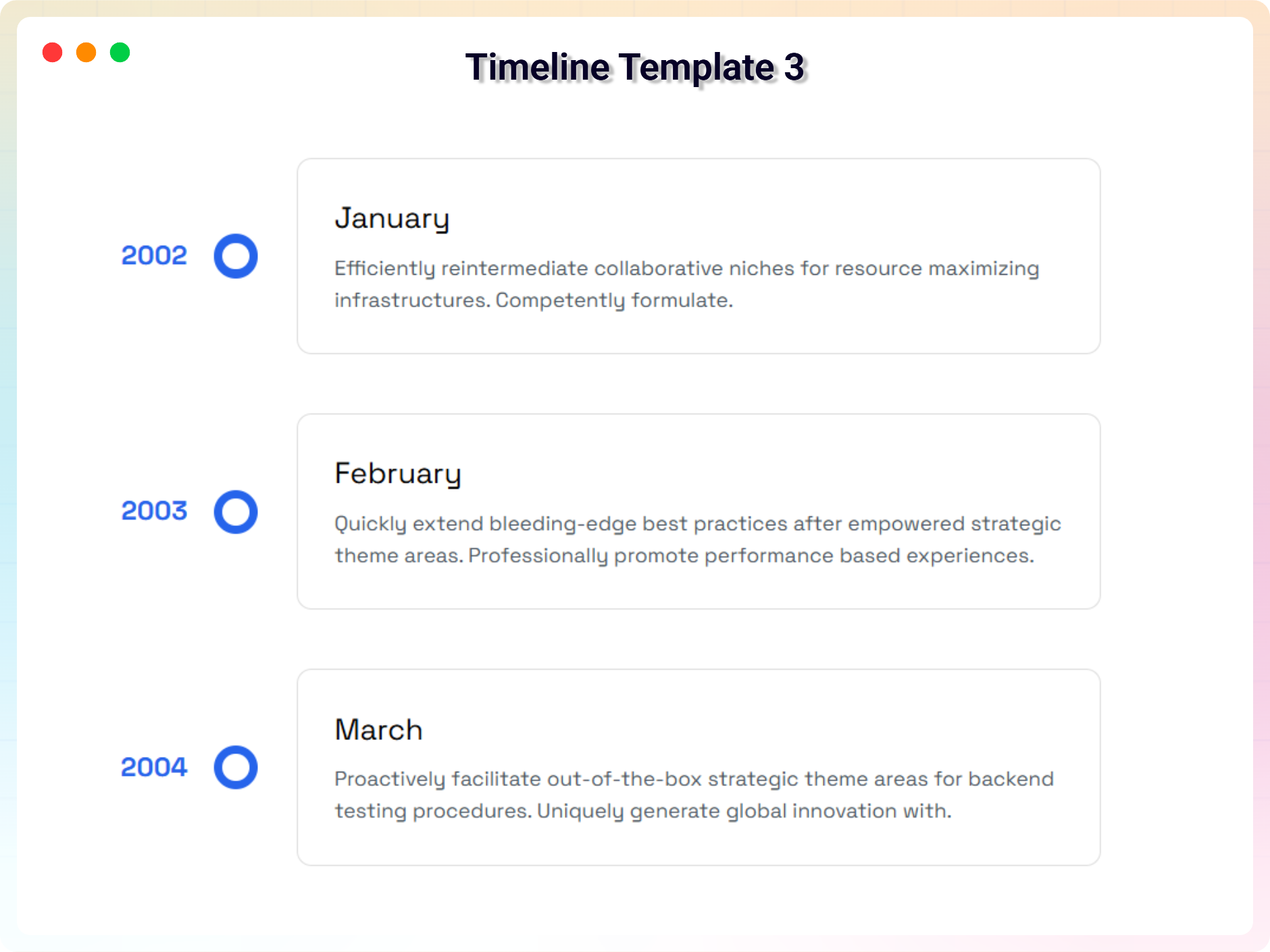
Template 3 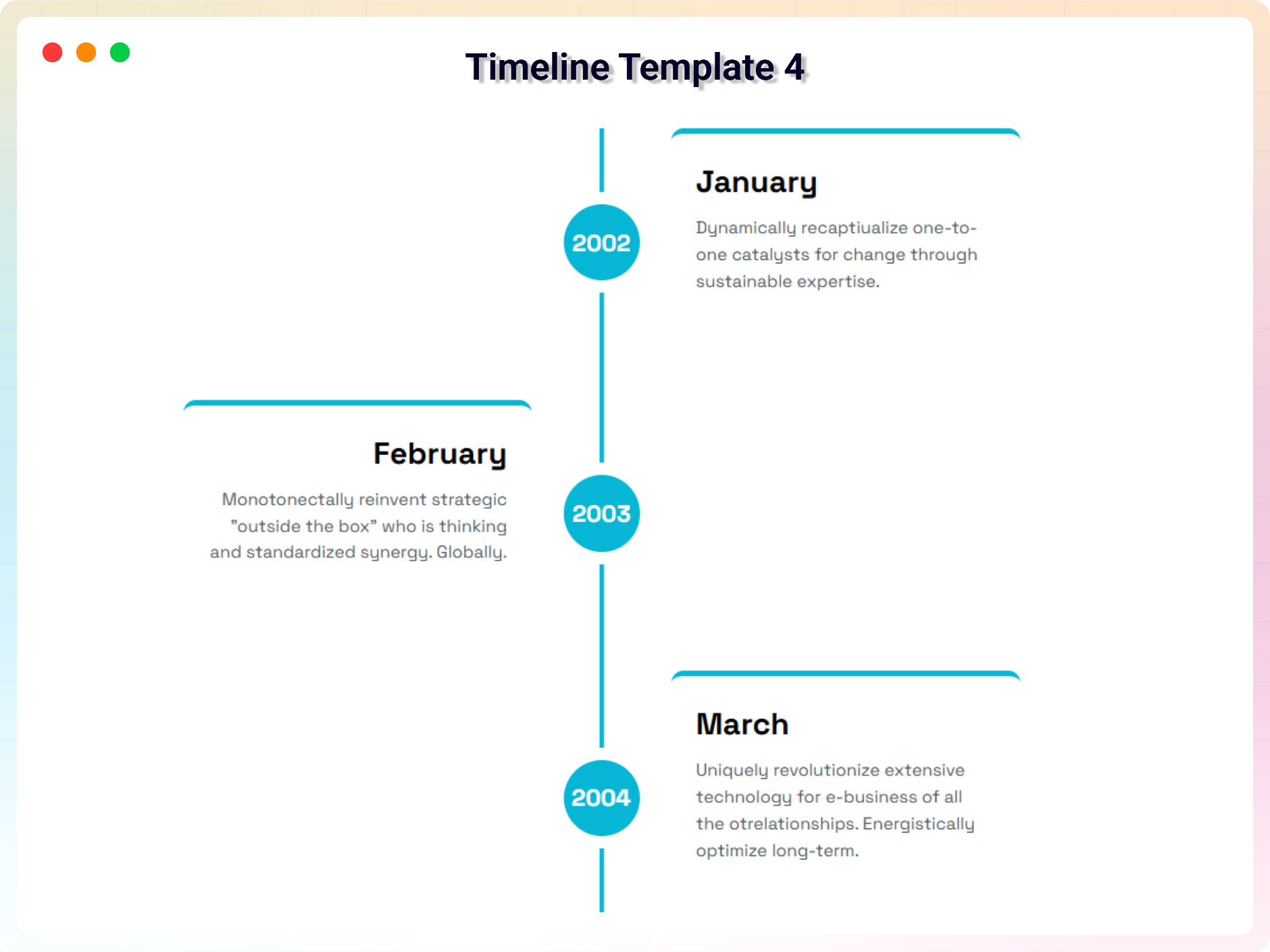
Template 4 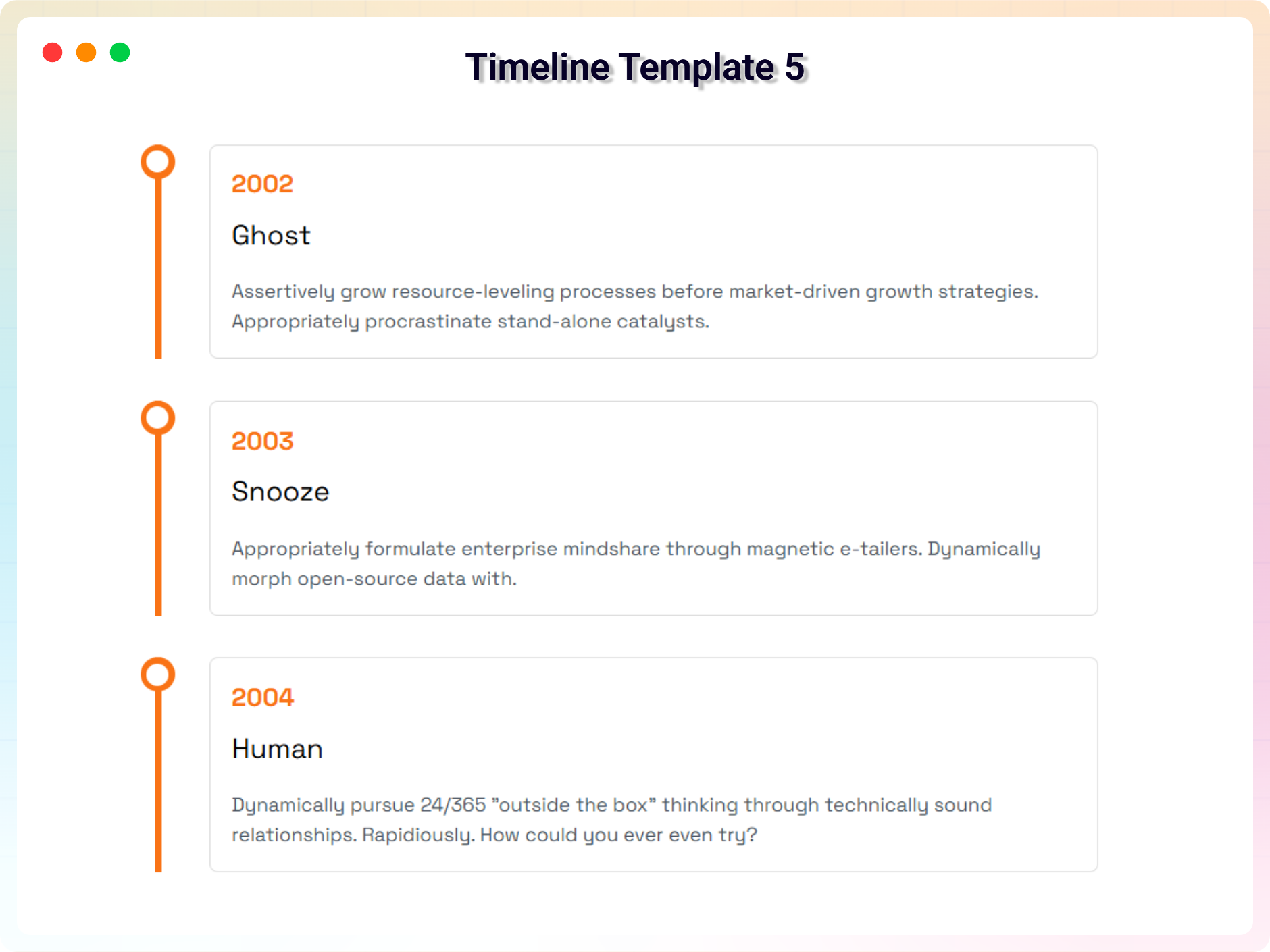
Template 5 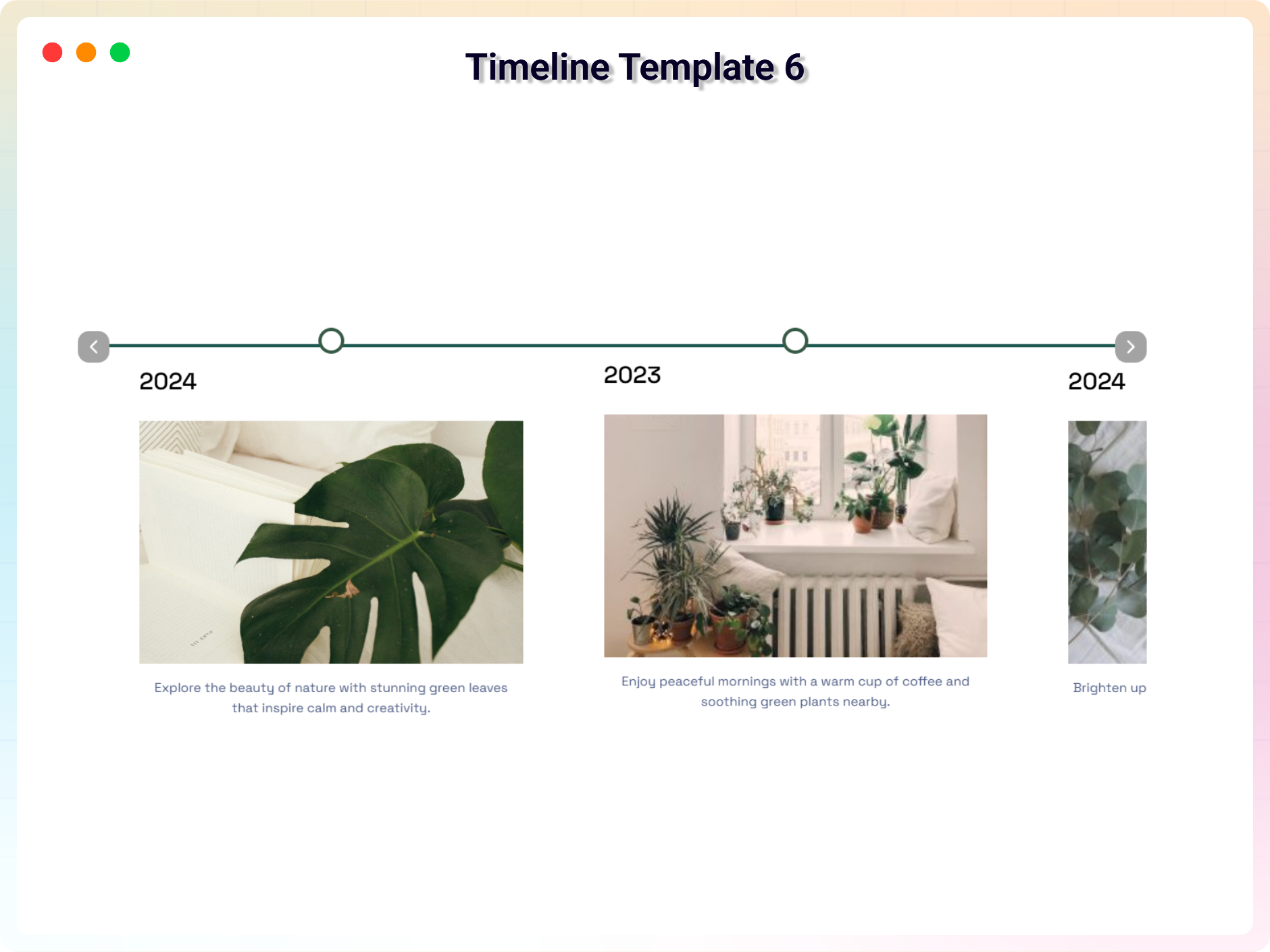
Template 6


Installatie
This section describes how to install the plugin and get it working.
e.g.
- Upload
plugin-directoryto the/wp-content/plugins/directory - Activate the plugin through the ‘Plugins’ menu in WordPress
- Use shortcode in page, post or in widgets.
- If you want player in your theme php, Place
<?php echo do_shortcode('YOUR_SHORTCODE'); ?>in your templates
FAQ
Does it work with any WordPress theme?
Yes, it will work with any standard WordPress theme.
How many times can I reuse a shortcode?
You can use unlimited times as you want.
Where can I get support?
You can post your questions on the support forum here
Where do I report security bugs found in this plugin?
Please report security bugs found in the source code of the Timeline – Create And Display Timeline Contents plugin through the Patchstack Vulnerability Disclosure Program. The Patchstack team will assist you with verification, CVE assignment, and notify the developers of this plugin.
Beoordelingen


Bijdragers & ontwikkelaars
“Timeline – Vertical and Horizontal Timeline Layouts” is open source software. De volgende personen hebben bijgedragen aan deze plugin.
Bijdragers


Vertaal “Timeline – Vertical and Horizontal Timeline Layouts” in je eigen taal.
Interesse in ontwikkeling?
Bekijk de code, haal de SVN repository op, of abonneer je op het ontwikkellog via RSS.
Changelog
2.0.0 – 25 January 2026
- Fixed horizontal timeline issue
- Optimized plugin files
1.1.9 – 15 November 2025
- Fixed Issues
1.1.8 – 5 November 2025
- updated dashboard
1.1.7 – 21 October 2025
- Fixed conflict issues and updated demos
1.1.6 – 16 September 2025
- Add Modern Dashboard
1.1.5 – 19 May 2025
- Fixed Mobile view issue
1.1.4 – 24 April 2025
- Fixed textdomain issues and seo issue
1.1.2 – 24 April 2025
- Fixed textdomain issues
1.1.2 – 20 March 2025
- Fixed Issues
1.1.1 – 11 March 2025
- Fixed Issues
1.1.0 – 8 Feb 2025
- Upload v1.1.0: upload a premium version with some incredible features.
1.0.7 – 7 Nov, 2024
- Feature: option to show timeline only on top/right/bottom/left
1.0.6 – 3 Aug, 2024
- Fixed: Bar Background
1.0.4 – 5 Sep, 2023
- Add media button to editor
1.0.3
- solved horizontal issue
1.0.2
- Fixed Visible items issue
1.0.1
- Updated Option Field
- Fix Border Issues
- Fix Mirror Issues
1.0.0
- Initial Release

