

Beschrijving


Advance Portfolio Grid, Slider and Gallery – Showcase Projects, Images and Videos
Beschrijving
Advance Portfolio Grid is een krachtige en flexibele WordPress plugin die je helpt om eenvoudig verbluffende, responsive portfoliorasters en galerijen te maken. Ontworpen voor creatieve professionals, bureaus, fotografen, ontwerpers en zakelijke sites, stelt deze portfolioraster plugin je in staat om je projecten, werkvoorbeelden, case studies of uitgelichte content te presenteren in prachtig georganiseerde lay-outs die zich naadloos aanpassen aan alle apparaten.
Met een gebruiksvriendelijke interface en shortcode-gebaseerde integratie maakt Advance Portfolio Grid het eenvoudig om aangepaste portfolioraster te maken zonder enige programmeerkennis. Je kunt portfolio’s weergeven in meerdere lay-outstijlen, filterbare categorieën en aanpasbare ontwerpen die passen bij de branding en visuele identiteit van je site. Of je nu individuele projecten of groepscollecties presenteert, deze portfolioraster oplossing helpt je om je werk op een visueel aantrekkelijke manier te tonen, bezoekers te boeien en de interactie op je site te verbeteren.
Ontwikkeld met prestaties en responsiviteit in gedachten, werkt Advance Portfolio Grid soepel met moderne WordPress thema’s en ondersteunt het mobielvriendelijke lay-outs, zodat je portfolio er uitstekend uitziet op desktops, tablets en smartphones. De flexibele instellingen geven je controle over kolommen, tussenruimtes, hoveren effecten, lightbox ondersteuning en meer—waardoor het een complete oplossing is voor het creëren van professionele portfolioweergaven zonder complexiteit.
Buy PRO Version | Free Demo | Pro Demo | Support | Pro Documentation
Video Documentation:
WPB Filterable Portfolio V 1.07:
Plugin Features:
- Responsive Portfolio Grid and slider.
- Portfolio column settings for different screen sizes.
- You can show your own custom post type items in the portfolio.
- Portfolio items exclude or include.
- Portfolio quick-view popup.
- Portfolio image size settings.
- Elementor support.
- Easy Shortcode System.
- Advance setting panel.
- All modern browser support.
- Gutenberg compatibility.
- Volledig vertaal gereed, ondersteunt WPML, Polylang, GTranslate en alle andere meertalige plugins..
Pro Version Features:
- Portfolio filterable grid and slider.
- Masonry ondersteuning voor het portfolio raster.
- Portfolio category filtering system with awesome effects.
- Portfolio categorie Ajax filteren.
- Ajax laadt meer knop voor portfolio.
- Paginering voor portfolio raster.
- Video support, both on the grid and quick view popup.
- The image gallery for each portfolio, gallery image slider in quick view popup.
- You can show your own custom post type and taxonomy for the portfolio grid and slider.
- WooCommerce support added for showing the products as the portfolio.
- Elementor and Visual composer support.
- Gutenberg compatibility.
- Portfolio column settings for different screen size.
- 7 different portfolio skins for showing portfolios in a different style.
- 4 different styles for portfolio filter.
- 6 different styles for portfolio quick view.
- External link for the portfolio.
- Work with any theme.
- 24/7 Dedicated Support.
- Pro Version Demo »
- Upgrade to the Pro Version Now!»
Credit: Bootstrap, Magnific Popup, Codrops.
Schermafbeeldingen

Portfolio Grid 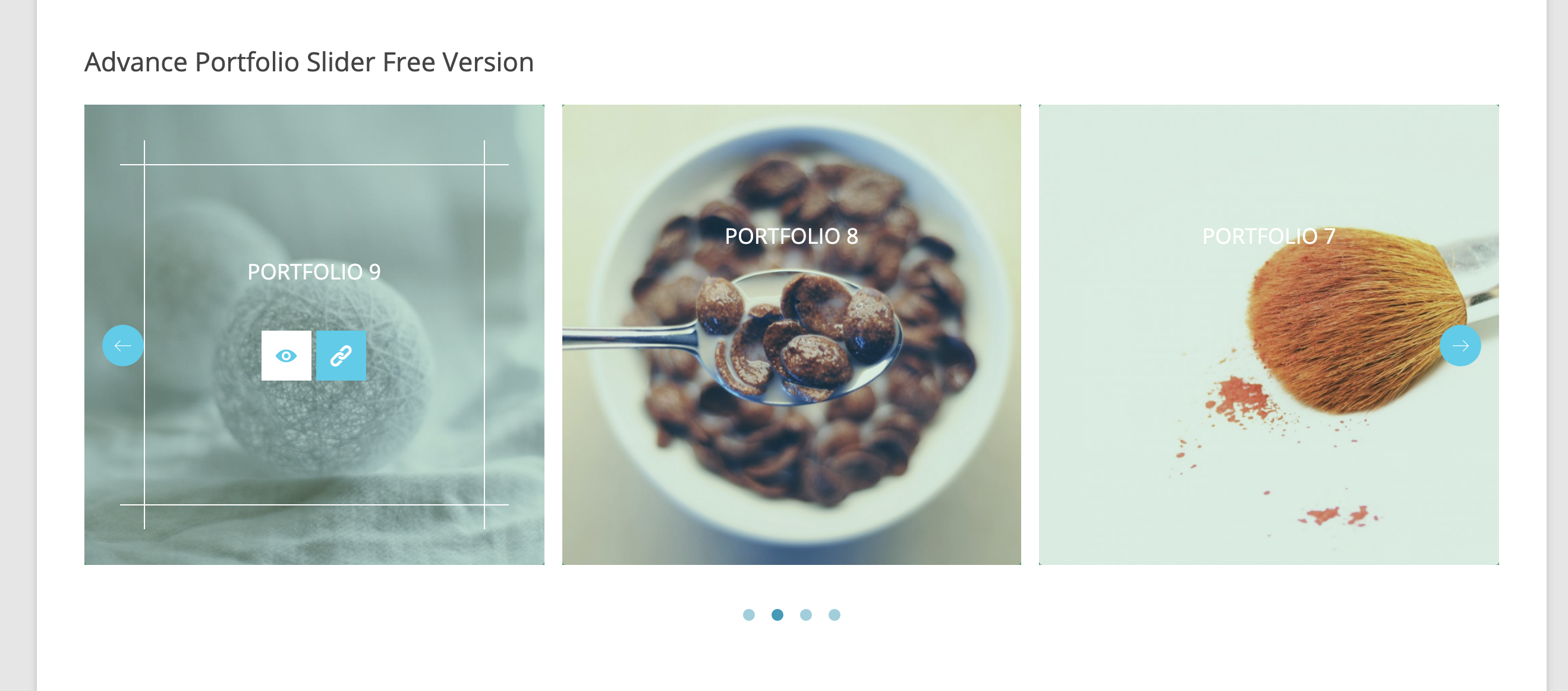
Portfolio Slider 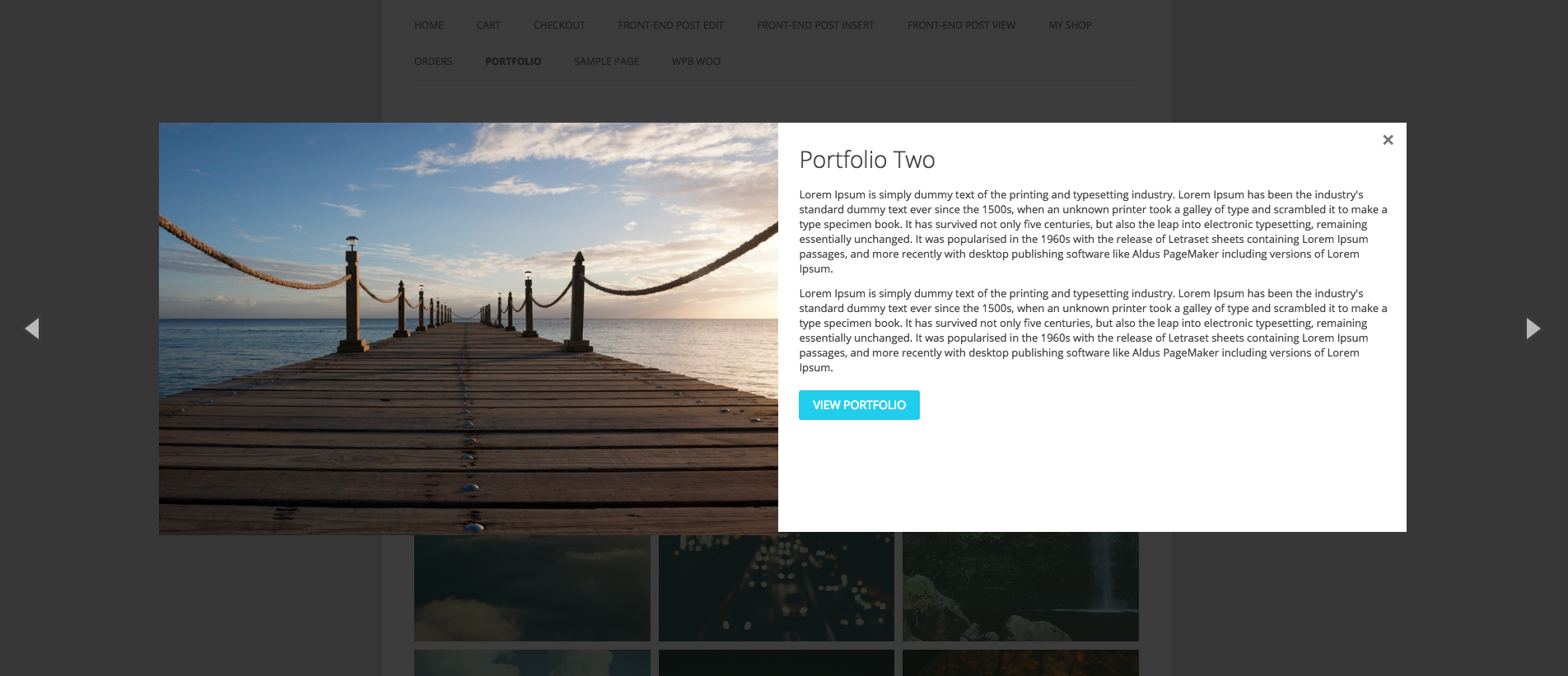
Portfolio Quick View Popup 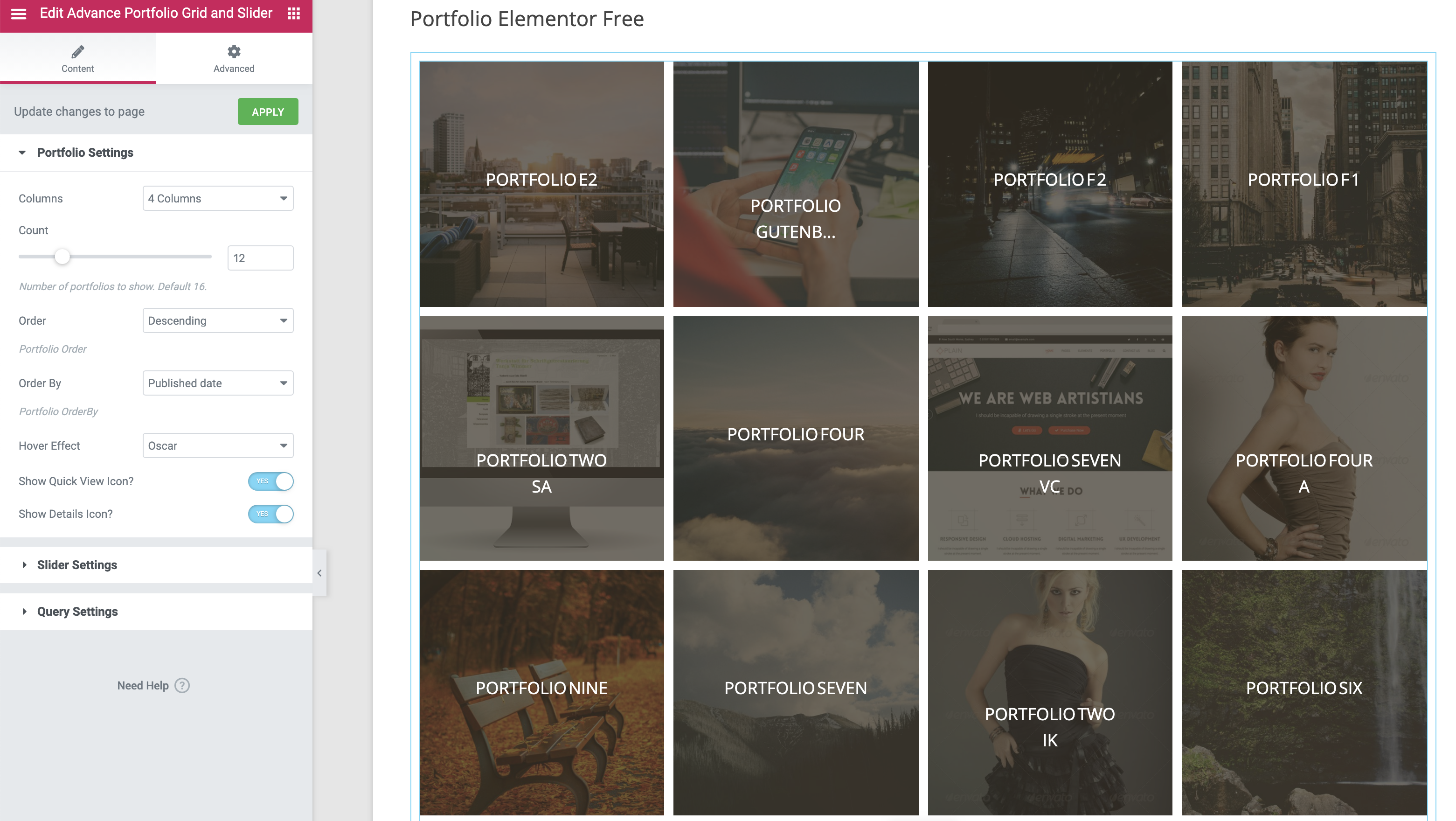
Elementor widget for the Portfolio 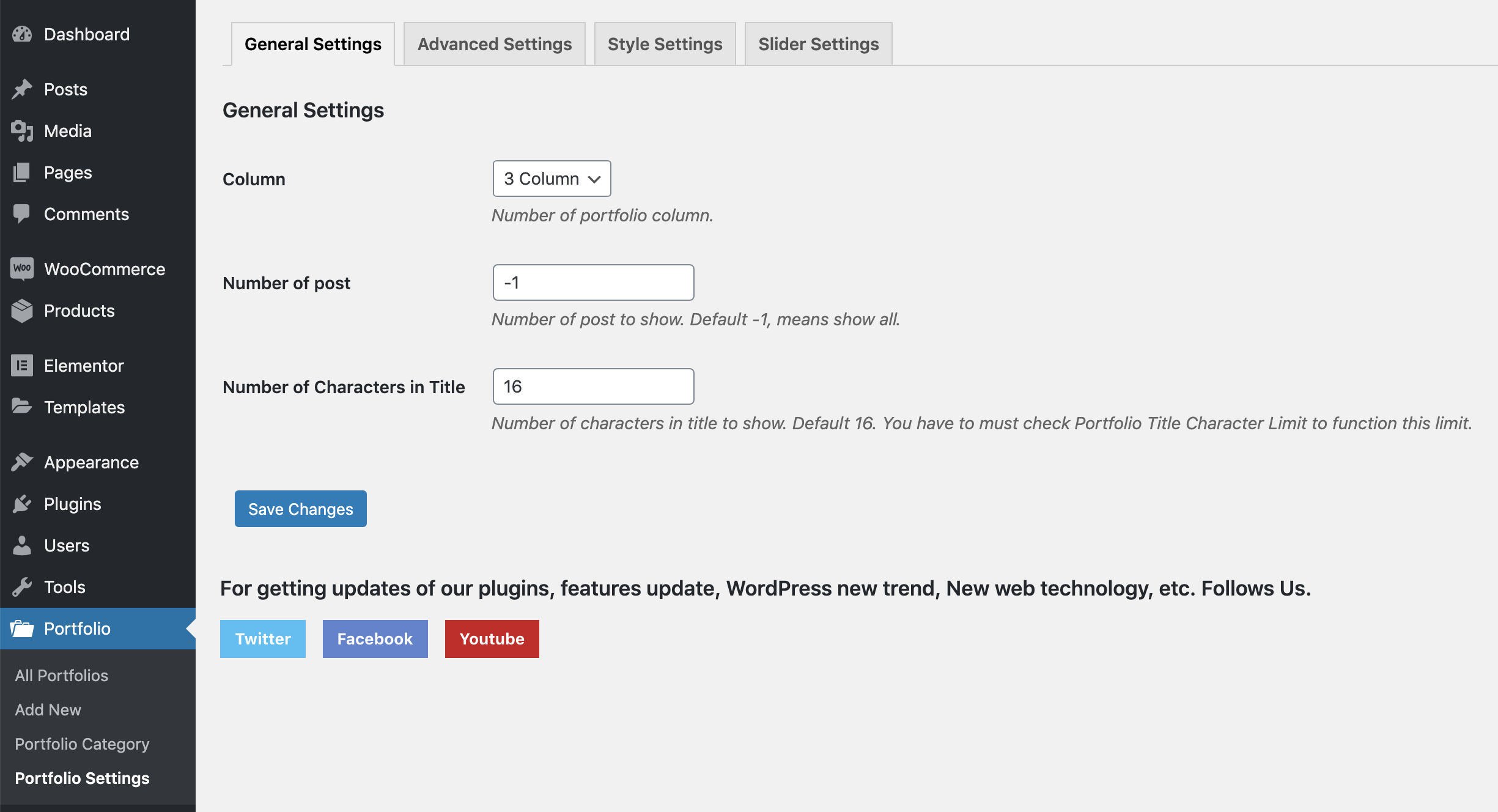
Portfolio Generel Settings. 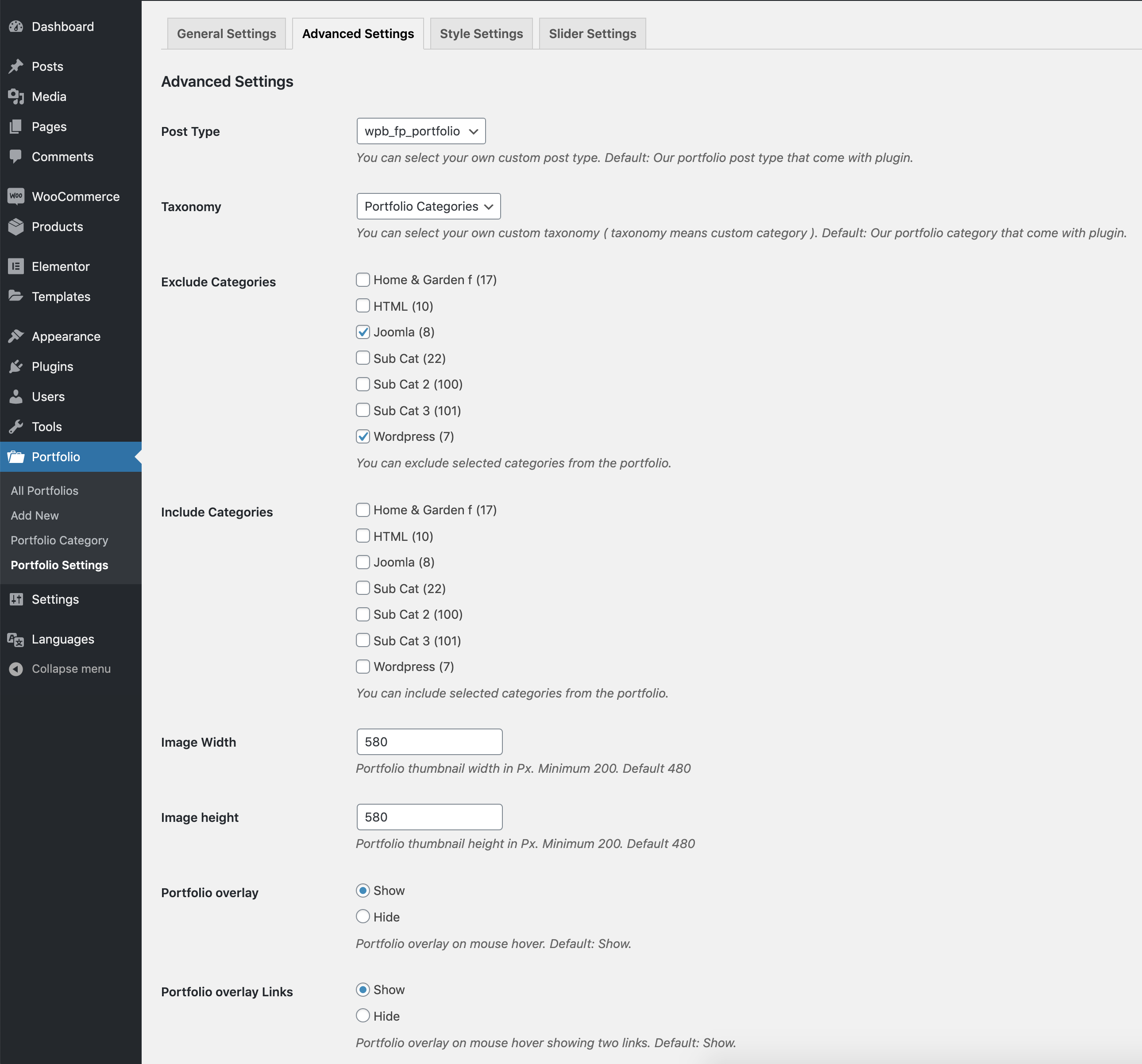
Geavanceerde portfolio instellingen. 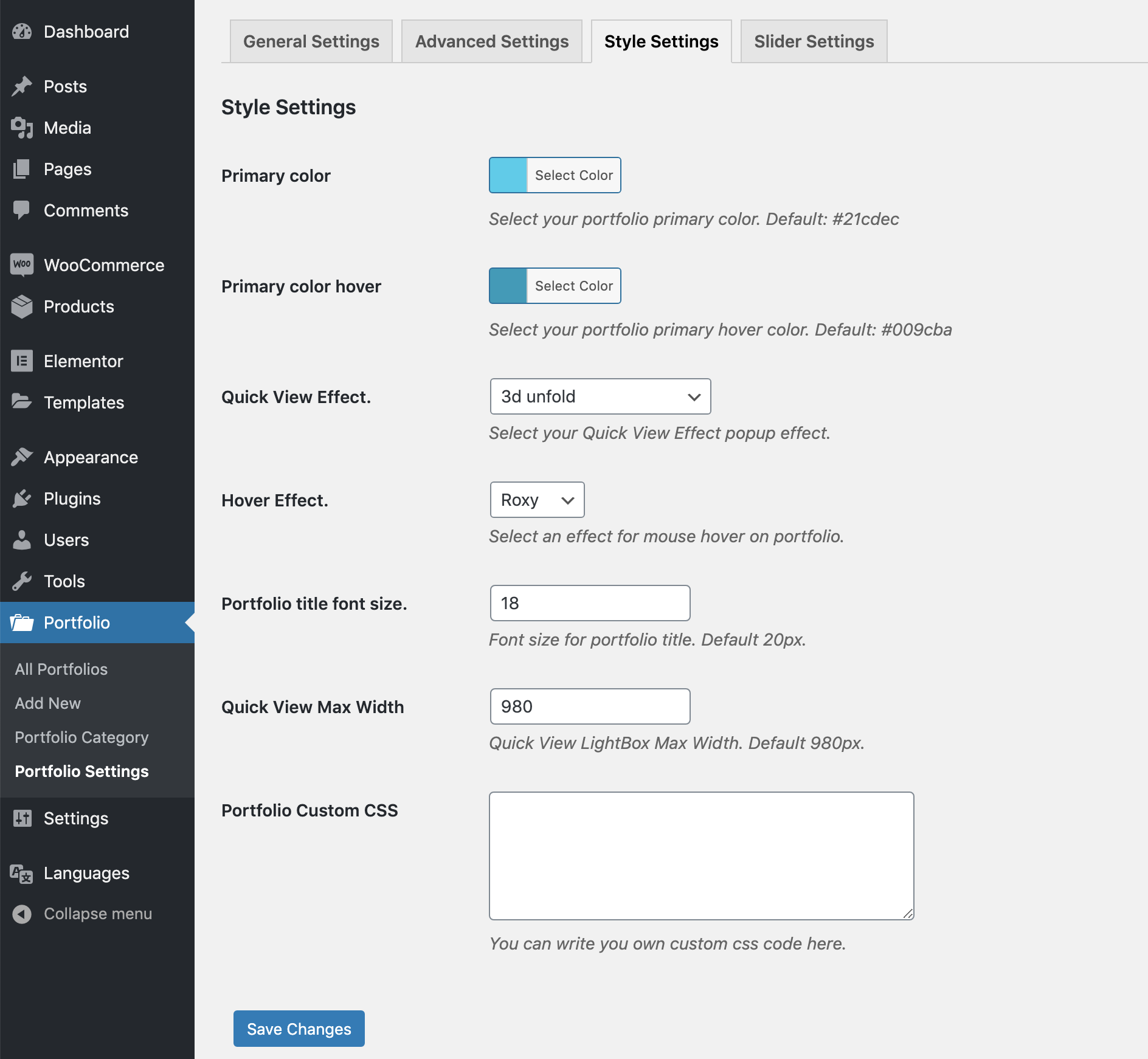
Portfolio stijlinstellingen. 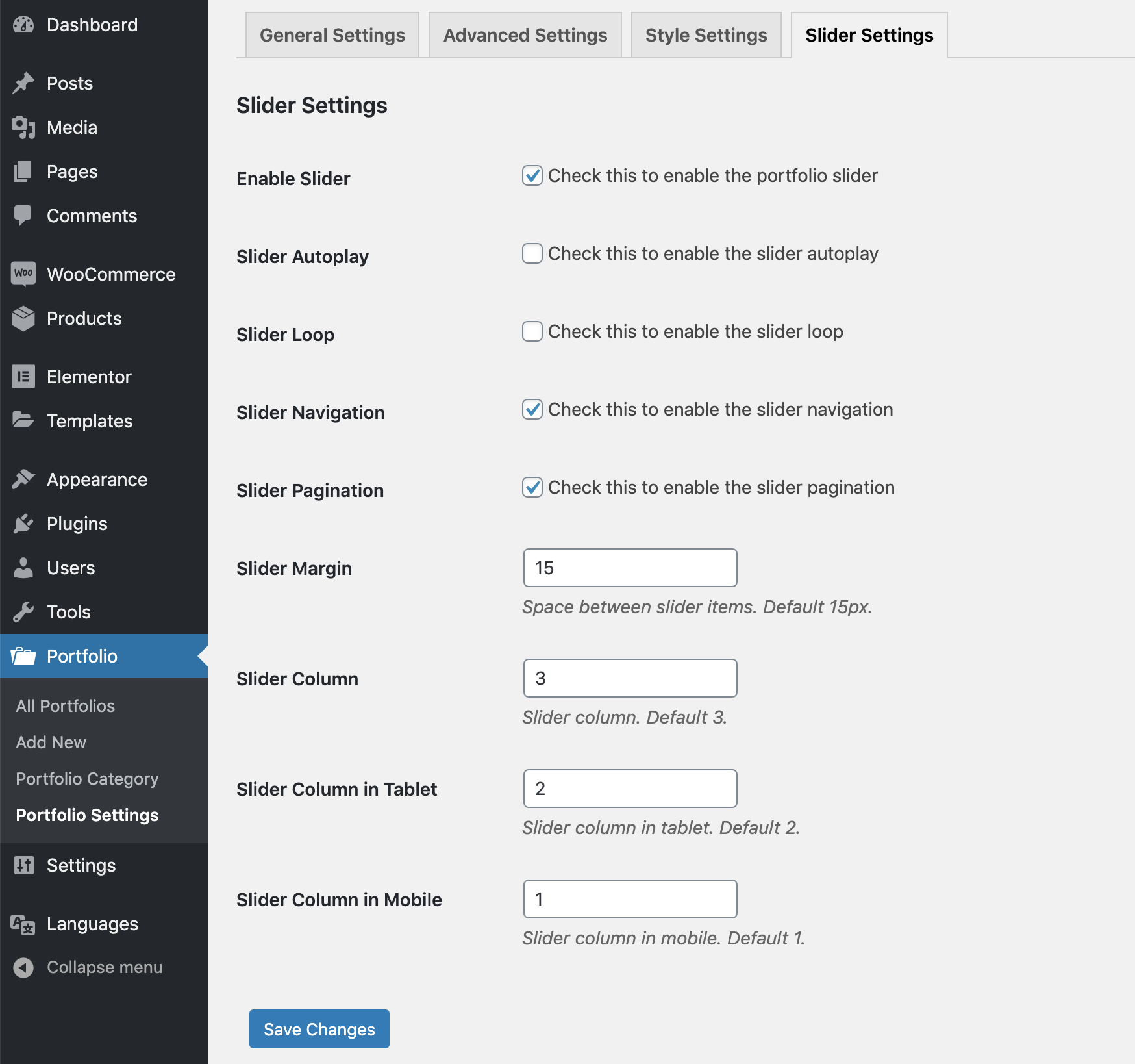
Portfolio slider instellingen.


Installatie
Install it as a regular WordPress plugin
Add some post with feature images in Portfolio post type.
Then use the following shortcode for showing the portfolio.
[wpb-portfolio]
Shortcode Parameters
- type: Portfolio content type, Options: grid, slider. Default: grid.
- include: Comma separated portfolio category ids for showing only selected portfolios.
- exclude: Comma separated portfolio category ids for removing selected portfolio items.
- column: Portfolio column, accepted values – 2, 3, 4, 6
- orderby: Portfolio items order by. Default: date. Please visit this link for more details.
- order: Portfolio items order. Default: DESC. Accepted values – ASC, DESC.
- show_quickview_btn: Show quick-view icon or not, Options: on, off. Default: on.
- show_details_btn: Show details icon or not, Options: on, off. Default: on.
Basic Use
[wpb-portfolio] Portfolio Exclude
[wpb-portfolio exclude="3,2"] Portfolio Include
[wpb-portfolio include="3,2,4,5"] Portfolio Column
[wpb-portfolio column="4"] Portfolio Slider
[wpb-portfolio type="slider"] FAQ
Portfolio image not showing?
We hebben een optie in de plugin instelling om de afbeelding breedte & hoogte in te stellen. Probeer een grotere afbeelding te uploaden dan je hebt gedefinieerd in de instelling.
How can I change the portfolio number of columns?
Go to Portfolio -> Portfolio Settings. Here you will find the option for choosing the portfolio column.
Beoordelingen


Bijdragers & ontwikkelaars
“Advance Portfolio Grid, Slider and Gallery – Showcase Projects, Images and Videos” is open source software. De volgende personen hebben bijgedragen aan deze plugin.
Bijdragers

“Advance Portfolio Grid, Slider and Gallery – Showcase Projects, Images and Videos” is vertaald in 1 locale. Dank voor de vertalers voor hun bijdragen.
Interesse in ontwikkeling?
Bekijk de code, haal de SVN repository op, of abonneer je op het ontwikkellog via RSS.
Changelog
version 1.0
- Eerste release
version 1.01
- iPad issue fixed.
version 1.02
- Small CSS issue fixed.
version 1.03
- LightBox content filter added.
version 1.03.1
- Some style update in admin area.
version 1.03.2
- Added WordPress 4.7 support.
version 1.03.3
- Added WordPress 4.9 support.
version 1.03.4
- Added WordPress 4.9.6 support.
version 1.03.5
- Added WordPress 4.9.8 support.
version 1.03.6
- Added WordPress 5.0.2.
- Gutenberg compatibility added.
version 1.03.7
- Small language issue fixed.
version 1.03.8
- include, exclude, column parameter added to shortcode.
- Category include option added in the portfolio settings.
version 1.03.9
- Small tweak.
version 1.04.1
- Added WordPress 5.2 support.
version 1.04.2
- Added WordPress 5.2.1 support.
- Gutenberg compatibility added for portfolio post type.
version 1.04.3
- Portfolio order and order by freature added.
version 1.04.4
- New shortcode parameters added for elable/disable the portfolio icons
version 1.04.5
- Small issue fixed for Magnifig popup.
version 1.04.6
- Added WordPress 5.2.4 support.
version 1.04.7
- Added WordPress 5.3 support.
version 1.04.8
- Free and premium condition added.
version 1.04.9
- Added WordPress 5.3.1 support.
version 1.05.0
- Added WordPress 5.3.2 support.
version 1.05.1
- Added Portfolio slider.
version 1.05.2
- Banner and icon updated.
version 1.05.3
- Slider mobile column issue fixed.
version 1.05.4
- Elementor support added.
version 1.05.5
- Full Grid link to popup feature added.
version 1.05.6
- Background color disable feature added.
version 1.05.7
- Hover effect settings issue is fixed.
version 1.05.8
- Tested with WooCommerce 4.0.1
version 1.05.9
- Admin notice issue fixed.
version 1.06.1
- Portfolio slug filter added.
version 1.06.2
- Tested with WooCommerce 4.1.0 and WordPress 5.4.1
version 1.06.3
- Tested with WooCommerce 4.2.2 and WordPress 5.4.2
version 1.06.4
- View portfolio icon external link issue fixed.
version 1.06.5
- Tested with WooCommerce 4.8.0 and WordPress 5.6
version 1.06.6
- Tested with WooCommerce 5.0.0 and WordPress 5.6.1
version 1.06.7
- Regular Update.
version 1.06.8
- New settings added for the full grid link with permalink.
version 1.06.9
- Tested with WooCommerce 7.3.0 and WordPress 6.1.1
version 1.07.0
- WooCommerce cart issue fixed.
version 1.07.1
- Grid CSS updated to flex.
- New class added to the quick view icons.
version 1.07.2
- Tested with WooCommerce 8.3.1 and WordPress 6.4.1
version 1.07.3
- Added discount page.
version 1.07.4
- Tested with WordPress 6.7
version 1.07.5
- Tested with WordPress 6.7.1
version 1.07.6
- Tested with WordPress 6.8.1
version 1.07.7
- Code quality improved.
- Fixed some security issues.

