

Beschrijving


Anti Spam and list cleaner – AcyChecker
Beschrijving
AcyChecker is a mailing list cleaning service (email checker) created by the AcyMailing (a WordPress newsletter plugin) team.
This email checker allows you to improve the deliverability of your emails, to reduce your costs or to keep a good reputation by using its WordPress (or Joomla) plugin or its API.
This email checker allows the verification of emails at different levels:
- Domain and SMTP check
- Role email checker
- Disposable email checker
- Free provider
- Email format checker
- In-depth tests
Why should you clean up your mailing list with an email checker?
1 – Improve deliverability
2 – Have a good reputation
3 – Reduce your costs
4 – Improve your open rates
5 – Avoid bounces
Schermafbeeldingen

Statistics 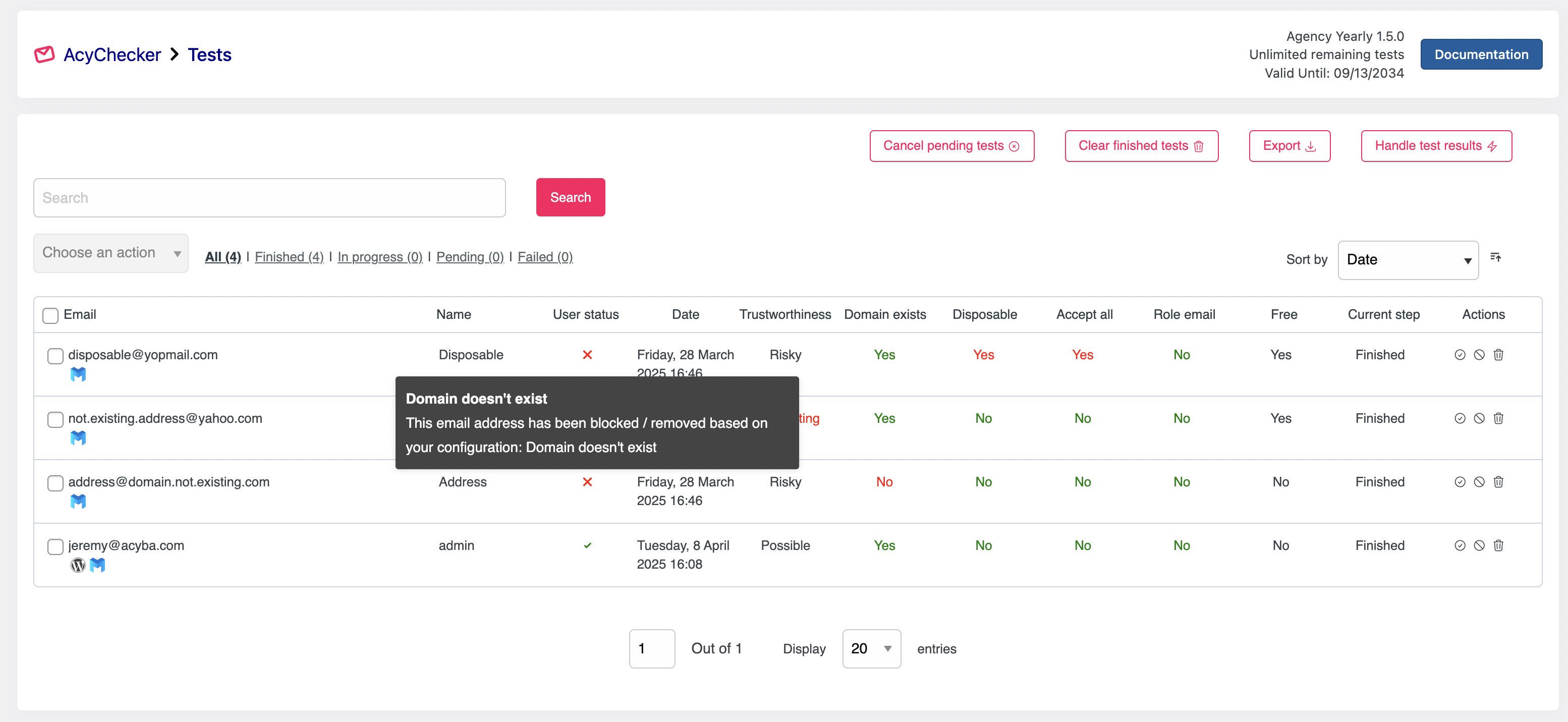
Test results 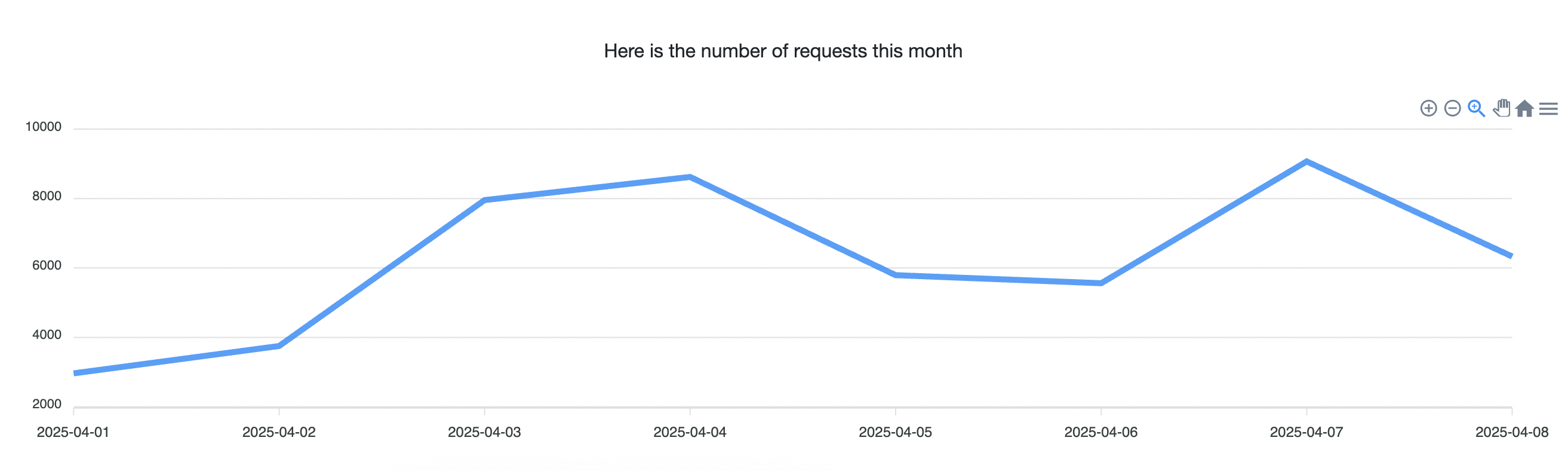
Tested users over time 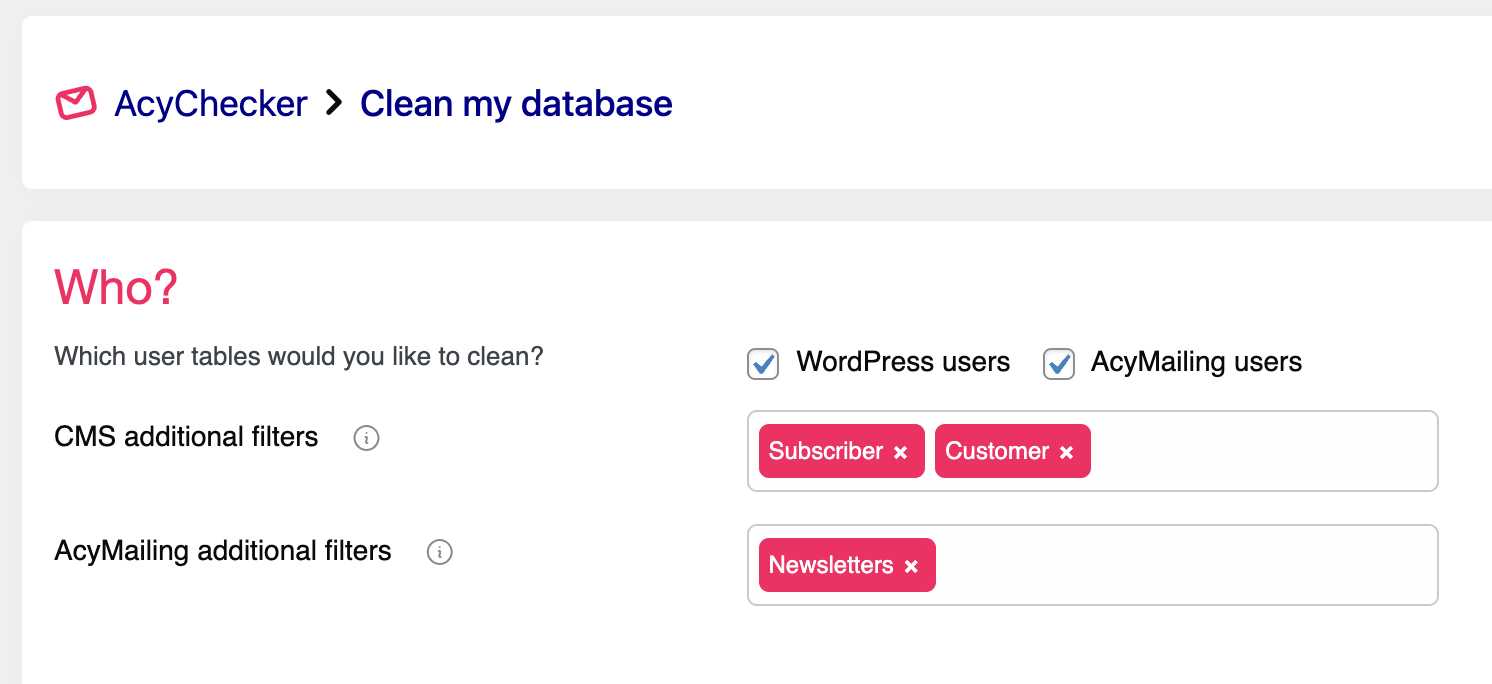
Bulk testing 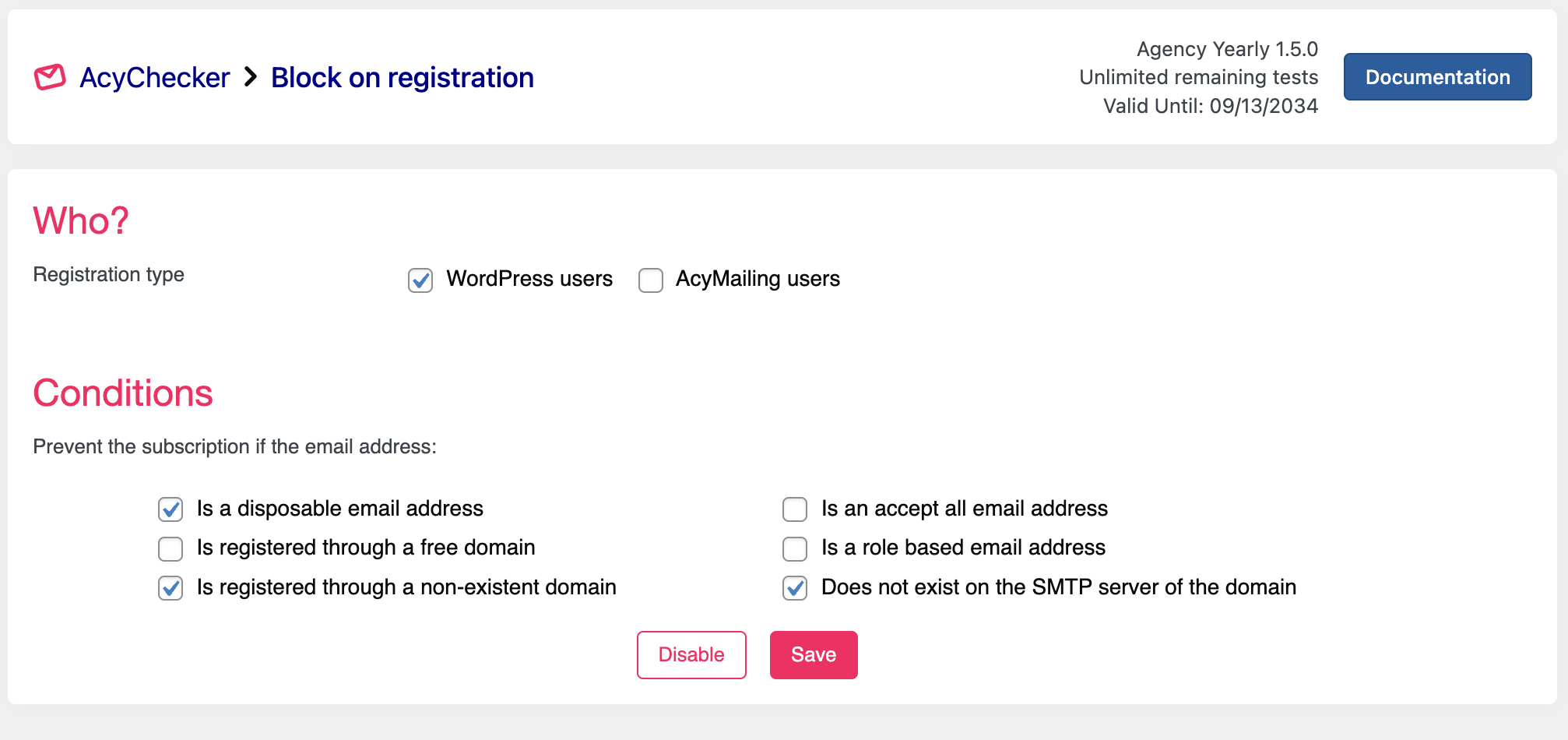
Secure registrations 
Highly customizable


Installatie
There are 3 ways to install this plugin:
1. First solution
- In your Admin click on your Plugin then “Add New”
- Search for
AcyChecker - Find it, install it, enable it
- You’re done!
2. Second way
- Download the ZIP from this page
- On the admin part of your site, click on “Plugins” then “Add New”
- Click on “Upload Plugin”
- Upload the ZIP, enable the plugin
- You’re done!
3. Third way
- Download the ZIP from this page then unzip it
- Upload the “AcyChecker” folder previously contained in the zip file via FTP on your site, under wp-content / plugins /
- Enable the extension on the admin part of your site
- You’re done!1. In your Admin click on your Plugin then “Add New”
- Search for
AcyChecker - Find it, install it, enable it
- You’re done!
FAQ
How to contact us?
Feel free to do it by using the contact page on our website.
Beoordelingen


Bijdragers & ontwikkelaars
“Anti Spam and list cleaner – AcyChecker” is open source software. De volgende personen hebben bijgedragen aan deze plugin.
Bijdragers
“Anti Spam and list cleaner – AcyChecker” is vertaald in 1 locale. Dank voor de vertalers voor hun bijdragen.
Vertaal “Anti Spam and list cleaner – AcyChecker” in je eigen taal.
Interesse in ontwikkeling?
Bekijk de code, haal de SVN repository op, of abonneer je op het ontwikkellog via RSS.
Changelog
1.7.0 – December 1, 2025
- The compatibility with AcyMailing 10.6.6 has been added for user deletion.
- Pressing Enter in the search bar doesn’t open the export options anymore.

